

I need help downloading Lightroom 5 presets, please?
I need help downloading Lightroom presets. When I download presets, they don't appear to be in LR format - the icons look like PDF documents. I need specific instructions from beginning to end, beginning with which program to choose to save or open a preset. My question is NOT how to get the preset into LR, I need help downloading presets onto my computer in the correct format. Lightroom 5.7.1 is installed and up-to-date on my Windows 10 computer. I apologize for all of the details and information I am providing, but I need answers, and Adobe only allows forum help - they do not answer any LR questions. I have been trying and giving up in frustration for 3 years to get preset help.
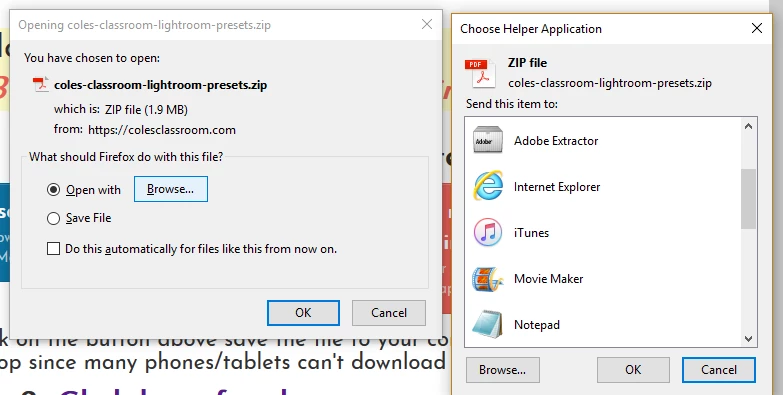
I try to find LR by browsing, but it is not a choice in programs (and not in Adobe folder). I choose Adobe Extractor because it looks like next logical choice. I have also done this by finding my LR program elsewhere but still get same results. What program should I be choosing??? (Please be specific)
Then I get this:
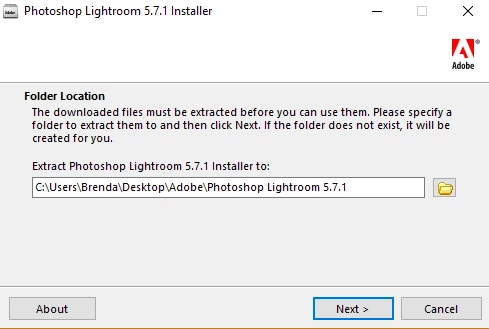
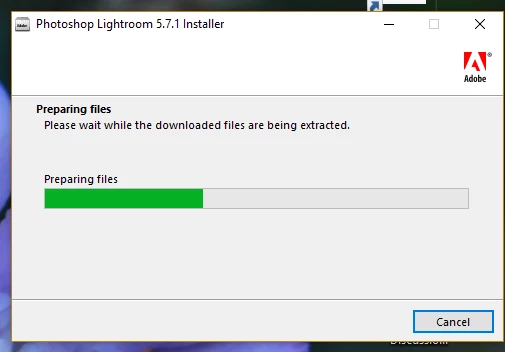
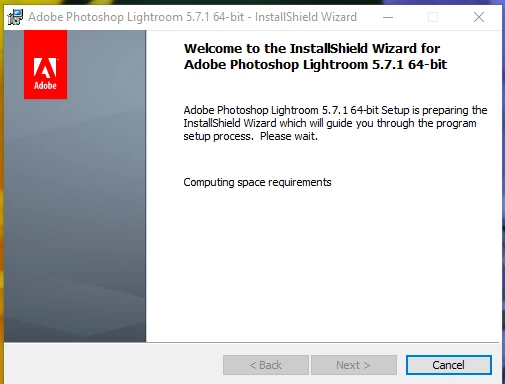
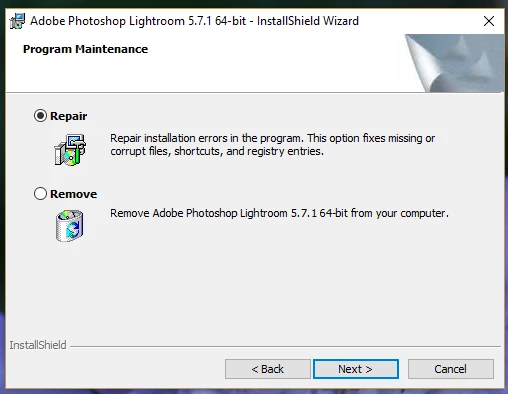
I choose "REPAIR" and "NEXT"
(I don't know why it needs to repair anything - does this every time)
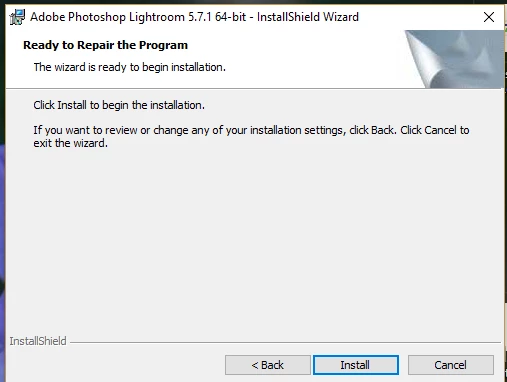
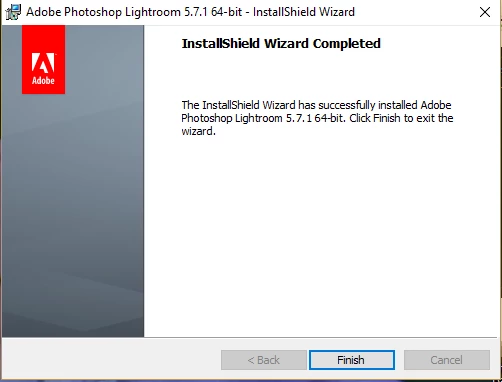
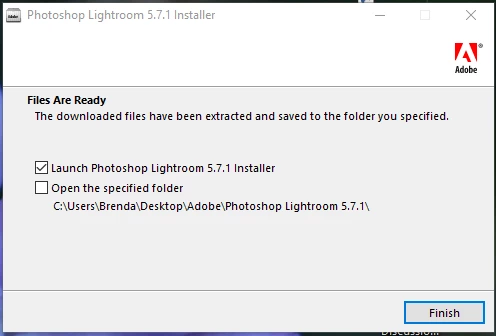
When I click "FINISH" it just finishes and closes.
Seems like I am just re-installing LR5, even though it is already on my computer.
Does not direct me anywhere, open any downloaded files, etc.
I locate the preset download on my computer (it is a PDF!!!) and when I click to open, this is what I get.
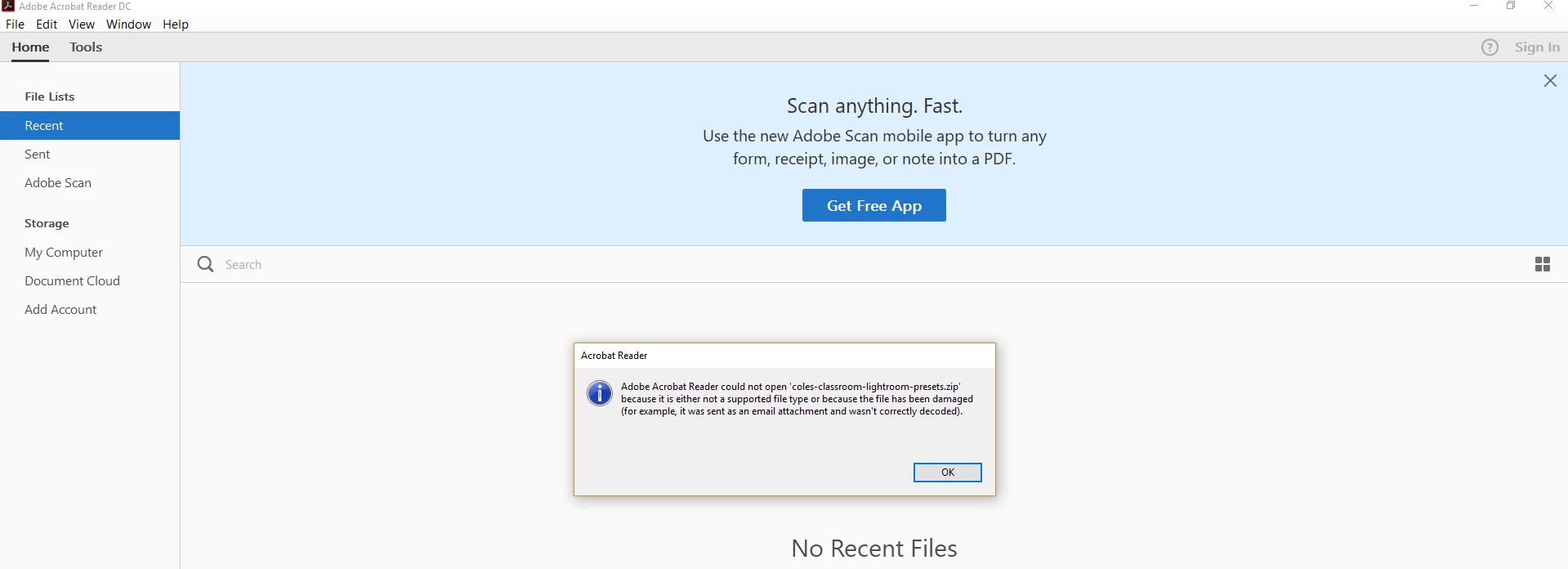
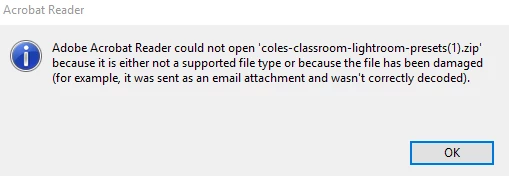
This is a closer view of the error message:
 AdChoices