
Inspiring
August 7, 2026
Question

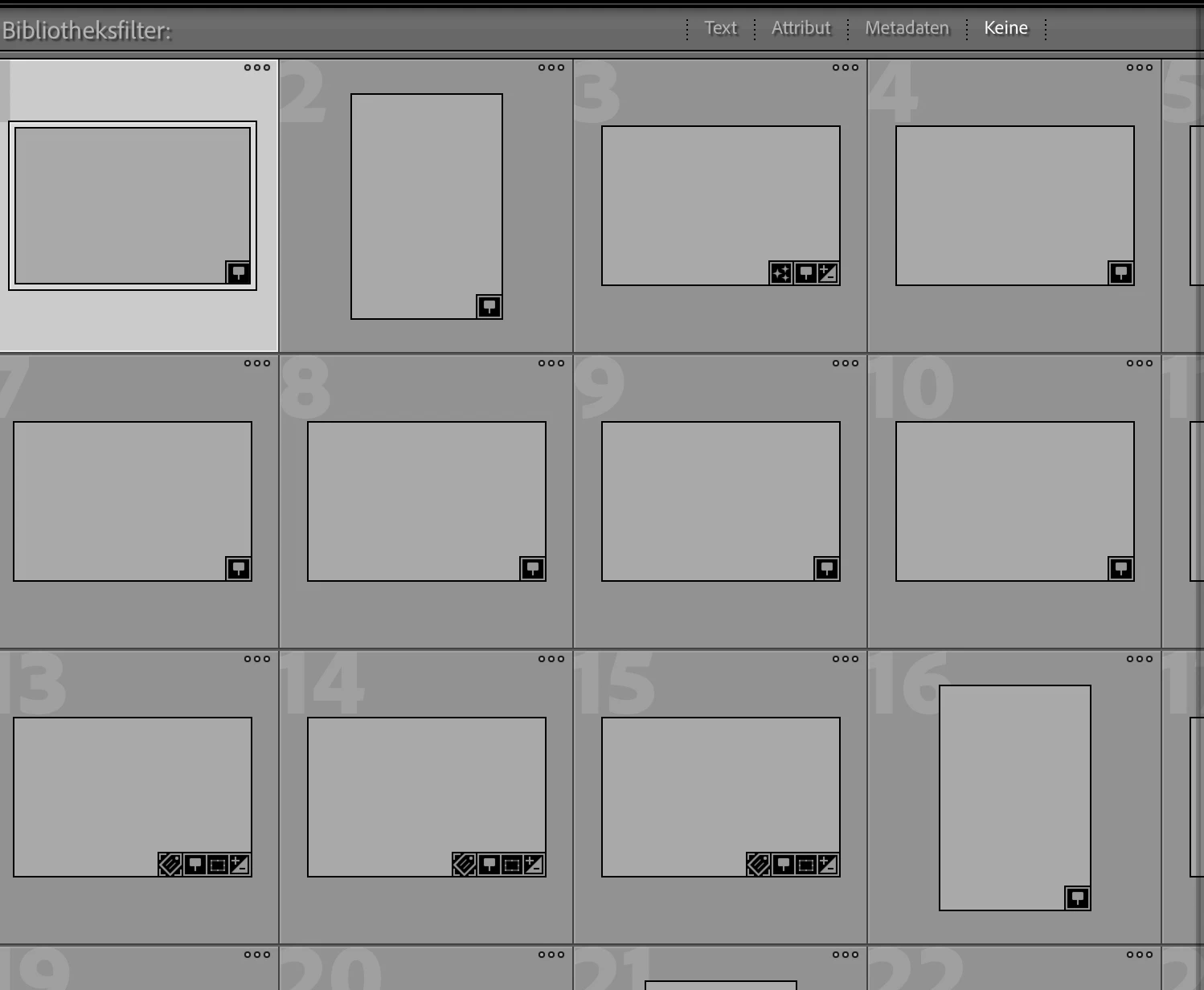
Ich habe ein Backup von meinem Katalog gemacht, und nun sind alle Vorschaubilder weg

  • August 7, 2026
  • 6 replies
  • 45 views

Ich habe bei meinem Katalog nur die Backupfunktion eingeschaltet und gleich ein Backup mit Katalogoptimierung gemacht. Und nun sind alle Vorschaubilder weg. Das habe ich ja noch nie erlebt. Wie kann das denn sein? Das Problem ist wirklich erst nach dem Backup enstanden.


    6 replies

    Community Expert
    August 8, 2026
    My System: Intel i7-8700K - 64GB RAM - NVidia Geforce RTX 3060 - Windows 11 Pro 25H2 -- LR-Classic 15 - Photoshop 27 - Nik Collection 9 - PureRAW 6 - Topaz Photo AI
    Inspiring
    August 8, 2026

    Ok, thank you for this. Now, I already started rebuilding my catalog. So, I can’t test anymore. But I keep this in my background in case it should happen again.

    JohanElzenga
    Community Expert
    Community Expert
    August 8, 2026

    What do you mean with ‘rebuilding my catalog’? That shouldn’t be necessary. This is most likely not a catalog issue, but an issue with the previews. You could try if rebuilding the previews solves it, by moving ‘catalogname previews.lrdata’ out of your catalog folder and then starting Lightroom Classic.

    -- Johan W. Elzenga
    Community Expert
    August 7, 2026

    Are you sure you opened the original catalog and not a backup copy? This would happen if you open a backup copy instead of the original catalog.

    Inspiring
    August 7, 2026

    Yes, I am sure, I did not open the backup copy.

    Community Expert
    August 7, 2026

    Strange for sure and shouldn’t happen. Haven’t seen this in many years of automatic backups of my catalog.