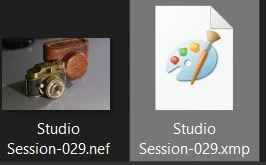
After clean install of Win11 and reinstall of LRC and Photoshop, the icon for .XMP file is gone. Not a very big problem, but I was used to that icon, and find it a little confusing with both .XMP and .acr showing just blank sheets. Any solution?
@an-mamo@online.no Being curious I did my own investigating and found some topics pertaining to your question-
Apparently now Adobe does not use a default icon for XMP files, other than the blank page. You cannot ‘Open’ an XMP file.
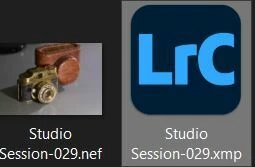
You can assign an icon from any executable app in WIndows-11 eg. WIndows Paint, Photoshop, or Lightroom, etc.
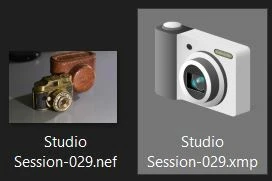
But for the the icon you are wanting it may only be possible by editing the registry (dangerous unless you know how). Icons like you ask about do exist in my Windows system-
I found this app buggy (maybe there are alternatives) but I could assign any of the icons that that the app shows as available.
In the end an XMP file is simply a text file that accompanies an image file, so ‘Notepad’ would suggest a suitable default icon, until your desire for the XMP icon requires you to change it (with difficulty).
Hey, @an-mamo@online.no. Welcome to the Lightroom Community. I’ll help you figure this out.
There are a few ways to configure the file-type associations. In Windows, go to Windows Search > Apps > Default Apps and at the top of this settings page, search for .xmp & set the default application from the list.
Let me know if this helps.
Thanks! Sameer K
(Type '@' and type my name to mention me when you reply)






 AdChoices