Participant
March 1, 2022
Question

Image in lightrroom without correction is different between original

  • March 1, 2022
  • 2 replies
  • 122 views

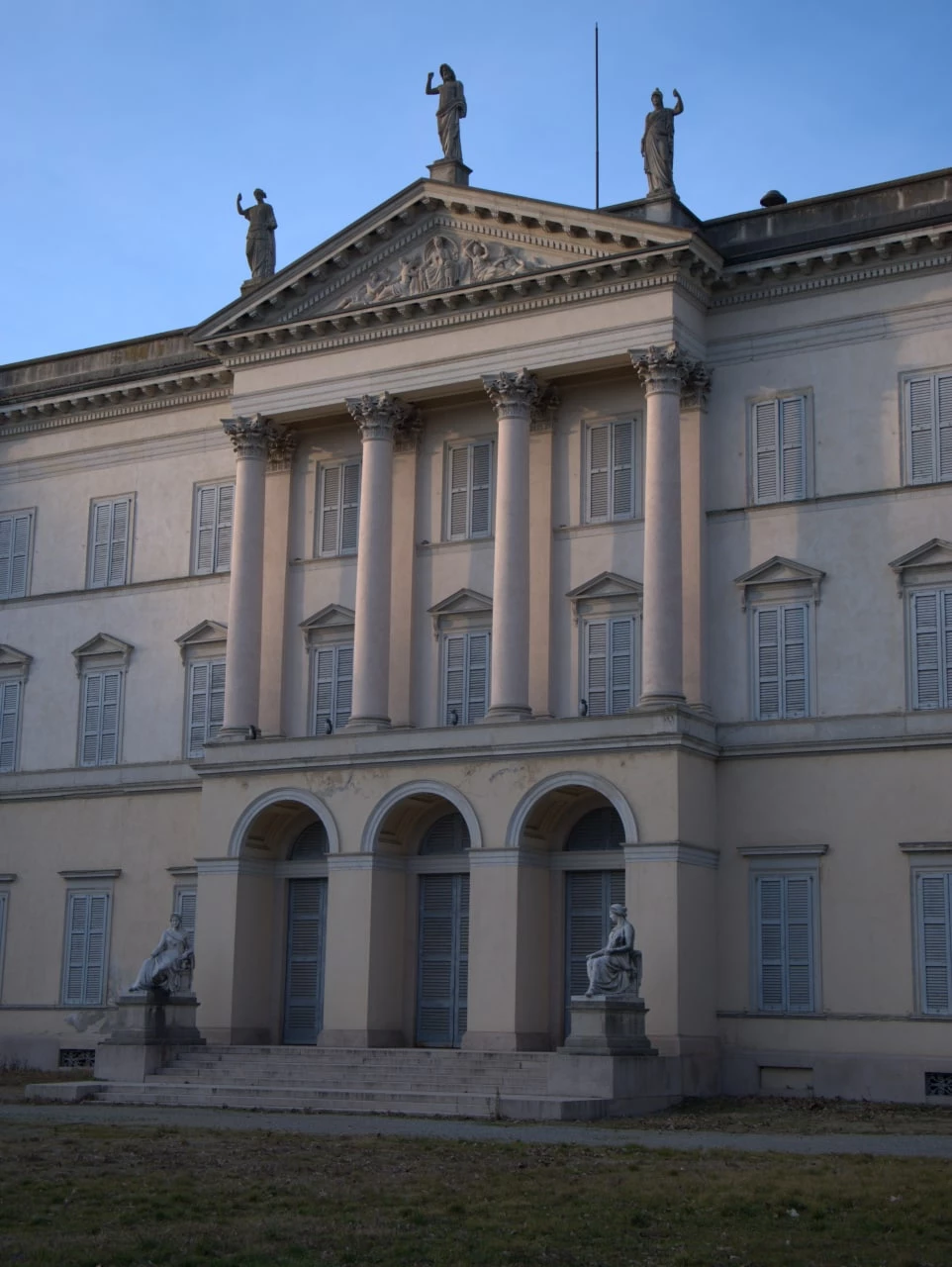
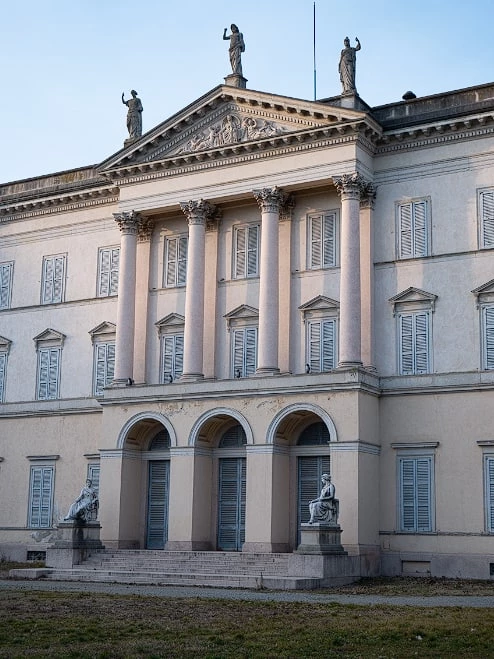
Hi, When I import in lightroom a photo It's different between original, also before some editing. It is brighter and more detailed. 

Here's an example:

ORIGINAL:
IN LIGHTROOM
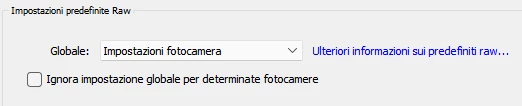
In the preferences "camera settings" is On, how can I solve it?
Thanks

This topic has been closed for replies.

2 replies

Earth Oliver
Legend
March 1, 2022

Yes, this is how Lightroom works and there are countless articles and videos about the behavior:


https://www.google.com/search?q=lightroom+changes+color+after+import

TheDigitalDog
Inspiring
March 1, 2022

The "Original' is a raw? If so, that is the embedded JPEG from the camera which is proprietary. LR must create its own previews based upon its own proprietary processing and based on whatever presets you may have applied. IOW, if this embedded raw JPEG doesn't match; to be expected and normal.

Author “Color Management for Photographers" & "Photoshop CC Color Management/pluralsight"