Image not correct after coming back to Lightroom (until viewed 1:1)
I"m not sure how to title this, but here's what's happening. I did screen captures so you'll see what I see.
Nikon D850 shooting a 20-image focus stack. Take the first 10 IMAGES, export them to Helicon Focus using 'dng' as the image format, do the rendering in HF, save the output dng with a unique name, and return to Lightroom... Looks fine. Flowers in front are sharp, flowers in back are not.
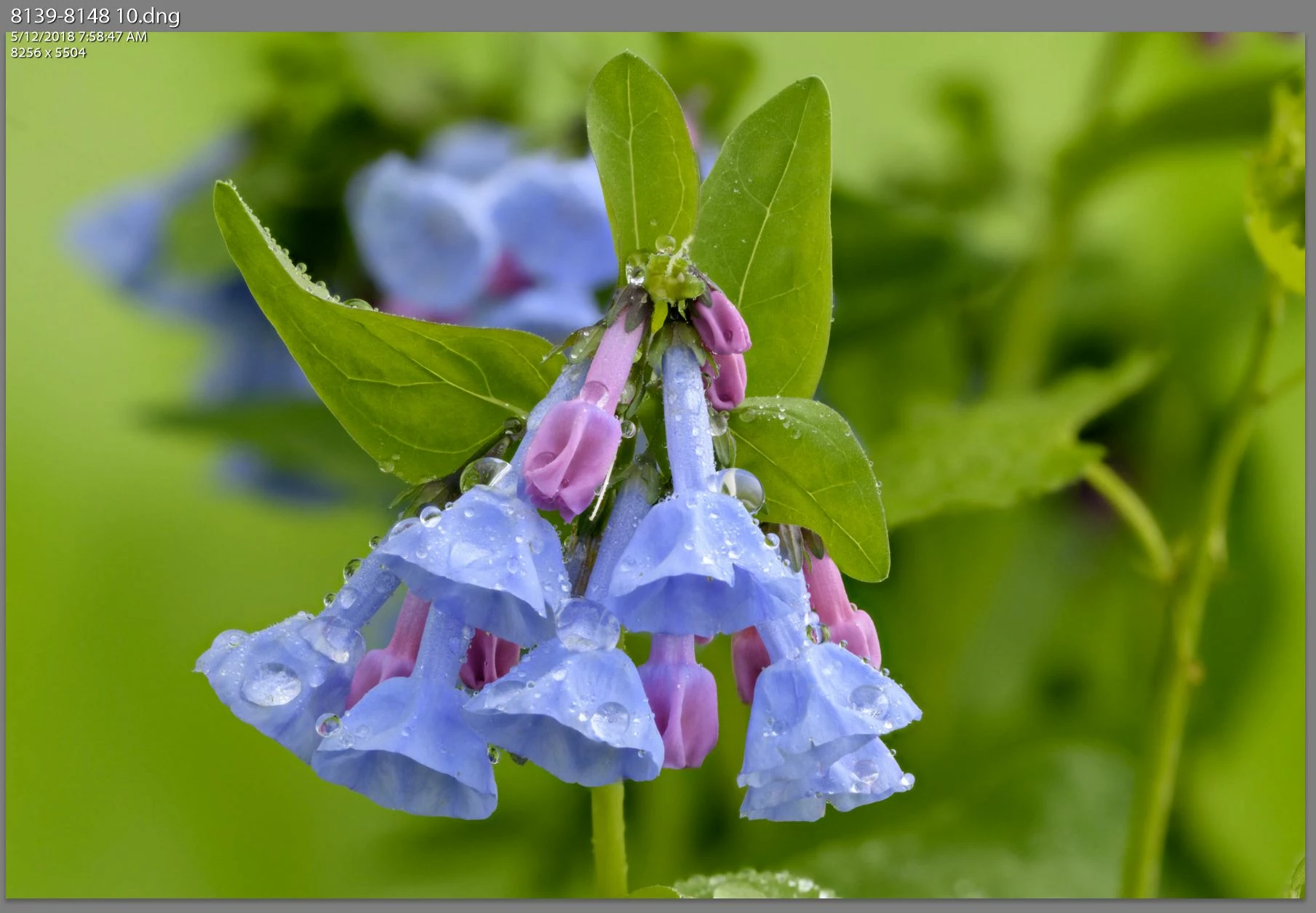
Take the SAME SERIES, but this time export all TWENTY images, do exactly the same rendering in HF, save the output dng with a unique name and return to Lightroom. Looks EXACTLY the same as the previous 10-image stack. Flowers in front are sharp, but flowers in back SHOULD BE SHARP.
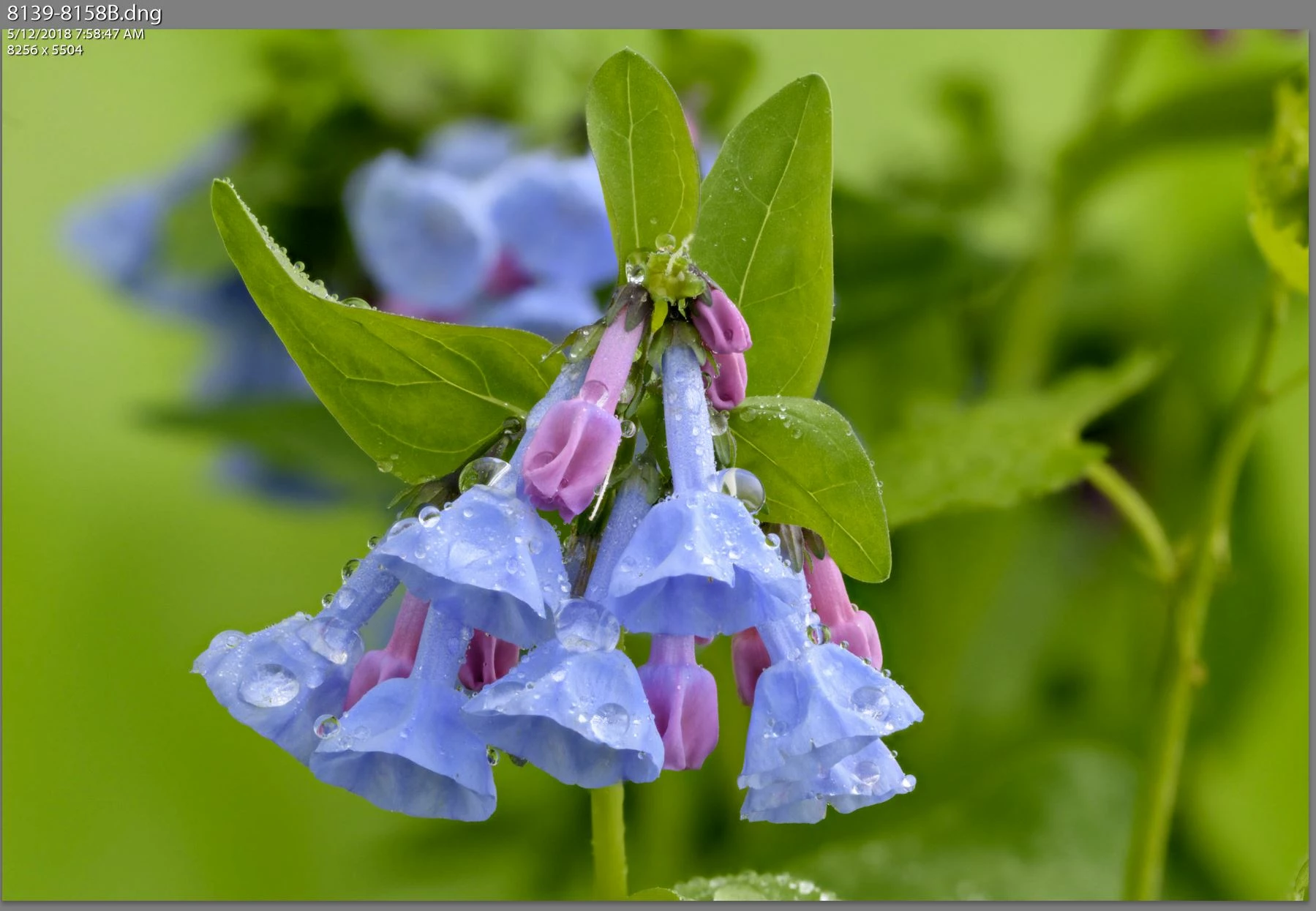
If I take the 20-image output and view it 1:1, it does the normal "loading" then CHANGES to the output I'm expecting to see with both the front AND back flowers sharp.
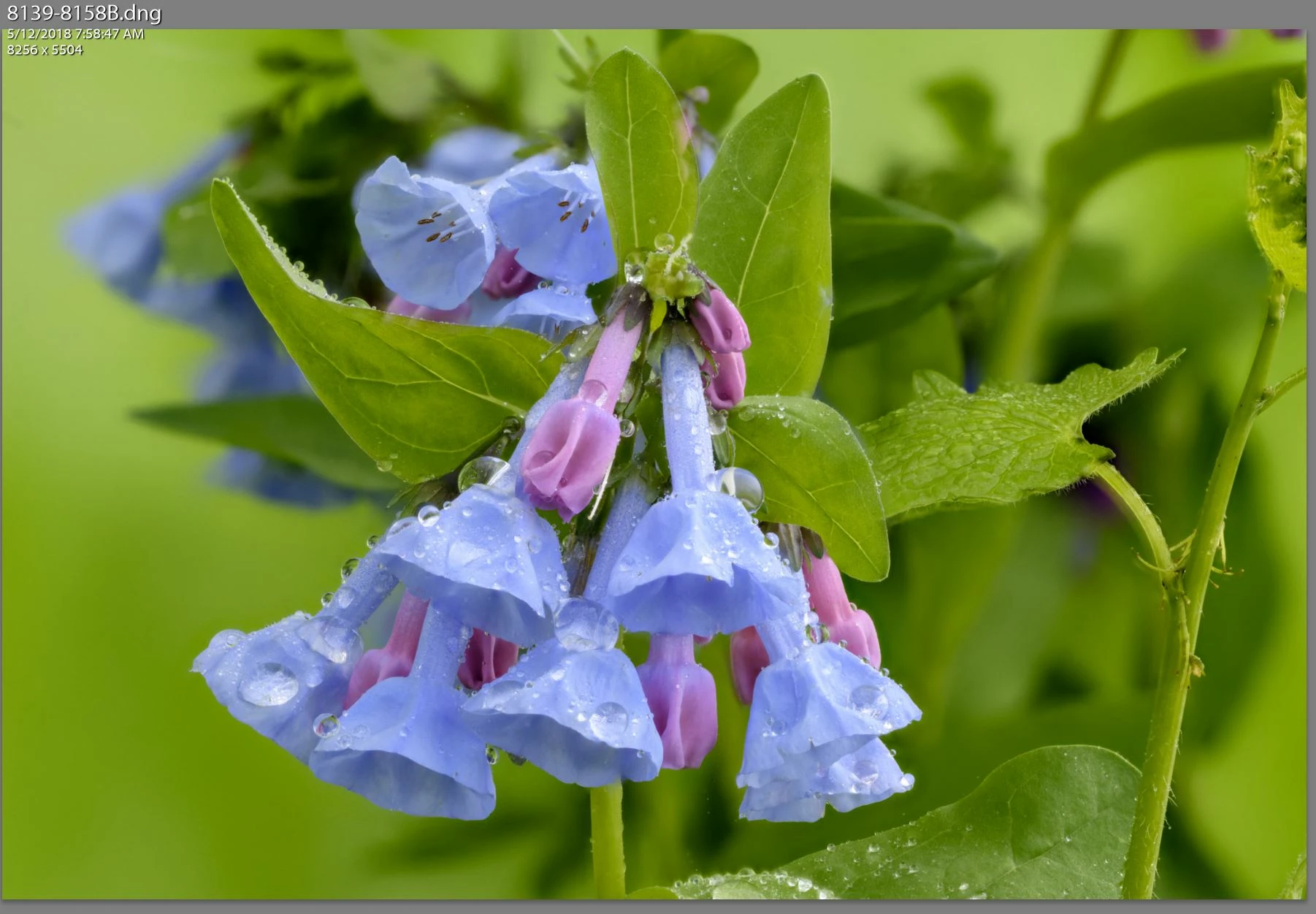
The two images have DIFFERENT names, were created in sequence so they're from different times, and they' DIFFERENT SIZES. The 10-image stack is 167,990,154 bytes and the 20-image stack is 170,022,812 bytes.
I'm guessing it's SOMETHING I have set goofy in the preferences that's causing this, but I have no idea what. The two images LOOK the same (with the second one being inaccurate) until I view it 1:1, after which as far as I know, it stays showing the correct image - I exited from Lightroom, started it with a different catalog, then restarted it with the original catalog and the second image still displayed correctly...
BTW: I've even completely deleted all the files in cache between runs just to see if it was something odd there, but that didn't appear to make any difference.
Can someone tell me what's going on, and presuming it's a preference or something, what I should change?
 AdChoices