
Images acquire red tint when exported.
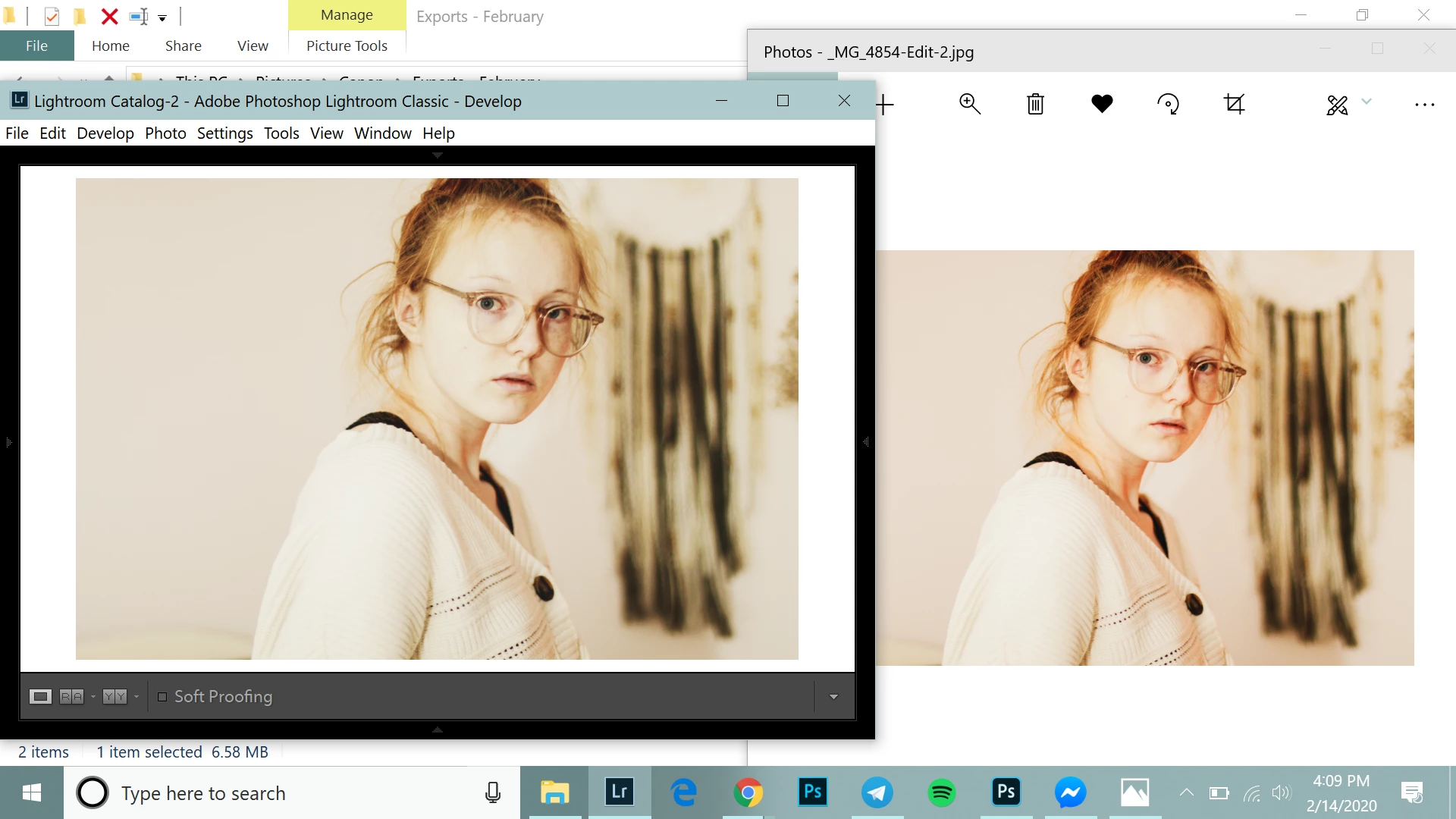 I've seen this posted in plenty of forums already, but the solution to all of them was not my solution. The amount of color burning changes depending on who knows what. The image shown is an extreme case, given that it is not very warm to begin with. The screenshotted display was not opened in chrome, but I have tried that, and it doesn't change anything. I've sent the images to other devices and it's looked exactly the same as it does here, different than in lightroom, oversaturated with a red tint. I have no export presets enabled. I edit the DNG in AdobeRGB and export as sRGB. I've calibrated my display. I've disabled flux. I don't know what to do.
UPDATE: I exported as DNG and opened in camera raw. The colors did not change. I exported as PNG and opened in chrome; the red tint was there as with the JPG.
 AdChoices