Mobstersinc
Inspiring
August 31, 2026
Question

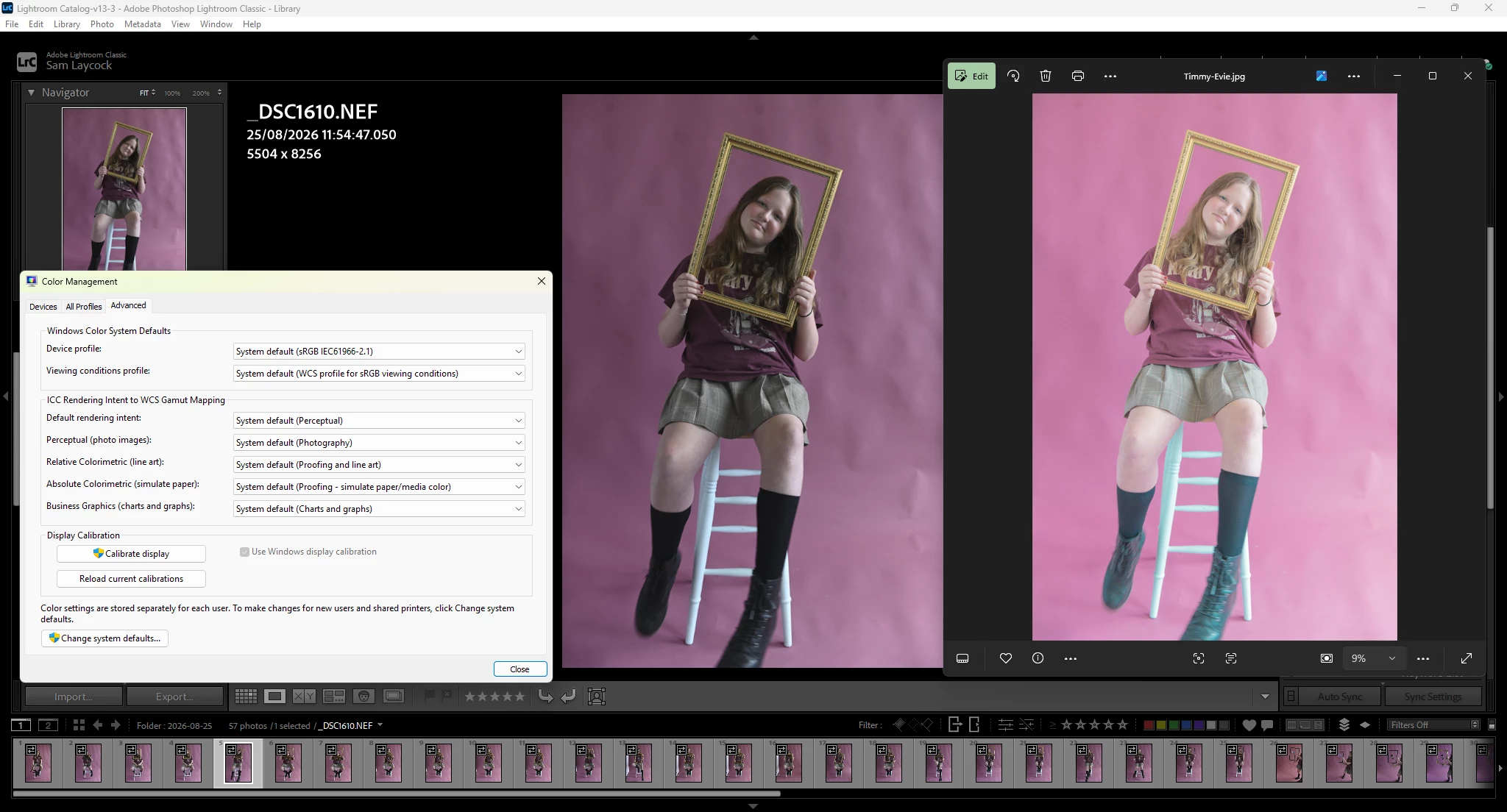
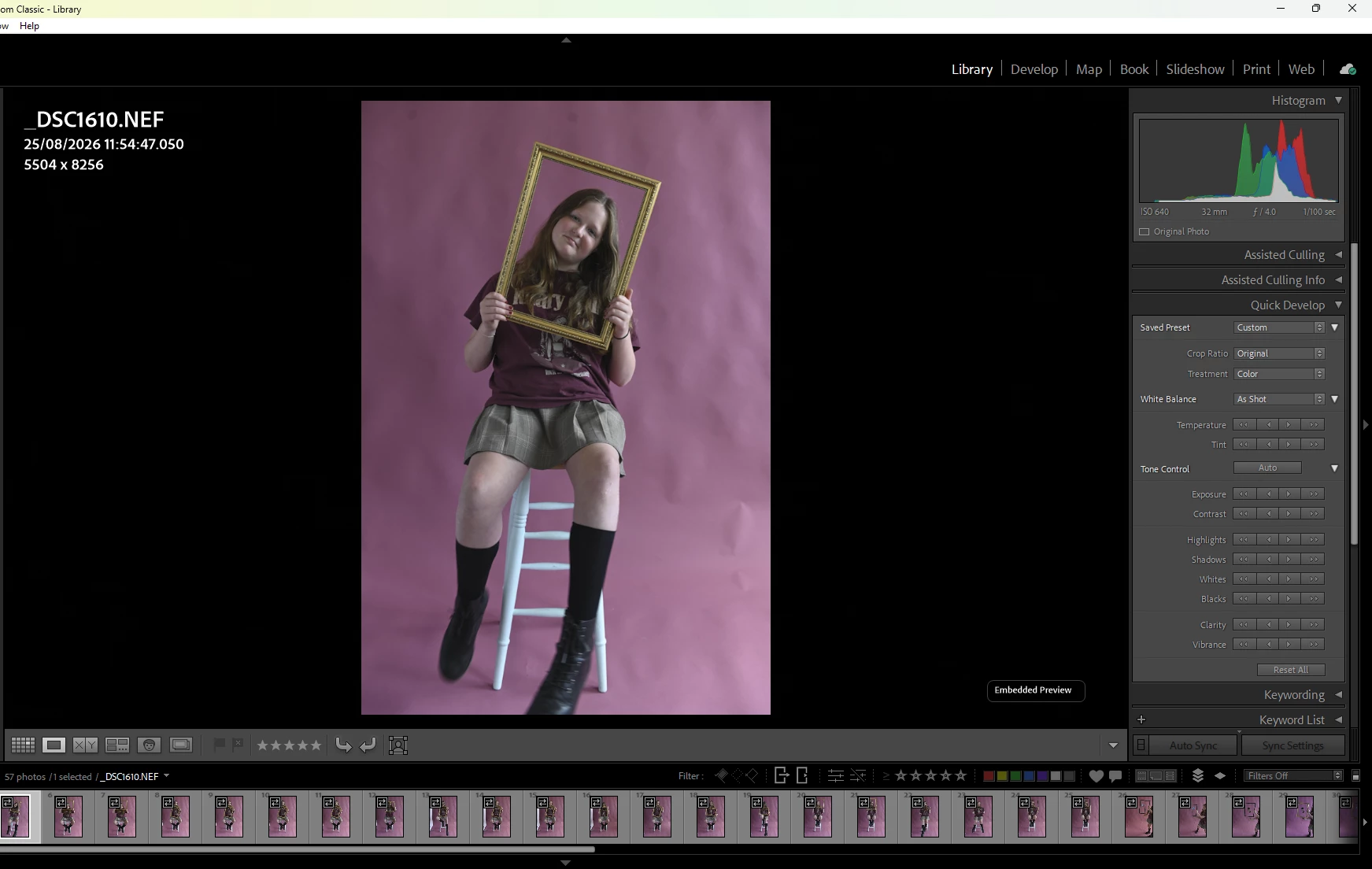
Images are highly saturated on export from Lightroom.

  • August 31, 2026
  • 1 reply
  • 17 views

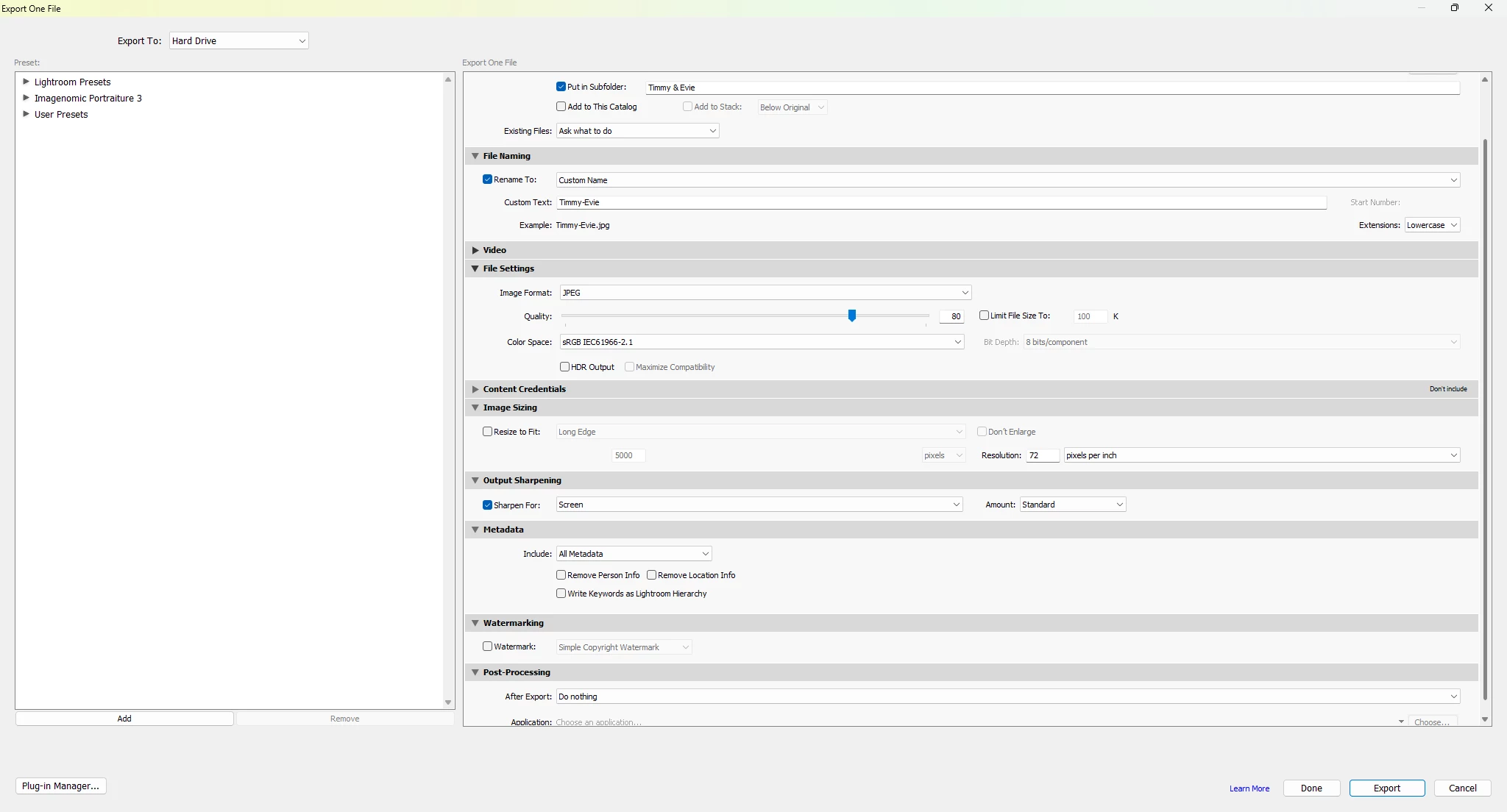
Hi, when I open photos from Lightroom into Photoshop or just export as JPEG to my desktop, the images are very diffrent. Can anyone help me fix this please. The images show what I’m struggling with. Please help if you can, I’m matching sRGB in Lightroom & PS and it doesnt make a diffrence. This is exported from LR to desktop and produces the same result…. :-/
 

1 reply

Per Berntsen
Community Expert
Community Expert
August 31, 2026

This is looks like a defective monitor profile.
As troubleshooting, and as a possible temporary fix, try setting it to sRGB.

With LrC, Photoshop and Photos closed, go to the Devices tab of the Color management dialog (the Advanced tab is not relevant here).
Add the sRGB profile, then set it as default.
If this fixes the issue, you should ideally calibrate your monitor with a hardware calibrator, which will also create and install a custom monitor profile that will be more accurate than sRGB.
(if you have a wide gamut monitor, use Adobe RGB instead of sRGB)

If this doesn’t fix the issue, please go to Help > System info in LrC, click the Copy button and paste in a new reply.