kirkm48402234
Participant
August 14, 2018
Answered

Import doesn't use "date taken" for renaming

  • August 14, 2018
  • 2 replies
  • 1531 views

I've noticed some of my photos have a different date stamp (they were on external drives, moved to a server, then backed off to another server and now I'm trying to import into LR Classic)

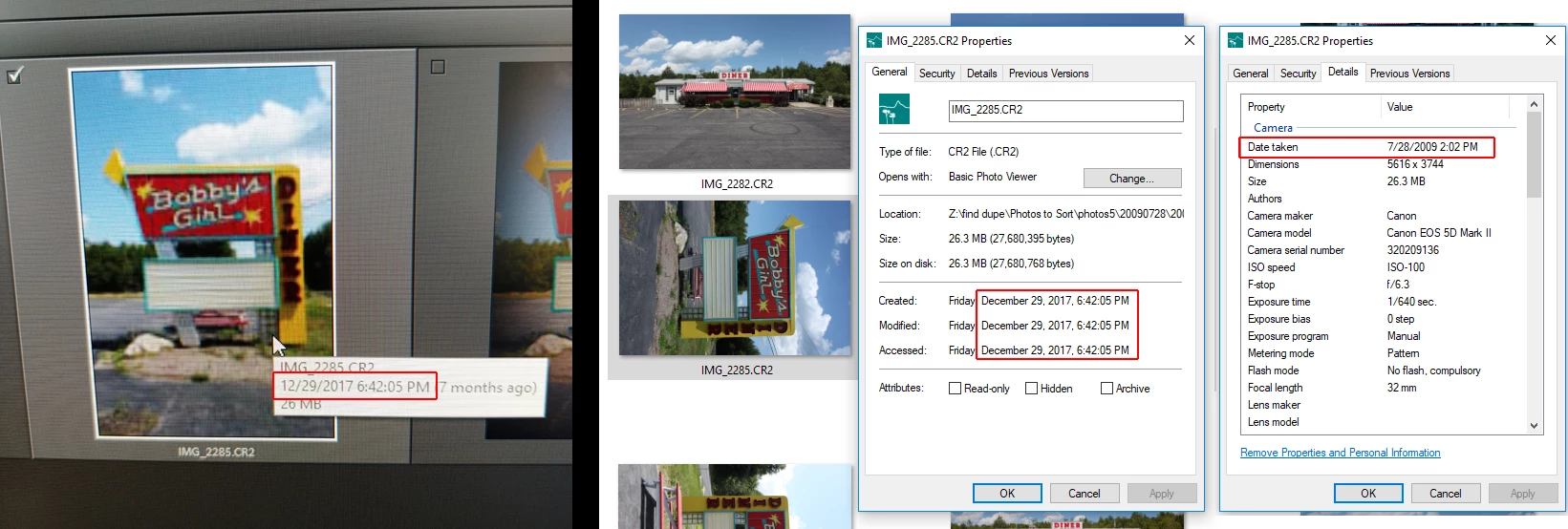
You can see from the image below that the create/modified/accessed date stamp on the file (Running Windows 10) is 12/29/2017.  But on the details for the image, the camera's "date taken" is 7/28/2009

When I mouse over an image on the import screen (before importing) it's showing the file stamp, not the date taken.  If I import this image, it's going to rename and organize it to the wrong date.

Losing the original date stamp happens especially when moving files between Linux and Windows (not always, I think it may be because of SMB).  But shouldn't a photo be indexed based on it's original date taken?

Am I missing a setting when I'm importing images, or is this a major LR bug?
This topic has been closed for replies.
Correct answer johnrellis

Just sent you a PM


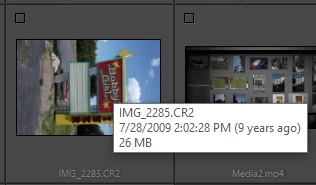
I'm observing the correct behavior with the sample file you sent (LR 7.4, Windows 10).  Mouse rollover shows 7/28/2009:

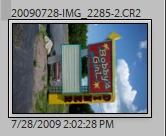
On import, doing Rename Files with the template Date - Filename yields the expected filename:

Is there a .xmp sidecar next to that file at the time you do the import?  Perhaps the .xmp sidecar contains the wrong capture date.

2 replies

Just Shoot Me
Legend
August 14, 2018

To your real question.

When I hover over images in the import dialog I see the Capture date/time (IE the date taken) and not the File Create date. Although if the image is from an Unknown camera and whatever that camera is did not write a proper Capture time/date in the EXIF then LR don't know what it is and uses the Create on Disk date.

kirkm48402234
Participant
August 15, 2018

But as you can see from my screenshot, the Camera info is there (image on the right).  But LR is not using that capture date/time, just the file modify time.  That seems incorrect.

johnrellis
Legend
August 15, 2018

But LR is not using that capture date/time, just the file modify time.  That seems incorrect.

I suggest you upload one of the problem photos to Dropbox or similar and post the sharing link here. We can put the file under the microscope and see what might be going wrong.

Just Shoot Me
Legend
August 14, 2018

The Created, Modified and Accessed dates are for when the FILE was Placed on the Hard drive and or Modified and or Accessed.

This is Completely different from what the camera write as the Capture, Date Taken, date.

Since LR never changes the original image, mostly never modifies the image File (there are exceptions to that for certain file types) the Modify and accessed dates usually always stay the same as the Created date and that is when the file was Placed, copied moved whatever, on the Hard drive.