
kens634204
Inspiring
October 14, 2024
Question

Import freezes

  • October 14, 2024
  • 1 reply
  • 89 views


Using lightroom classic 13.5.1

Steps to reproduce

1) Launch Light Room
2) Click Import photos
- takes a very long time for the dialouge to display
3) Import dialogue opens
- there are no sources listed
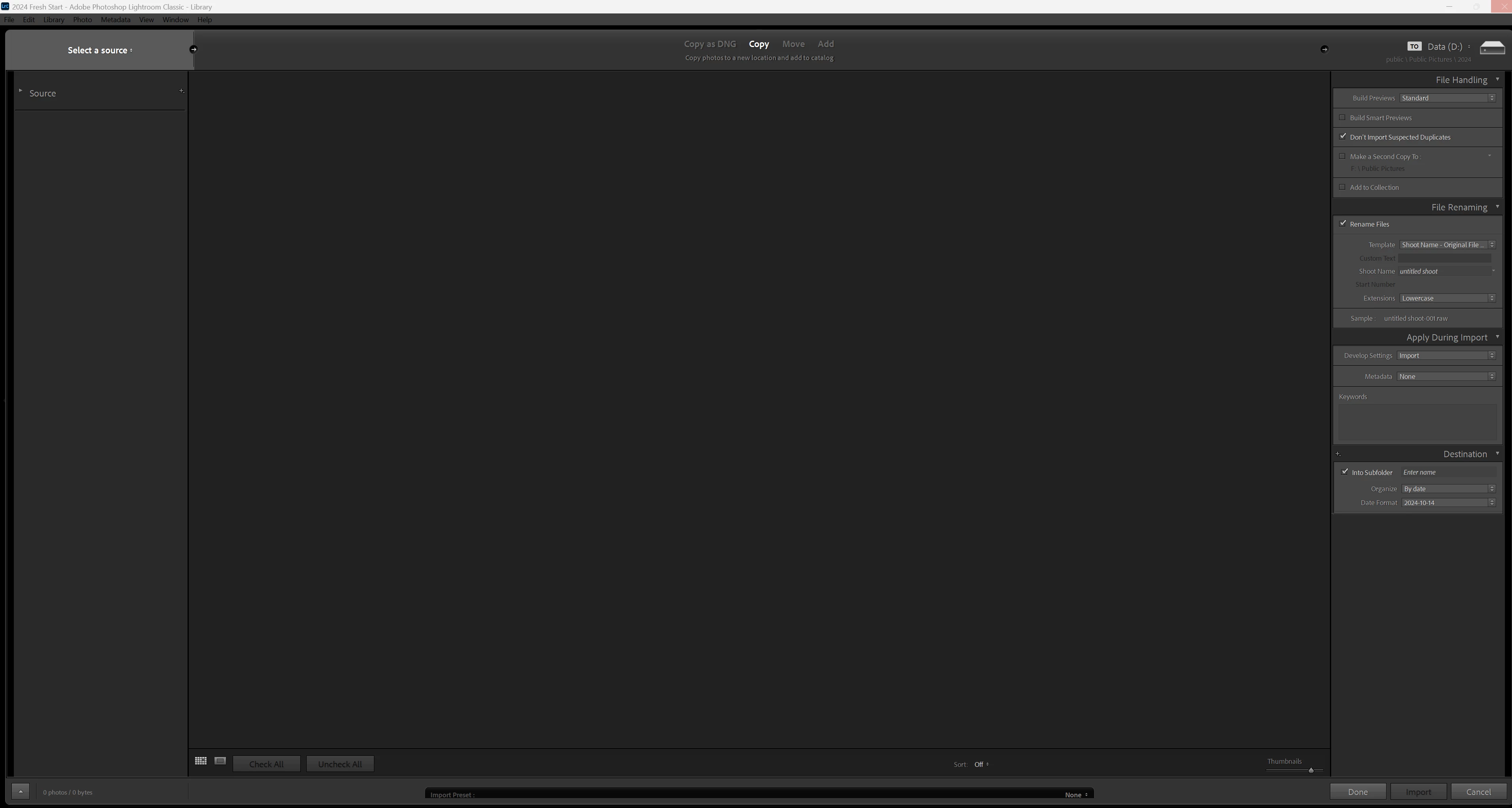

- try to click on the add sources and it just hangs

I've even tried with a brand new catalog
Have uninstalled and reverted to 13.1.1 and there's no diffeence.


This topic has been closed for replies.

1 reply

Sameer K
Community Manager
Community Manager
October 21, 2024

Hey, @. Welcome to the Lightroom community. I'll help you figure this out.

Try these steps:
1 - Update Lightroom to the latest version via the Creative Cloud desktop app and check if the issue exists. 

2 - Please unplug any storage devices & hard drives.

3 - Follow the steps shared here to manually reset Lightroom Classic: https://adobe.ly/4dSYHfd;

 
Let me know how it goes.

Thanks! 
Sameer K

(Use '@mention' to tag me when you reply)