Participant
May 9, 2026
Question

Import from another catalog does not show all folders

  • May 9, 2026
  • 1 reply
  • 12 views
  1. Restore backup of catalog with 2391 folders and 48695 photos.
  2. Open current catalog.
  3. Select Import from Another Catalog.
  4. Open restored backup of the same catalog.
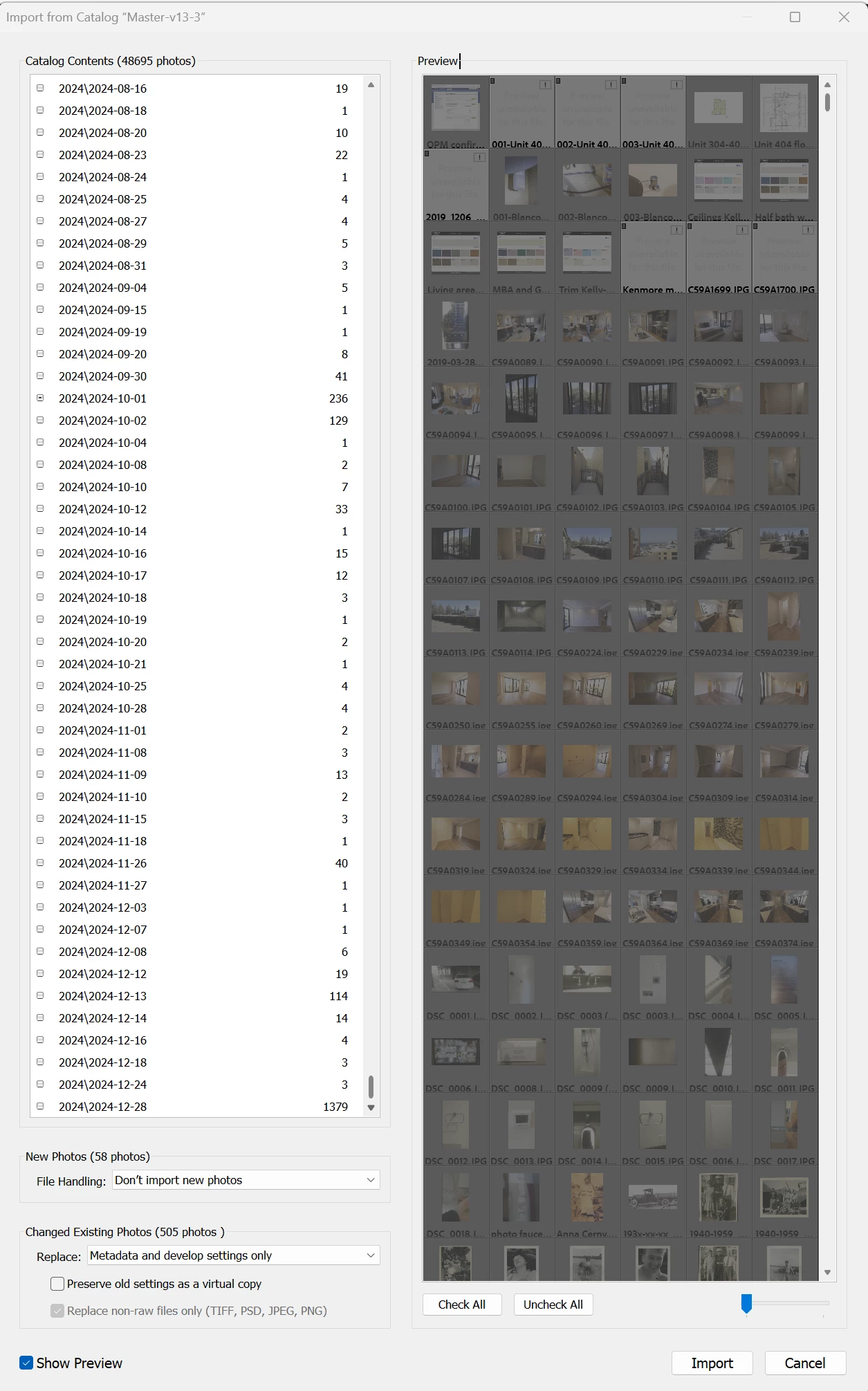
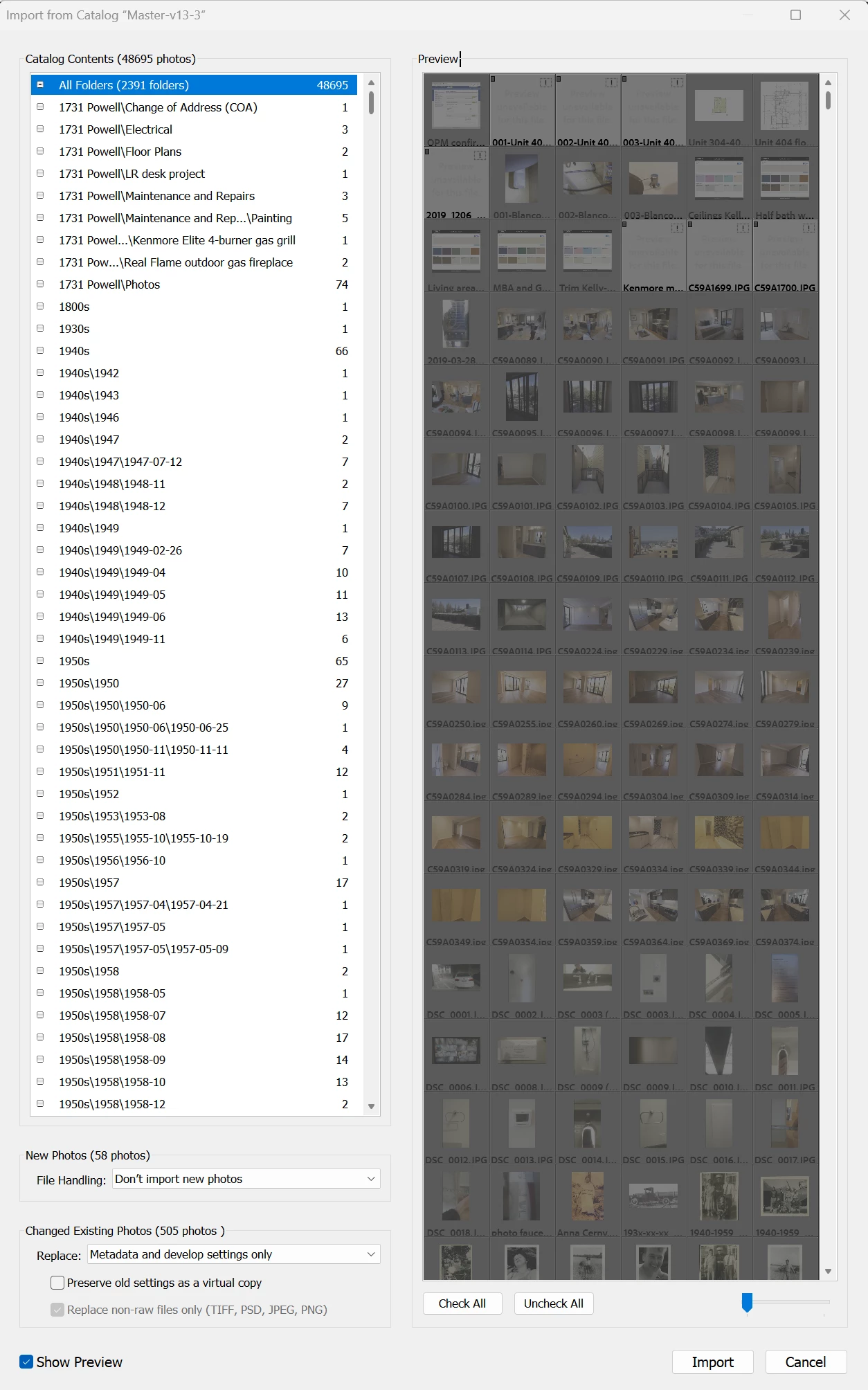
  5. Catalog Contents does not show all folders; stops at 2024\2024-12-28; folders for following years not shown, boxes to left of folders do nothing.
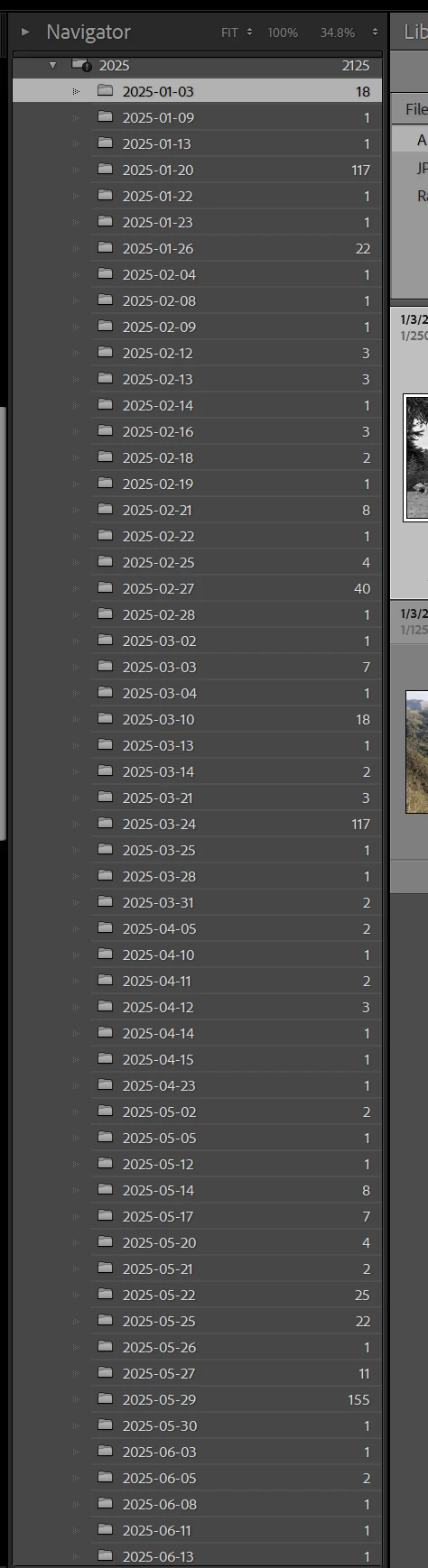
  6. Restored backup catalog passes integrity check, opens and works normally, and 2025 - 2026 folders are present.
Folders 2025 - 2026 not shown
Restored catalog backup


    1 reply

    dj_paige
    Legend
    May 9, 2026

    It might be this bug where the number of items in a list is limited. The link talks about keywords but I believe the same bug applies to folders.

    https://community.adobe.com/t5/lightroom-classic-discussions/p-windows-limit-on-number-of-keywords-folders-collections-in-panel-prevents-scrolling-to-bottom/m-p/10854636#M172569


    A workaround is to split the catalog you want to import into two (or more) catalogs and then import the split catalogs one by one.

    Participant
    May 9, 2026

    That bug refers to the Library module display.  This bug is in the Import from Another Catalog -> Catalog Contents panel.  I exported just the folder I needed as a catalog and imported that into my current catalog as a workaround.