
noimagination1
Participant
Oct 2, 2025 6:20 PM UTC
Question

Import is not working in Lightroom Classic in Windows ARM

Hi there. 

I have a windows copilot surface pro 11. 

So, I am working on Windows ARM.


When I try to import photos to lightroom, I dont see any image on thumbnails at all. Like this>
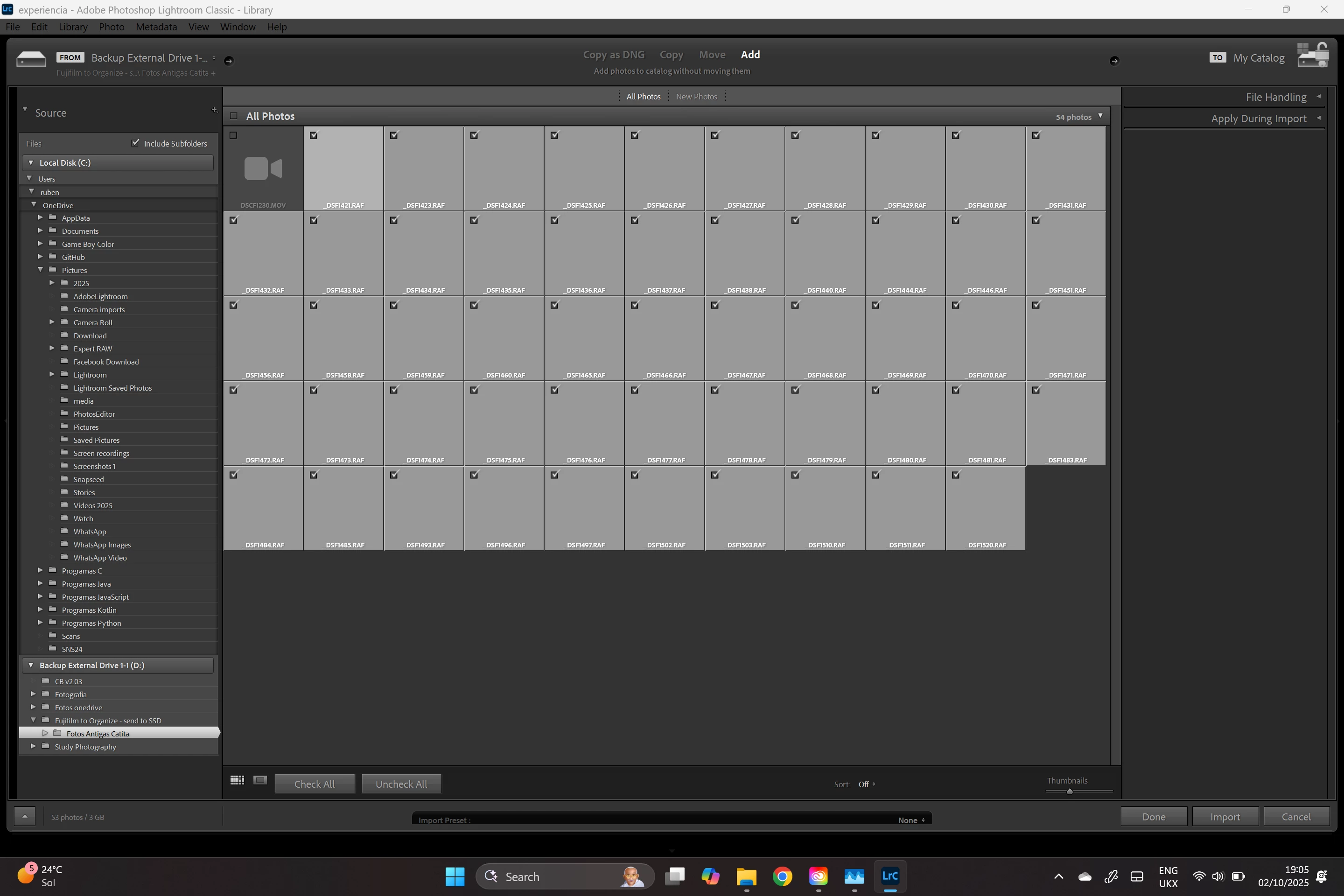
 

If I select all the images I want to import and click on import, I get this:
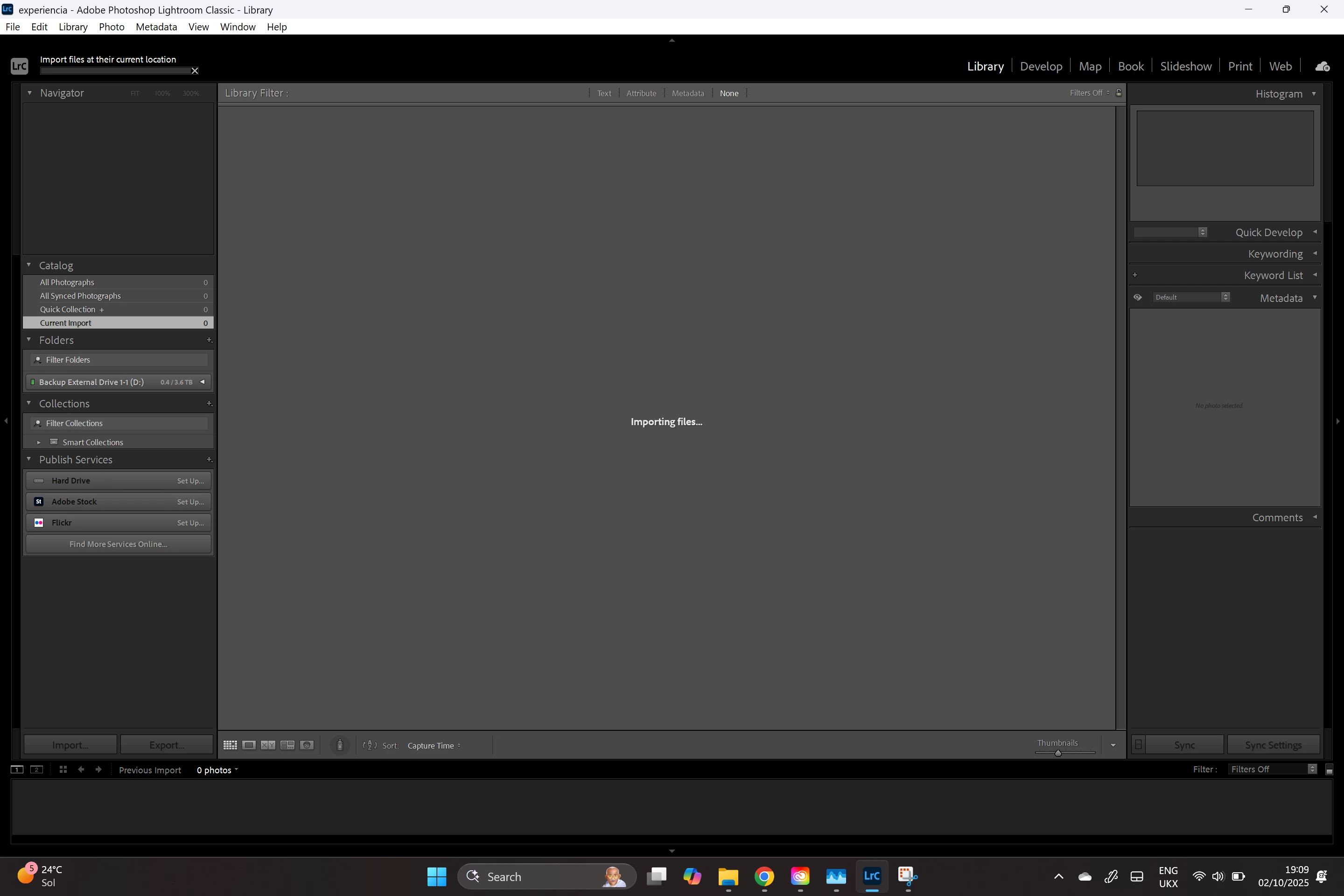
I can leave the computer as long as I want that nothing appens. 

Lightroom is not crasched per se. I can still work with the pc. Lightroom is barely using CPU or Ram. Just sits there, for hours if I let. 

if I cancel the import I get this:
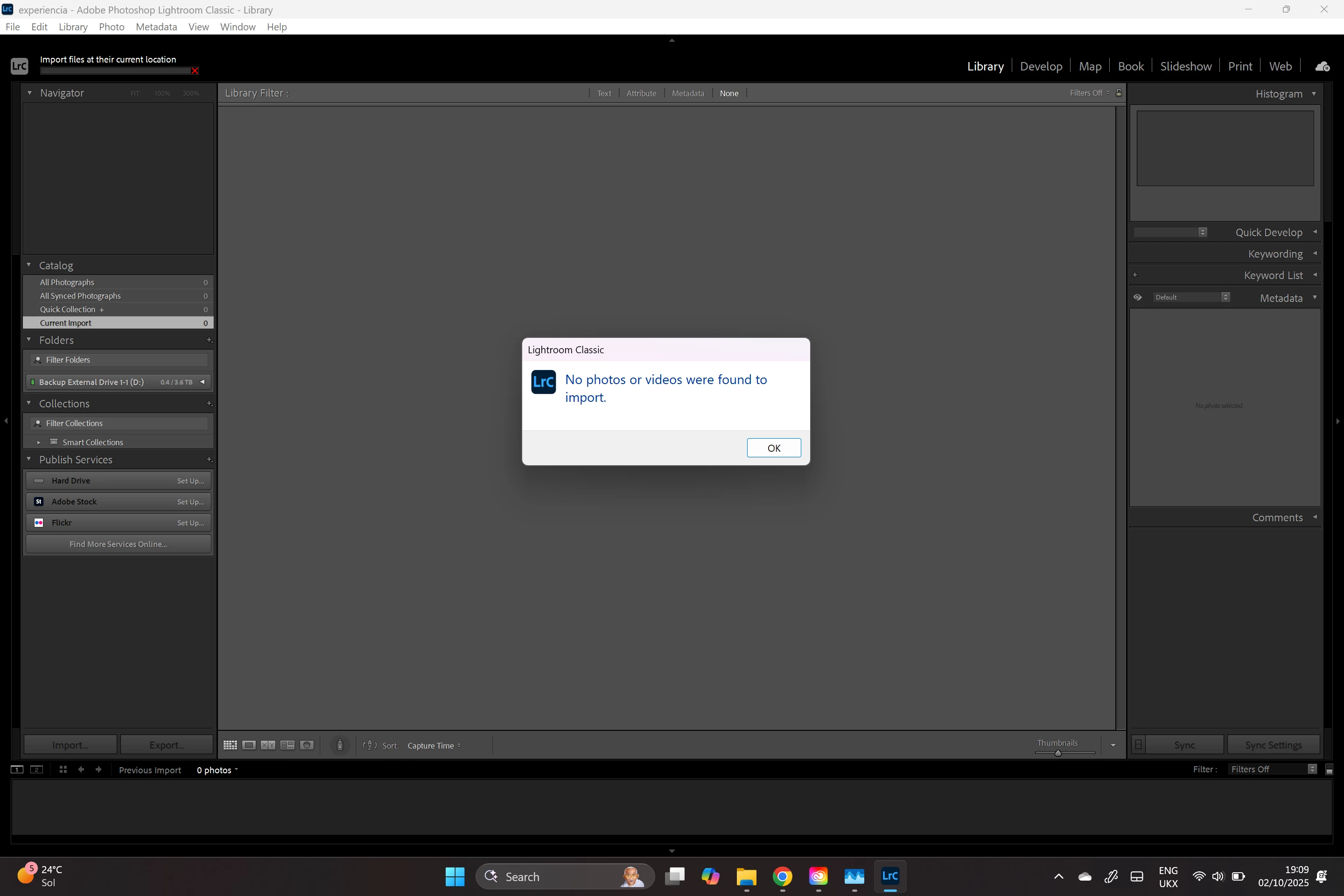
 

I have enough space in disk. 
I am just adding pictures. 
I tried having the pictures in the pc hard drive and on a external hard drive. 
I tried changing permissions. 

I cannot get arround this to import photos into Lightroom. 
can you please help me!??


THANK YOU

5 replies

Participant
Oct 25, 2025 9:19 AM UTC

Hi,


Same kind of issues on Lenovo Yoge Slim .... 

and Lightroom Classic 14.5.1 

Translate
Participant
Oct 22, 2025 9:17 AM UTC

Having the exact same issue.  I have tried installing the Adobe Camera Raw ARM64 17_5 file .  It runs but doesn't install the ARM component.... it is so frustrating.

Translate
noimagination1
Participant
Oct 2, 2025 6:29 PM UTC

On an update, it does import with no issues from the camera but only on "copy" or "copy as DNG".
I really don't get it

Translate
MassC
Legend
Oct 2, 2025 10:25 PM UTC

Hey! @noimagination1, 

Thank you for sharing that you're on a Windows ARM machine as well as the troubleshooting steps you've already tried. This gives us a starting point. There are a few known issues regarding ARM on Windows machines. Check out this article: https://adobe.ly/3VPbDfB

Could you please share the exact version of Lightroom Classic you're using? You can find this by going to Help > System Info. Please copy and paste everything into a text file and attach it here. 

^CM

Translate
noimagination1
Participant
Oct 3, 2025 8:45 AM UTC

Hi there. 

Thanks for the answer. 

I had already searched throught the article you're provided but couldn't find any answer to my issue. 


I am using version 14.5.1


Thank you 

Translate