


Import JPG created as the output of CR3 from within Lightroom.
My normal work practice of taking all my photos as CR3, doing all the Develop work, then exporting as JPG and reimporting the JPG back into Lightroom has suddenly stopped working.
I have just moved my catalogue to my G: Drive from being split between my D: and G: Drive and been through the problems that caused with the Capitalisation of different folder names. Got this resolved yesterday so I am back focusing on my normal processing.
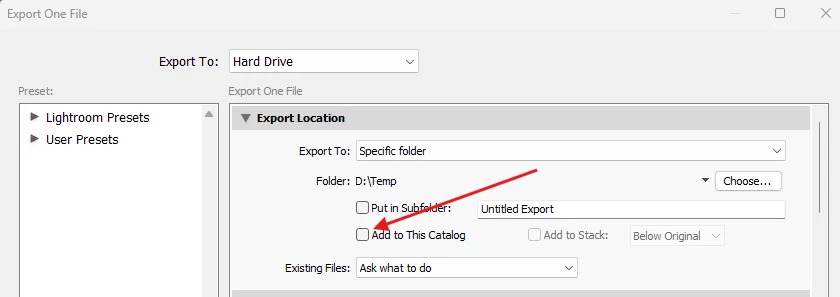
After earlier issues that I raised a question over about a month ago I modified my Export Script to output the JPG into the same folder as the CR3, whereas I had always exported to a different folder and dragged the JPG back to where it should have been.
Suddenly now with my first export CR3 to to JPG since fixing the capitalisation things have gone awry.
The export works and the JPG is created in the folder I expect. I have tried both my old and new export scripts, placing the JPG in an output folder and leaving the JPG where the CR3 is.
Now when I go to import the created JPG back into the Catalogue, Lightroom cannot find it in either location. I can make Lightroom see the original CR3 in the screen where it correctly says it is already in the catalogue, but it never sees the JPG in either the original location or the output folder.
Windows sees the newly created JPG in both locations.
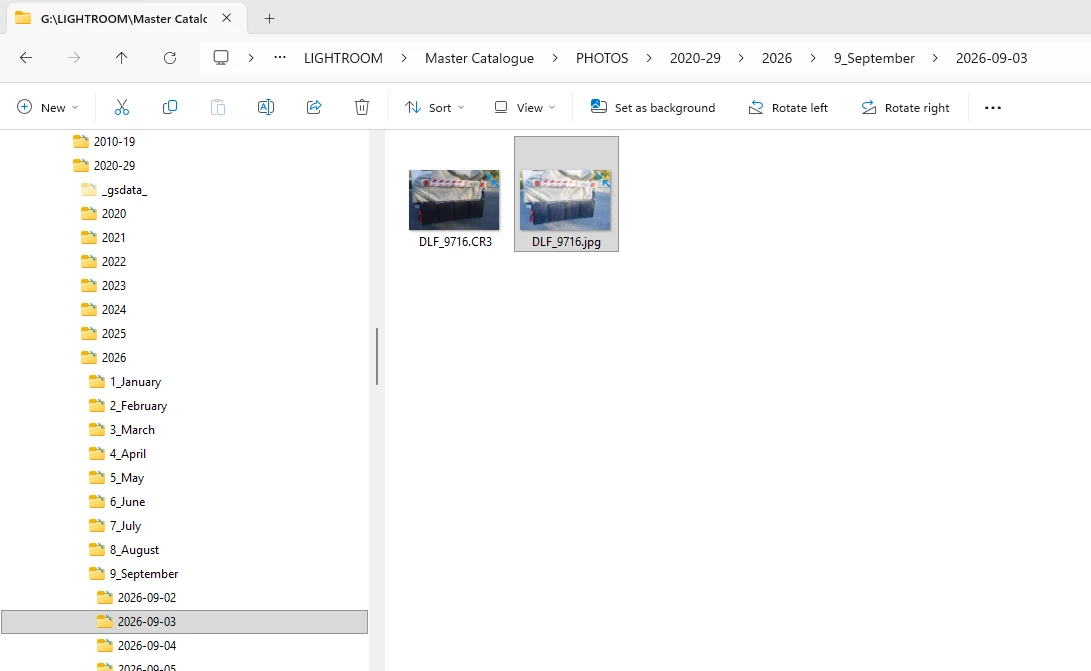
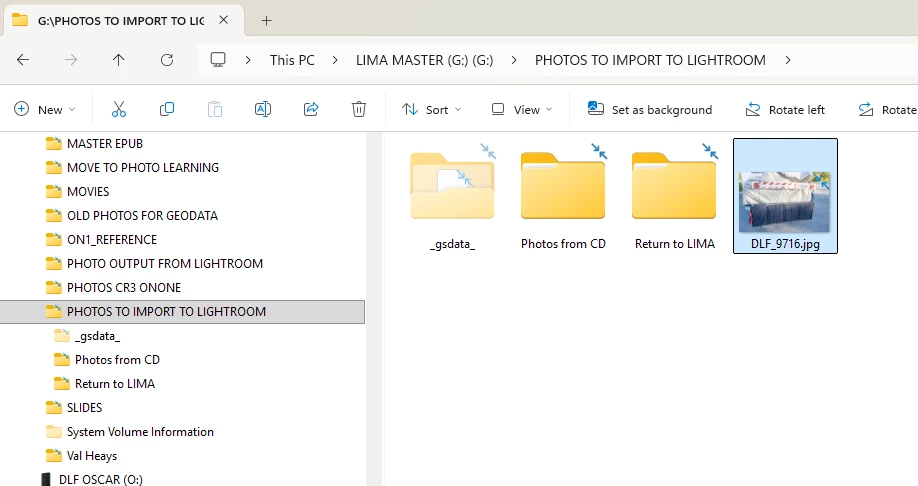
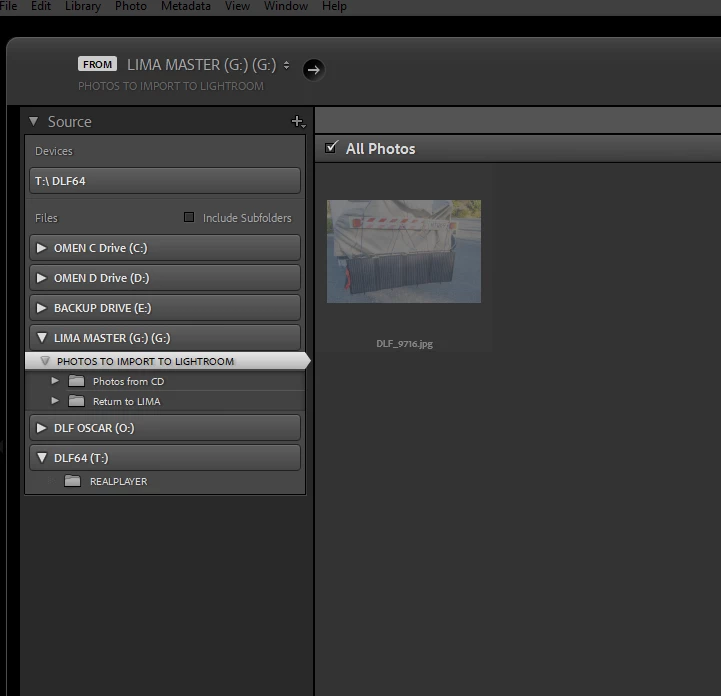
The CR3 is seen as expected in the original folder when looking for the JPG to import.
When looking for the JPG in the separate output folder, it sees it and thinks it is in the catalogue. (Why didn’t it see the JPG in the original location as well?)
Both these import processes have not had any import script applied, and applying my as used for years import script makes no difference to the problem.
Have I hit another capitalisation issue?

 AdChoices