

January 20, 2026
Question

import not working
  • January 20, 2026
  • 2 replies
  • 85 views

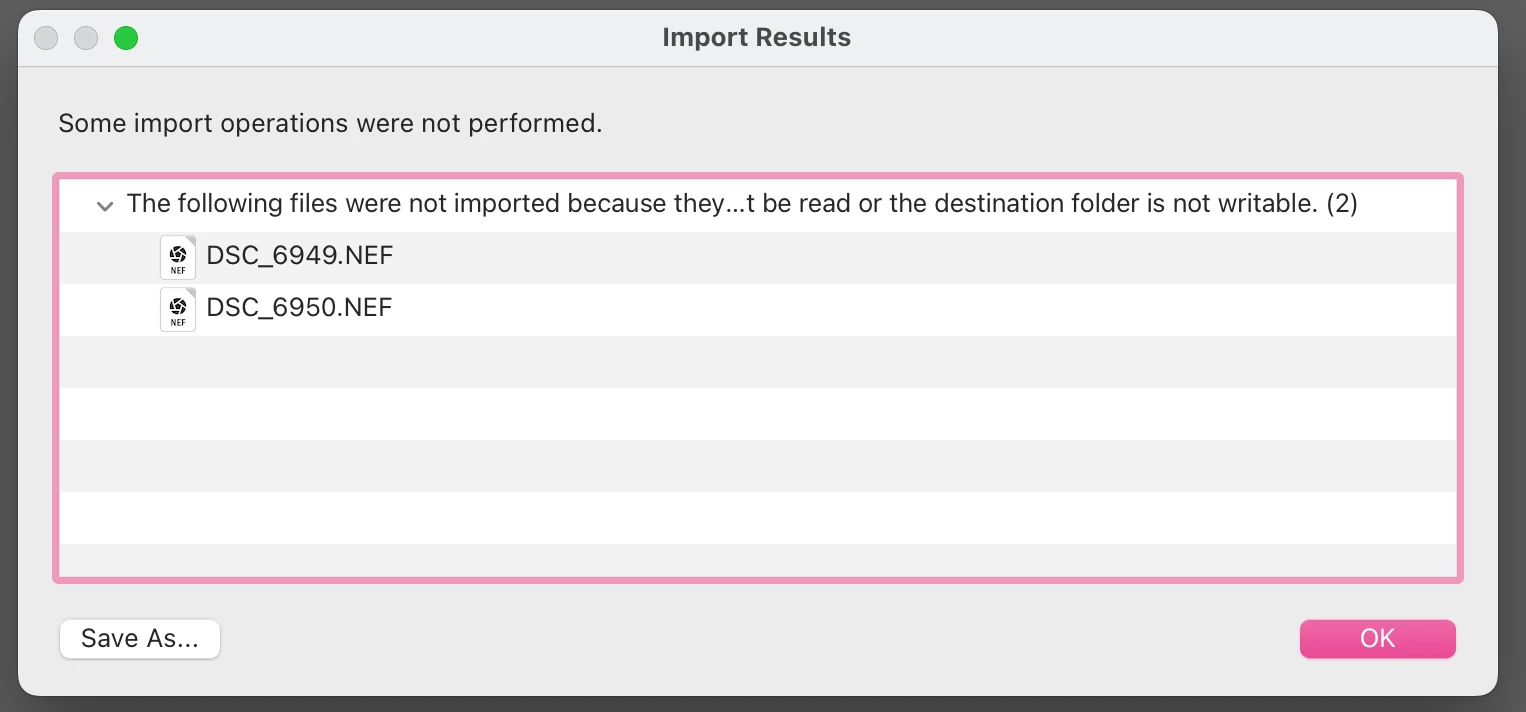
 Whenever I try to import photos from my sd card, this message always pops up. Does anyone know what this means and how do I fix it?

2 replies

January 20, 2026

I have taken new photos and tried to import those and even older ones on my camera and that same message still pops up. I also used my friends sd card and again, the same message pops up. Other software like Lr or Ps work when importing so not sure why it is just Lrc.

dj_paige
Legend
January 20, 2026

The Destination Folder (as specified in the LrC Import dialog box) may be not writeable. Please determine what folder is specified in the Import dialog box as the Destination Folder. Then in your operating system, check the permissions on that exact folder to make sure you have write permission.

Community Expert
January 20, 2026

My guess is that you have two files on your card that have digital flaws and can't be imported.   Your card could have a flaw in it.  Can you copy them to your computer and try opening them in some other software?