Participating Frequently
January 22, 2026
Question

Import Solutions in Lightroom to Avoid Grain and Noise

  • January 22, 2026
  • 3 replies
  • 172 views

Hi All!


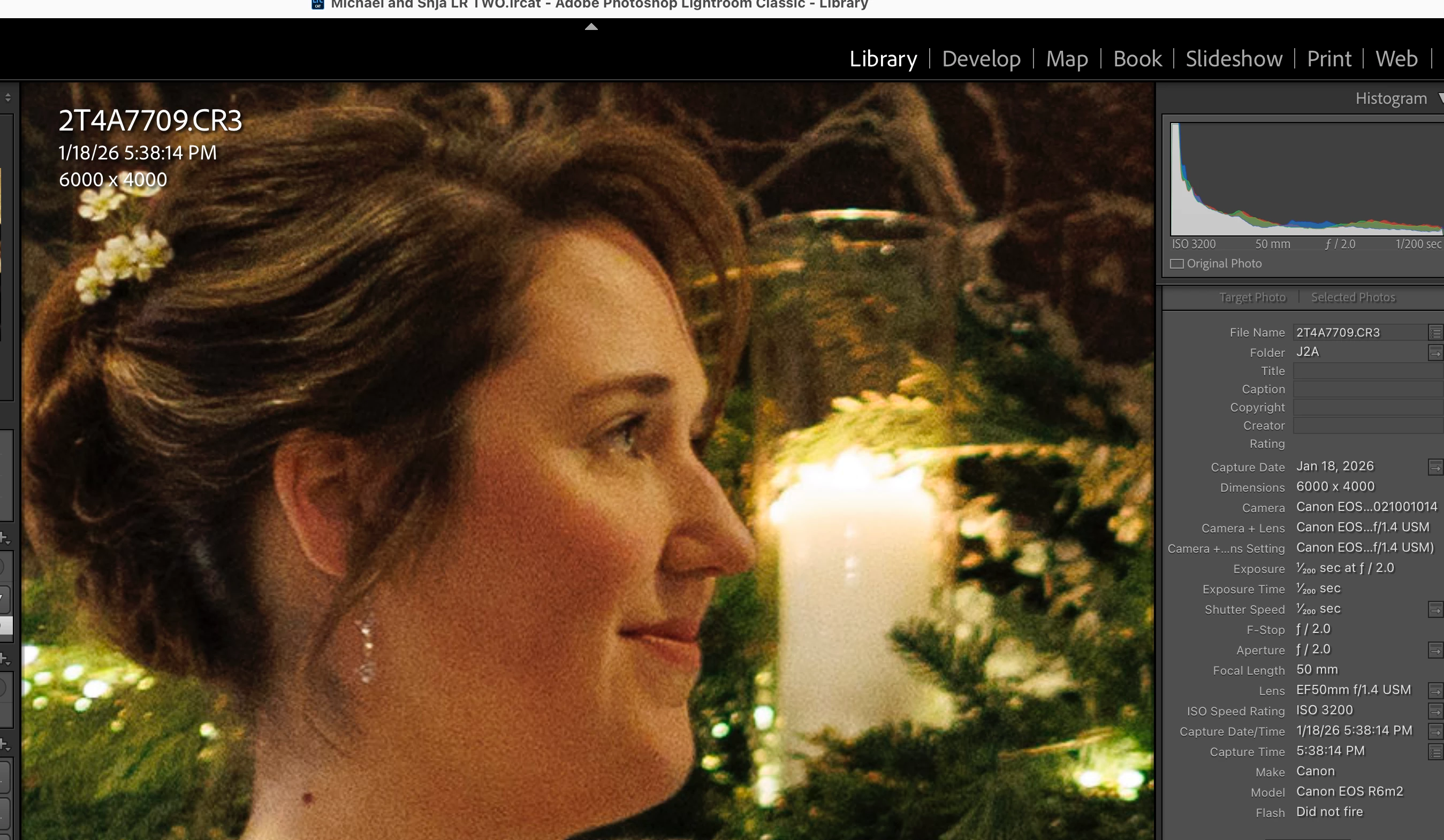
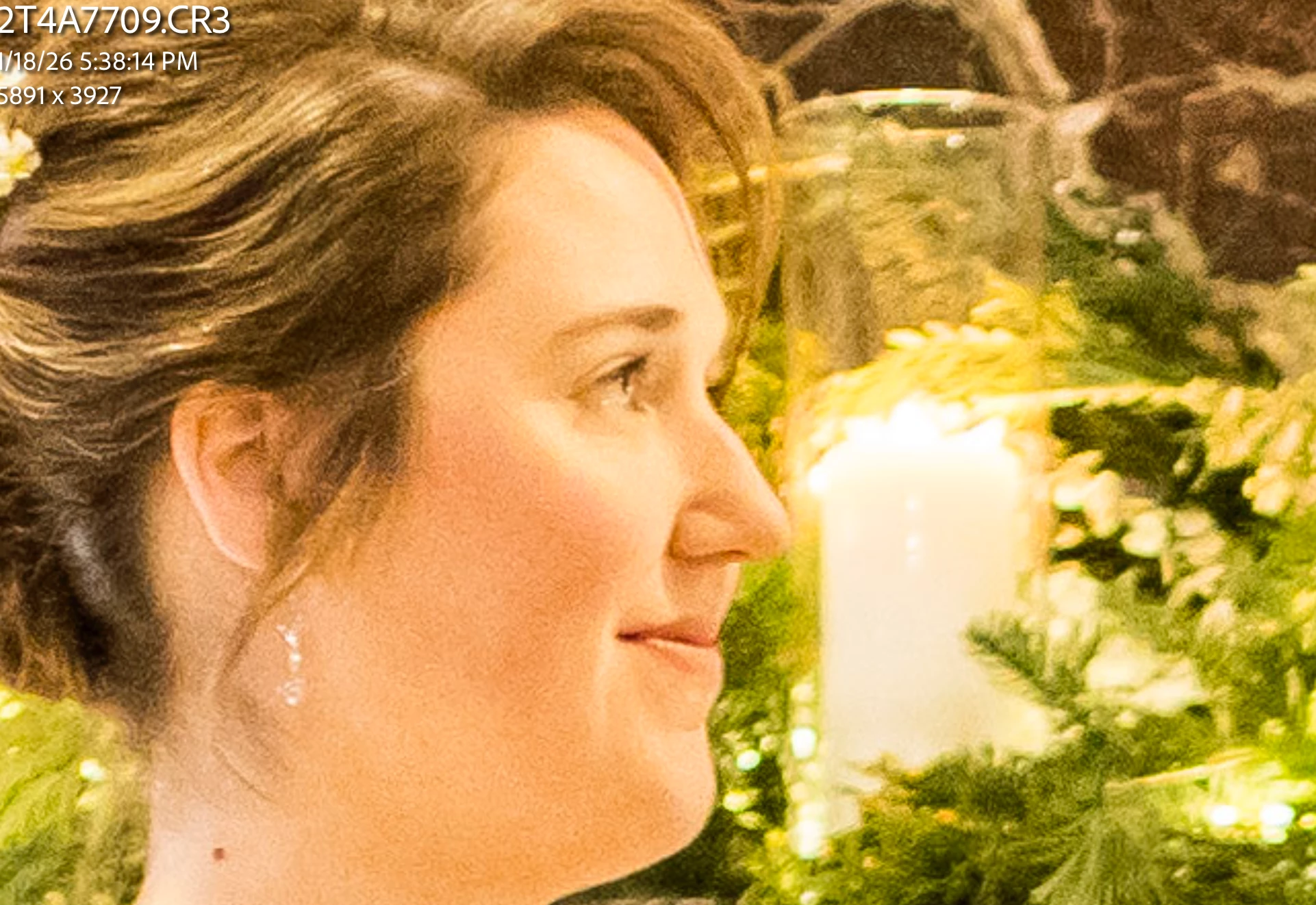
I've been shooting with Canon cameras and using Lightroom for years (although not very technically inclined). Last year I bought a Canon R6 MII and began using the founder's profile in Aftershoot for AI post processing. On my previous two low-light (indoor/winter) shoots while using the R6 at around 2500-5000 ISO, the photos seem very, very grainy and full of noise in Lightroom. I looked at both the Aftershoot versions (really bad grain and noise) and a direct import into Lightroom (not as bad, but still bad enough) and I'm really surprised I'm not getting better results from my R6 in low light.


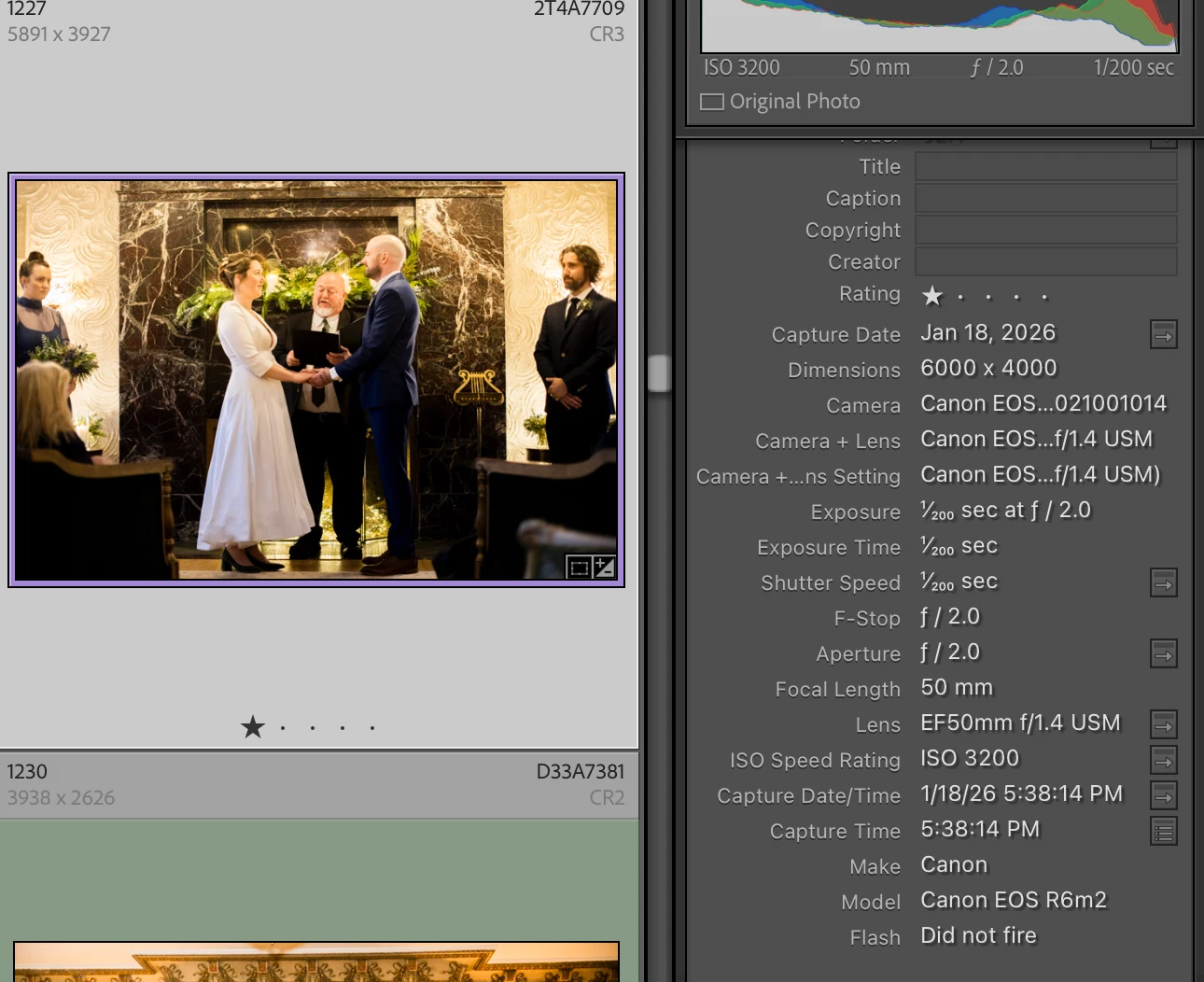
I spoke with Canon Pro Services because I need to send the R6 in for repair and they said to try to import into Canon's Digital Photo Pro software to compare the noise and grain. I did and indeed, there is WAY less grain and noise.


He suggested maybe I upgrade my Lightroom (I'm on the subscription plan), but my computer may not do well with a system upgrade - needed if I download the latest version of LR and I'm hesitant to do a system upgrade fearing with all the AI it'll slow down my system. I don't want to get a new computer if I don't need too, so long winded way to my question:


COULD IT BE MY IMPORT SETTING IN LIGHTROOM THAT IS CAUSING THE EXCESSIVE GRAIN AND NOISE from the R6 MII AND IF SO, WHAT SETTINGS SHOULD I USE FOR THE FOLLOWING:


  • Mac Book Pro Ventura 13.0
  • Lightroom Classic: 13.5.1
  • Canon R6MII
  • Canon 50mm 1.4 lens
  • No flash
  • ISO 3200
  • I've attached sample files.


If it's something as simple as the import settings, that would be great.Or does anyone have any other insights? Much appreciated!


Julie
 

3 replies

Earth Oliver
Legend
January 23, 2026

So you're asking if your IMPORT SETTINGS are causing issues with noise, but then you decided to not actually share those IMPORT SETTINGS? How does this make any sense?

Participating Frequently
January 23, 2026

Gosh. No need to be rude. I just figured with providing my camera info, I might get some guidance. 

Legend
January 23, 2026

The whole reason for shooting RAW files is that you are in control of develop settings, and you can customize them to get the best results instead of relying on default camera settings.

As Conrad stated, use the noise reduction features which can make a HUGE difference. I don't do bulk photography such as events, I'll have hero picks and only retouch those, so almost everything I process gets run through the AI Denoise process. I generally take a dim view of AI but this is one good application. I'm shooting with older generation gear (5D IV) which give generally good results but its still a big improvement. Old files shot with a 5DSr and Sony DSLRs can really benefit from custom noise reduction.

Participating Frequently
January 23, 2026

Thanks so much! I really appreciate the thoroughness of these responses. I'm a little mystified how these cameras going up to such high ISOs are making quality images. What's the point if the images are almost unusable? I thought I could pretty safely use an ISO 3200 if the camera allows much higher ISO settings. Does anyone use an ISO 15,000? In what capacity would one use such a setting?  I'm just curious. Or I suppose that's a question for Canon.

Legend
January 23, 2026

Its a tradeoff. There is a famous photo of Robert Kennedy when he was assassinated, on film obviously, the exposure was way off and it way barely usable but the historic news value mattered much more than technical shortcomings.


One of my backup cameras is a Canon 6D and I have very high ISO shots taken at an indoor show, yes they are noisy but they clean up great and the alternative was not getting anything. Your R6 I think has a dual-gain sensor and should perform well at high ISO, but keep it was low as possible and don't underexpose.


As a wedding shooter, learning all of this will be really, really helpful.

Conrad_C
Community Expert
Community Expert
January 23, 2026

First, we need to correct the notion that Lightroom Classic is “causing” “excessive” noise. That‘s actually seeing it backwards.


The nature of ISO 3200 raw capture is that it’s far noisier than at ISO 100, and it always has been. The only difference is that improved camera sensors mean there is less noise at ISO 3200 than there was in cameras 10 or 15 years ago, but it’s still much noisier than ISO 100.


Your question about whether it might have to do with the import preset is on the right track, because the differences you see among raw processing software do depend on what their default processing settings are. The out-of-the-box settings for a camera are usually set to apply a pleasing amount of noise reduction to JPEG files saved by the camera including the preview attached to raw files, and the camera manufacturer’s own raw processing software (such as Canon DPP) is typically tuned to match the in-camera software as much as possible.


Those defaults might differ from the Adobe default raw processing settings that are applied to all imported images. In the Lightroom Classic Develop module, if the current defaults for the Detail panel settings are set to low or no noise reduction, the image may appear noisier than in the camera maker’s software. But…not because noise is being created, but only because Lightroom Classic is not initially set to remove as much noise as the Canon software. 


So yes, the answer is to customize your Adobe raw defaults the way you want them. There’s a basic way to do this, but there’s also an advanced way that could apply to your photography. First, the basic way:


Open a photo you think is typical, and it should be a photo at camera settings you think are also your most common. For example, if you do a little analysis with the Lightroom Classic filter bar and find out that most are shot at ISO 800, maybe open one of those images. Now set everything to look right, including noise reduction, and make a preset out of it (Develop > New Preset). Then, in the Presets panel, right-click that preset and choose Apply On Import. Now those settings are your own import defaults.


Next, the advanced way accounts for the fact that you might want different noise reduction amounts for images captured at different ISO speeds. Fortunately, you can set up Lightroom Classic so that it applies a different preset based on which camera shot the image, what ISO speed the image was shot at, and more. So you could have different presets with higher noise reduction values for ISO 1600, ISOO 3200, and ISO 6400 photos, and they would be applied appropriately. To learn how to do that, read Julianne Kost’s article:

Setting Custom Raw Defaults in Lightroom Classic


You can create your own import preset that’s comparable to the Canon software, or applies more or less noise reduction as you feel is appropriate for your work .


At higher noise levels, instead of adjusting just Color and Luminance manual noise reduction, you can also apply Denoise which is AI-powered. This is usually a great one-click way to clean up noisy images, but the cost is that it takes a lot longer to process and uses a lot more storage space. So I use it sparingly…I don’t make AI Denoise part of an import preset, and I try to use it only on images that really need it.


The demo below shows how noise reduction is typically applied, starting with no noise reduction. First, a little bit of Color noise reduction goes a long way. Adding a little Luminance noise reduction is usually enough for lower ISO values. At higher ISO values you have to crank up the Luminance noise reduction, but when that just tends to smear all the details then it might be worth the extra processing time and storage to use Denoise instead.


One of the frames says “This is my custom Import preset,” with Luminance set to 25. I made that import preset for lower ISO speeds, but for higher ISO speeds I need to set Luminance to a higher value or use Denoise. 


Lightroom-Classic-noise-reduction.gif