
Participating Frequently
February 11, 2023
Question

Imported photos not appearing in catalogue

  • February 11, 2023
  • 2 replies
  • 335 views

In the last few days when I import photos into Lightroom I have found that Lightroom does copy them to disk, but doesn't show them in the catalogue. Here's a walked through example


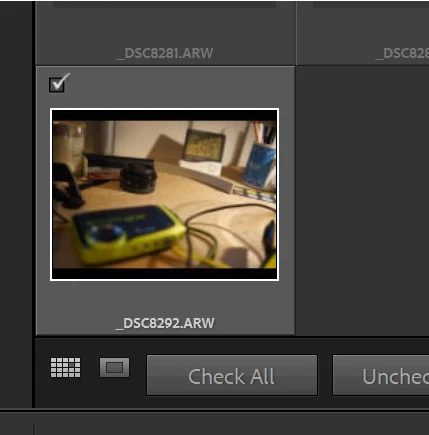
I click import and Lightroom correctly shows that one picture is yet to be imported:
 

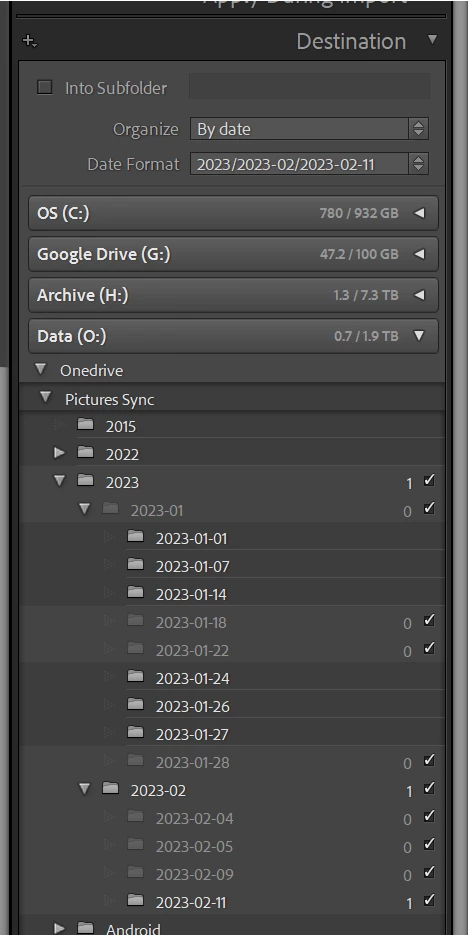
It also shows that it would be a new file:
 

But at the end of the import Lightroom shows:

 

"No photos in Previous Import"

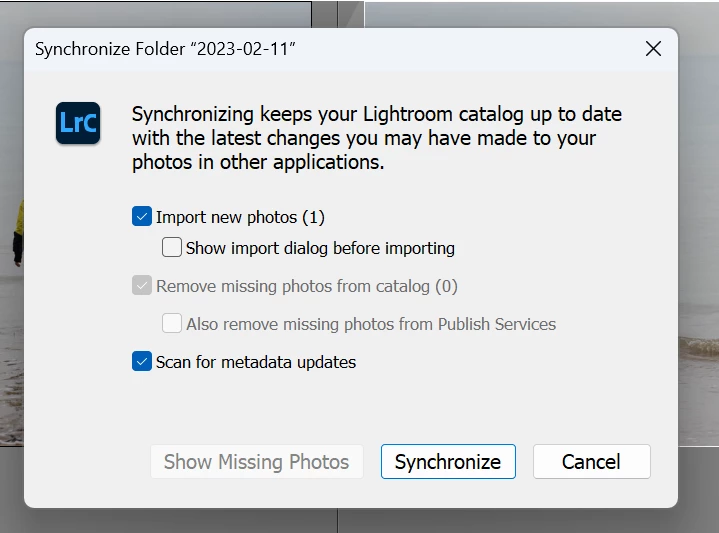
I've tried Restarting Lightroom to no avail. The file is correctly copied to disk, so if I choose "Synchronize Folder" it shows this:
 

I can reproduce this - I've just been through the exact same steps with another import. For the avoidance of doubt the copy to disk and add to catalogue option is selected in Import:



Expected results: Photo should be imported to disk and added to catalogue.

How can I help diagnose and fix this?


Versions:

Lightroom: 12.1  [ 202212072312-d7ab524b ]

Windows: Windows 11 22H2 OS Build 22621.1105

This topic has been closed for replies.

2 replies

GoldingD
Legend
February 11, 2023

I see you are selecting OneDrive as destination. So you are keeping photos on the cloud.

Are you keeping your catalog on the cloud?


Participating Frequently
February 11, 2023

I am. I have the entire OneDrive folder downloaded locally, that is "files on demand" is turned off:


I have used Lightroom like this since 2017 with no problems; nothing is being streamed over the air and the catalogue is only ever edited (or even accessed) on this machine.

dj_paige
Legend
February 11, 2023

Are you sure this photo has not been previously imported? What evidence do you have other than the fact that the photo is not greyed out in the import dialog box? Have you done a search of the ENTIRE catalog (not just this one folder) for this photo?

Participating Frequently
February 11, 2023

Hey dj_paige. Two reasons; one, I have tested this now taking brand new photos and trying to import (so they can't already be in the catalogue). Two, I've tried it with "don't import suspected duplicates" turned off.