Known Participant
June 27, 2022
Question

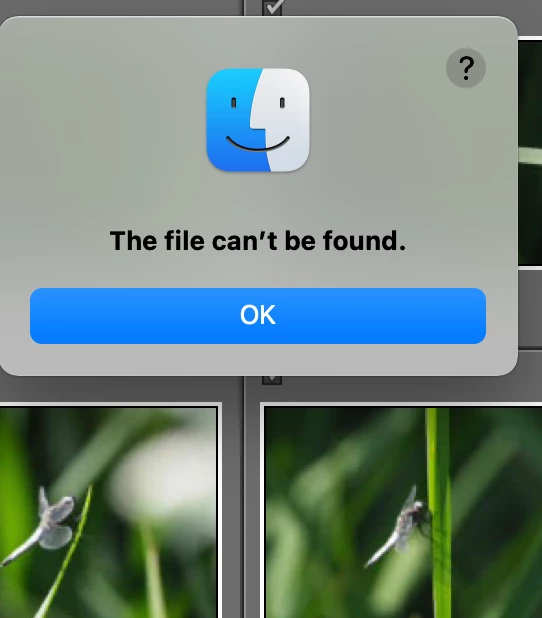
importing "cant find file"
  • June 27, 2022
  • 3 replies
  • 377 views


When I import photos in Lightroom Classic, using my SD card, I get an message "cant find file"

Version 11.3.1.

This comes up straight away, without me touching or adding/selecting anything.

Please advise.

    This topic has been closed for replies.

    3 replies

    Known Participant
    June 28, 2022

    just done this, restarted my mac adn the error message still appears.


    I have never instaleld nor used better touch tool either.

    further ideas please.

    dj_paige
    Legend
    June 28, 2022

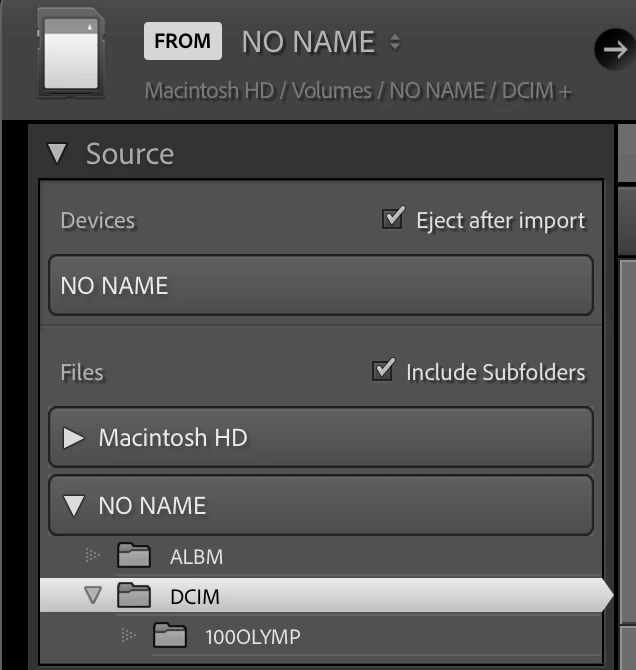
    Show us the ENTIRE Import dialog box.


    Also what happens if you click on NO NAME under Devices instead of a subfolder of NO NAME under Files?

    Peru Bob
    Community Expert
    Community Expert
    June 27, 2022

    Try copying from the SD card to your internal drive, then import.

    Known Participant
    June 28, 2022

    Thanks for thie workaround.


    I am trying to understand why this would suddenly appear and what can be done to fix it.

    Ideas please.

    Peru Bob
    Community Expert
    Community Expert
    June 27, 2022

    I've moved this from the Using the Community forum (which is the forum for issues using the forums) to the Lightroom Classic forum so that proper help can be offered.