

Answered
Importing photo problem
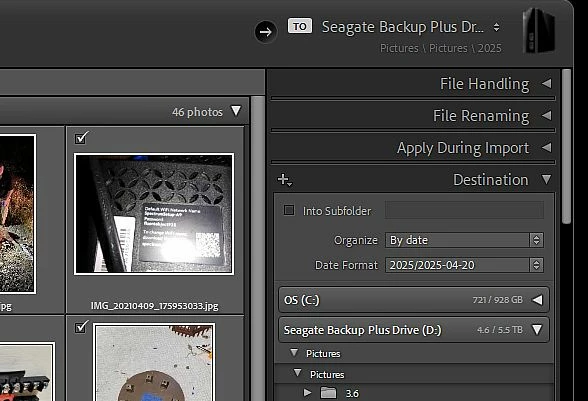
I store my photos on an external drive (D). When I import, I select the the 2025 folder in the D drive as the destination, but the photos are still imported to the C drive. What am I doing wrong?

I store my photos on an external drive (D). When I import, I select the the 2025 folder in the D drive as the destination, but the photos are still imported to the C drive. What am I doing wrong?
Already have an account? Login
Enter your E-mail address. We'll send you an e-mail with instructions to reset your password.
 AdChoices