

dj_paige
Legend
June 19, 2025
Question

In Compare Mode in Library, left photo always says "Embedded Preview"

  • June 19, 2025
  • 2 replies
  • 753 views

Lightroom Classic 14.4, Windows 11


I select two photos in the grid, then press C to go to Compare mode. The left photo always incorrectly says "Embedded Preview". Example:
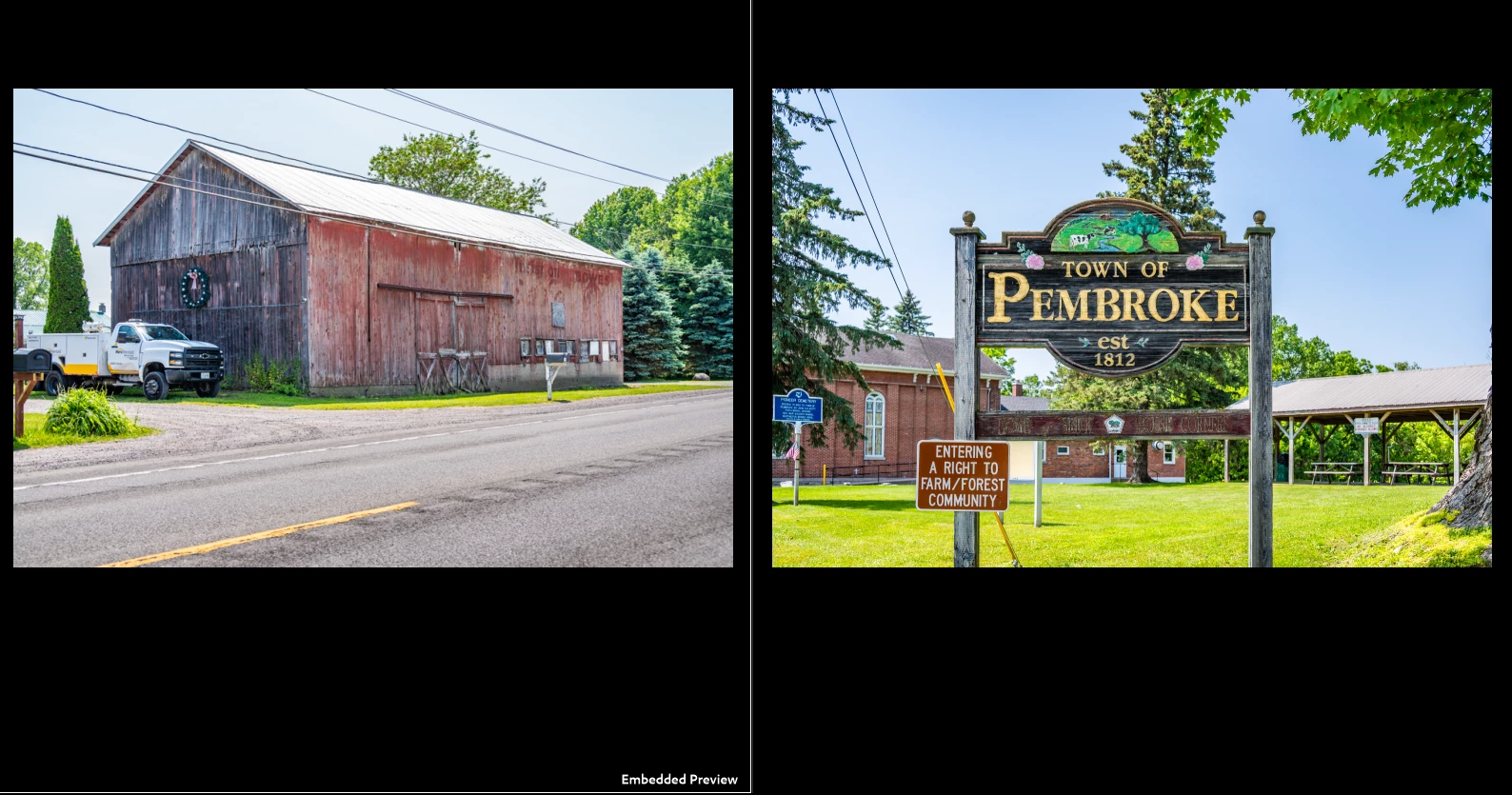


Note the barn photo says Embedded Preview. Now if I swap places and compare, note that the barn does not say Embedded Preview but the Pembroke sign photo now says Embedded Preview, and it did not say that a minute ago before I swapped places.
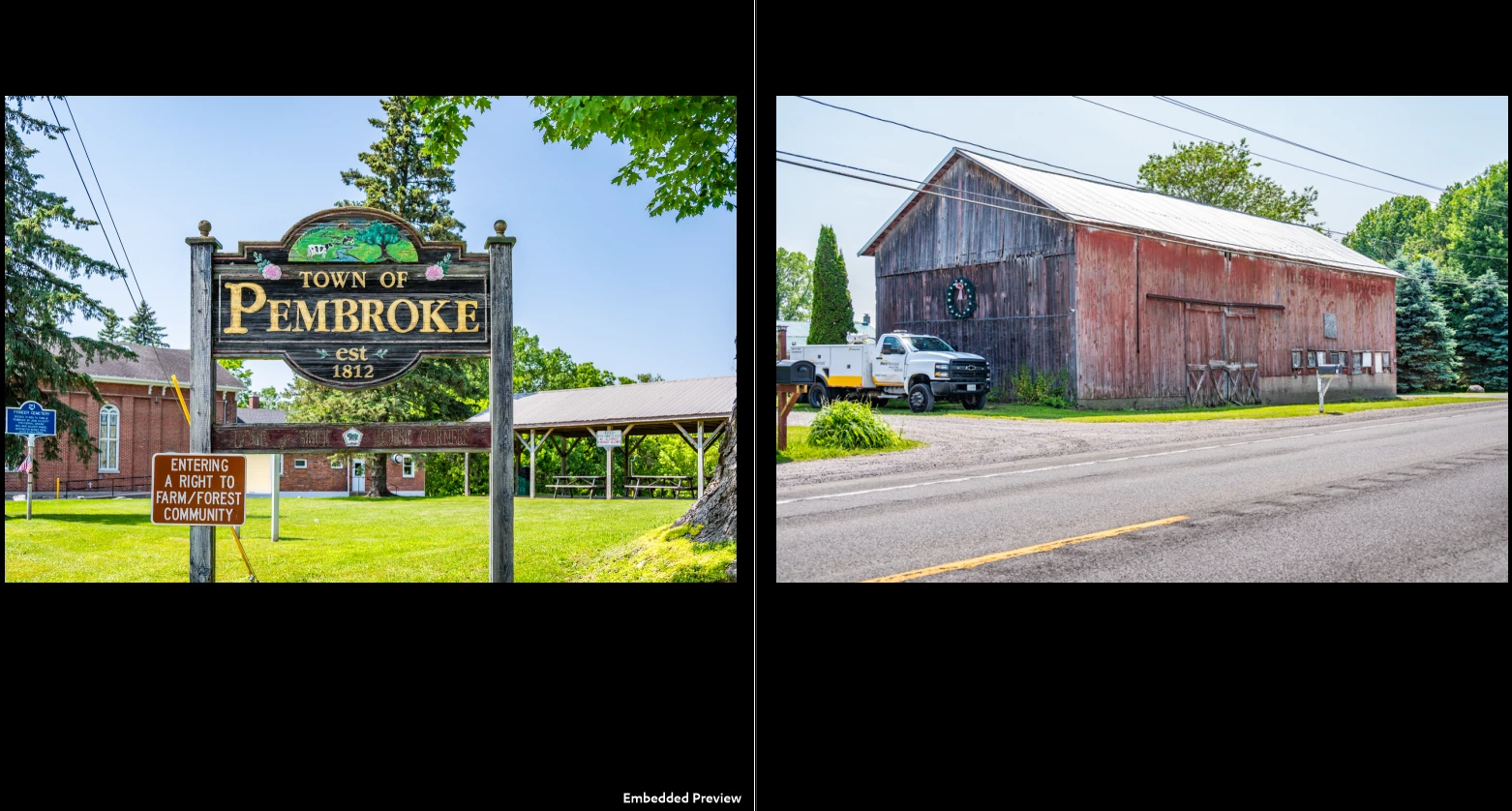


Resetting preferences did not change this behavior. I also followed instructions to remove embedded previews by using Library->Previews to create new standard and 1:1 previews, didn't help.

2 replies

dj_paige
dj_paigeAuthor
Legend
June 20, 2025

And today the problem is gone.

dj_paige
dj_paigeAuthor
Legend
June 21, 2025

And the next day, the problem returns!

Per Berntsen
Community Expert
Community Expert
June 21, 2025

There seems to be a pattern on my two computers – one running version  14.2 and the other 14.4.

The first Compare I do after launching LrC will display Embedded preview as described in my previous post.

If I carry out the procedure with swapping left/right twice, it doesn't happen again until I close and relaunch LrC.

Community Manager
June 19, 2025

Hi @dj_paige!
Thanks for flagging this! I tried testing it on my end, but I haven’t had any luck reproducing the issue—on my setup, the embedded preview label moves along with the photo as expected.

Does this happen with every photo for you? If you could share a quick video of your whole workflow along with your System Info, that would really help us investigate further.

Appreciate your help!
Alek

*(If you mention me with an @, like @Aleke, I’ll get a notification and can respond faster.)*
Per Berntsen
Community Expert
Community Expert
June 19, 2025

This happens to me too from time to time, not only with raw files, but also with tiff files.

Sometimes, Embedded preview will show for both images briefly, but disappears on the right image.

Swapping left and right image will fix it, and I can then swap again without Embedded preview appearing.

I use version 14.4, but I believe that it also happened on previous 14.x versions.

I'm on Windows 10.

dj_paige
dj_paigeAuthor
Legend
June 19, 2025

It happens to me with JPG originals too.