Participant
August 5, 2018
Question

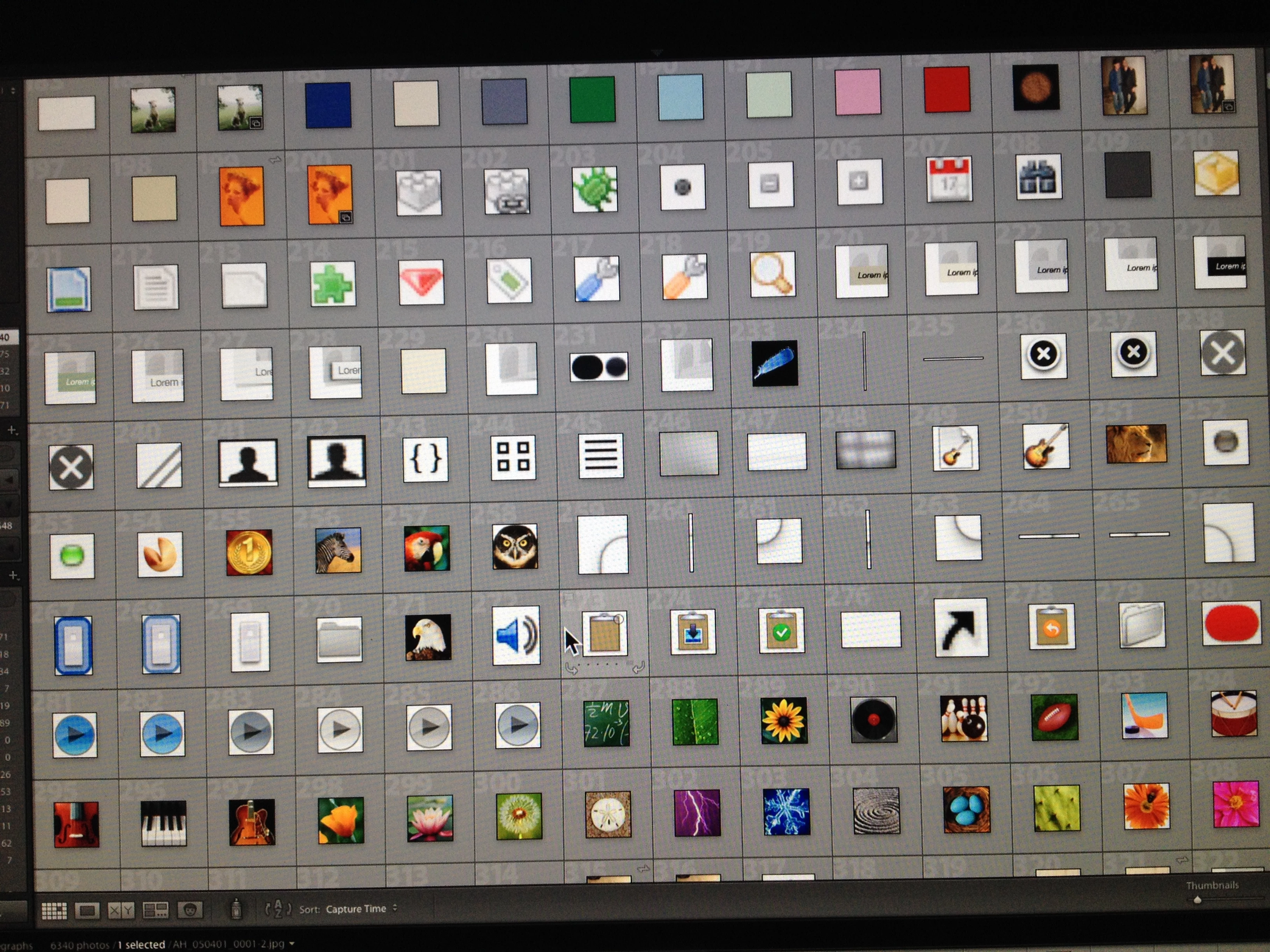
in my library i have a total of 0ver 6000 images but on 600 ar emine and the rest look like this

  • August 5, 2018
  • 2 replies
  • 319 views

    This topic has been closed for replies.

    2 replies

    Abambo
    Community Expert
    Community Expert
    August 5, 2018


    So you have 6000 pictures in your catalogue and only 600 are pictures you took? I suppose you imported all of your disks. You should only import your pictures and when you are organizing them correctly, they will be found back at ONE common location.

    I suggest you simply remove the pictures you do not want out of your catalogue but letting them on disk...
    Select the pictures (you can do in batches). RMB (right mouse button)->Remove... or hit the "Delete" key on your keyboard.
    ABAMBO | Hard- and Software Engineer | Photographer
    dj_paige
    Legend
    August 5, 2018

    it looks like you imported everything from your hard disk (whether they were images taken by your camera or icons created for some other reason).

    So what would you like to do about this?

    HELLERBOXAuthor
    Participant
    August 6, 2018

    Hello ,

    I will delete them I just didnt know if there was some value to them in a program . I honestly dont know where i made this import .

    I thank you for your time in answering this ... thk u again

    Abambo
    Community Expert
    Community Expert
    August 6, 2018

    I wouldn't probably delete them from the disk, only remove them from the catalog, except if you know what you are doing.

    ABAMBO | Hard- and Software Engineer | Photographer