
Inspiring
August 1, 2026
Question

Inbuilt lens profile correction is not read by LrC

  • August 1, 2026
  • 2 replies
  • 39 views

I’m shooting raw with an OM System OM-3 + 17mm f1.8 II.  Regardless if import is by “Copy to DNG” or just “Copy”, the inbuilt profile is not read.  Distortion is obvious.   In OM Workspace, the profile is read.  To get the correction, I need to go into Develop>Lens Correction and tick Enable Profile Corrections.  It makes the correction.  The dialogue box shows:
Setup:   Default
Make:   OM Digital Solutions
Model:   OM 17mm F1.8 II
Profile:   Camera Settings

I’ve never had this problem before, albeit with other OM gear.  It usually shows an icon indicating that the inbuilt lens profile has been read.
    2 replies

    Community Expert
    August 1, 2026

    Just tried it with a sample orf file from dpreview with same camera/lens combo (https://www.dpreview.com/sample-galleries/1564684221/661901 ) and it imports with lens correction enabled by default. I used no presets on import. You might need to have camera settings set as the default for raw images (preferences->presets->raw defaults) for Lightroom to do this automatically.

    This is the default way of handling built in profiles for newer (from the last several years) mirrorless cameras by the way. With older cameras you would see the “built in profile automatically applied” badge. With newer it uses the lens correction panel fully where you choose another profile if you want or to even turn off the correction. I wish Adobe enabled this for older mirrorless cameras too.

    JohanElzenga
    Community Expert
    Community Expert
    August 1, 2026

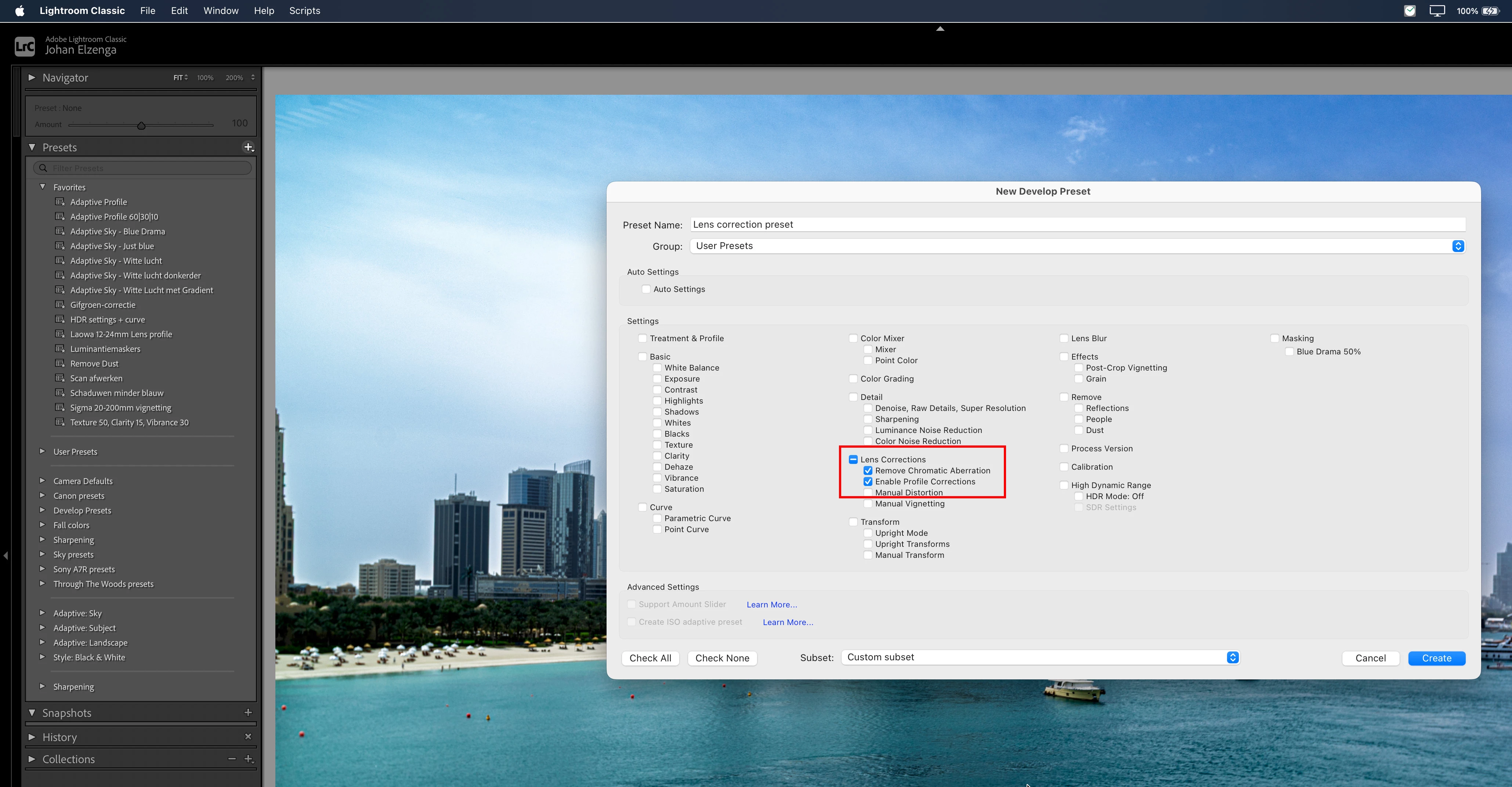
    Apply a preset on import (or as camera default) that enables lens profiles. Maybe you even had such a preset and it got disabled.

    -- Johan W. Elzenga