

Question
Incomplete instructions in help article for deleting Camera Raw GPU Config.txt
Step 3 of the instructions for manually deleting Camera Raw GPU Config.txt:
https://helpx.adobe.com/lightroom-classic/kb/troubleshoot-gpu.html#solution-3
says:
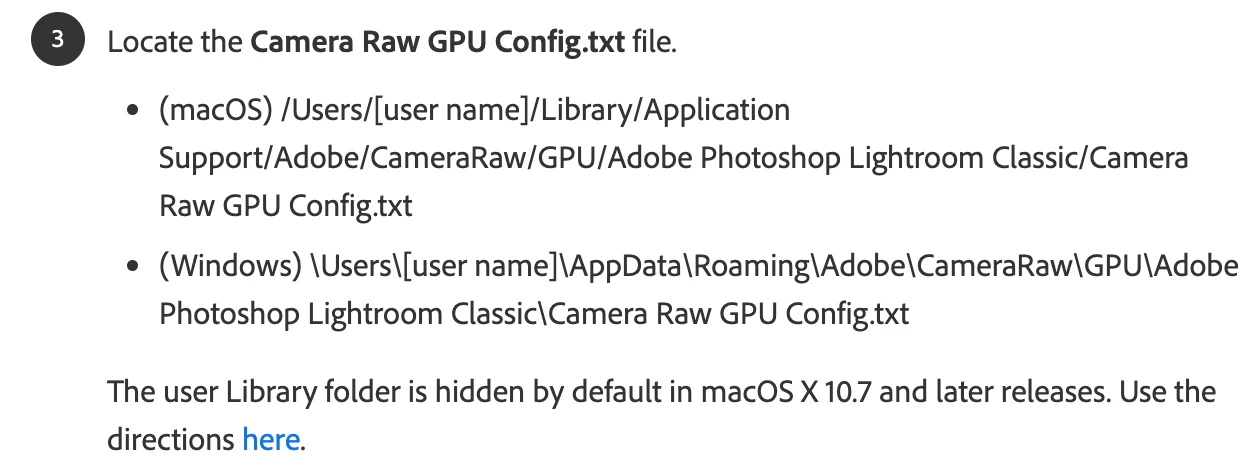
While it tells Mac users how to view the hidden Library folder, it doesn't tell Windows users how to view the hidden AppData folder.
In Windows 11, the user should do the File Explorer menu command View > Show > Hidden Items. I don't know what the Windows 10 instructions might be.
Alternatively, the Windows instructions could tell the user to copy and paste this line into the File Explorer address bar:
%APPDATA%\Adobe\CameraRaw\GPU\Adobe Photoshop Lightroom Classic
and then delete Camera Raw GPU Config.txt.


 AdChoices