Incorrect LR6 download?
I have been receiving Adobe Pop-ups (see attachment) 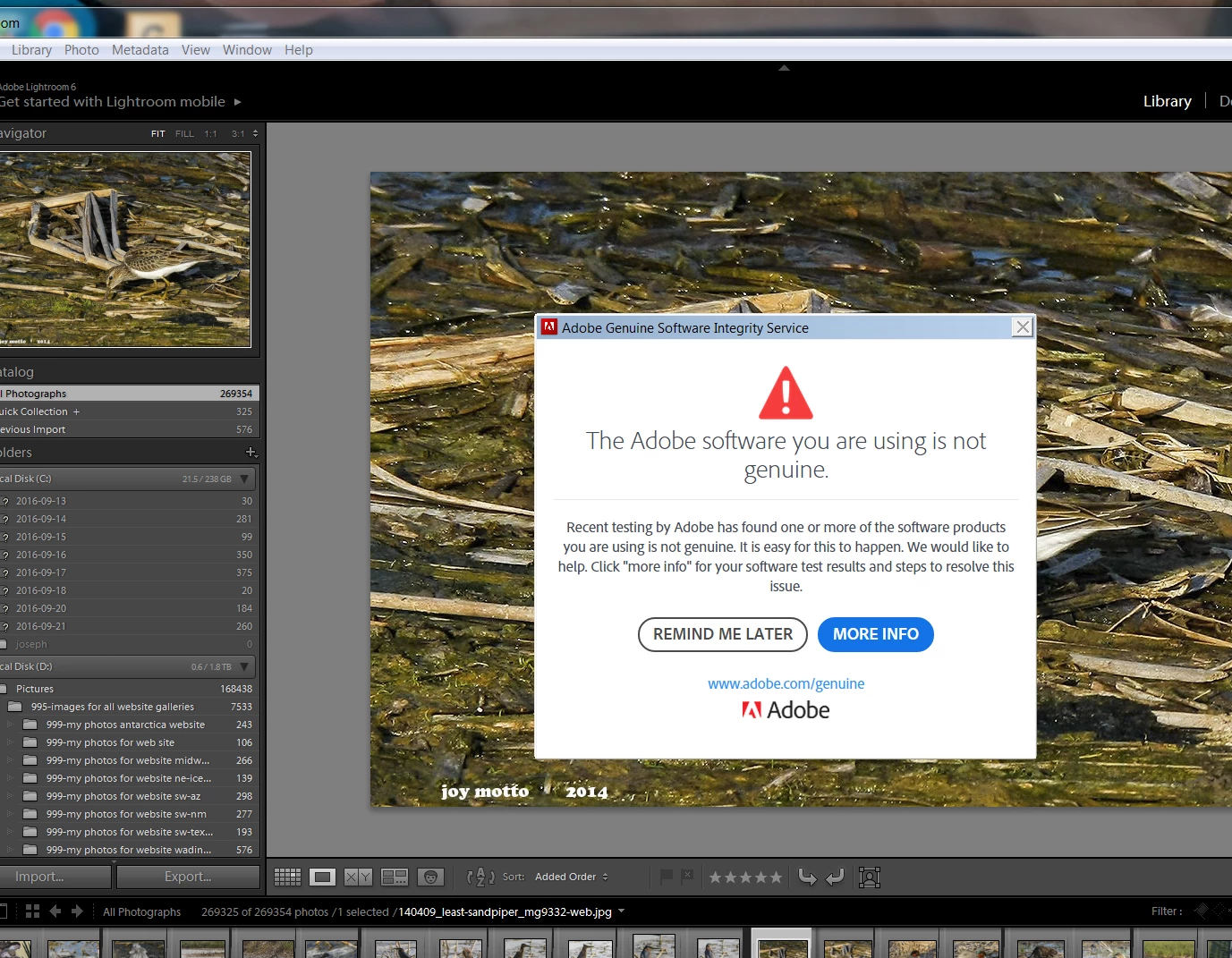 indicating that I was using non-Adobe software (which was not the case). After lengthy periods of time spent with support we confirmed that my purchases from Adobe were genuine and I was advised to uninstall my current LR and PS and reinstall, a process which gives me discomfort. In any event I did so although finding my way through to the proper download was confusing. At the end I thought I was successful but the product I now have says Lightroom Mobile so I suspect I made an error. Also, the Pop-ups persist. Can someone clarify this for me and perhaps outline the path to a happy solution?
I am wondering why no one has offered any assistance as my question, to me, is straightforward and simple: Have I downloaded something other than LR6? When I open this LR almost none of the large number of images that I had before show up. Did I inadvertently download a mobile ap of some sort and not LR6? Adobe support refused to guide me through the download process and I find the download site in Adobe confusing. jdmotto 5/22/17
 AdChoices