Answered
Individual photos syncing
I would like the ability to unsync photos in Lightroom Classic. Some I took with my phone. Once they are edited within Classic and placed into folders, I would like to turn the sync off.

I would like the ability to unsync photos in Lightroom Classic. Some I took with my phone. Once they are edited within Classic and placed into folders, I would like to turn the sync off.
[This post contains formatting and embedded images that don't appear in email. View the post in your Web browser.]
Select the photo or photos, click All Synced Photographs, and do the menu command Photo > Remove From All Synced Photographs (see the menu for the keyboard shortcut). You'll be asked:
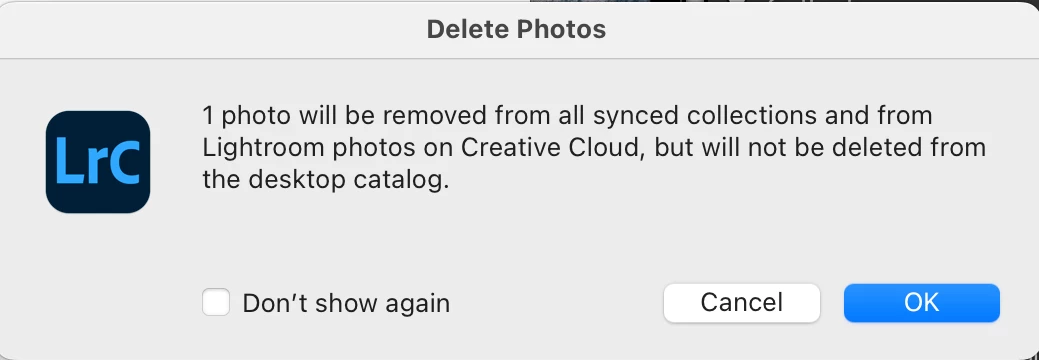
When the photo is removed from the LR Cloud, it will also be removed from the LR apps on devices syncing with the cloud (other than LR Classic).
Already have an account? Login
No account yet? Create an account
Enter your E-mail address. We'll send you an e-mail with instructions to reset your password.


 AdChoices