
RRowe
Inspiring
November 28, 2023
Question

Issues with Previews

  • November 28, 2023
  • 1 reply
  • 1089 views

This issue keeps coming up through various versions. I'm currently using LR Classic 130.1, Mac OS 14.1.1

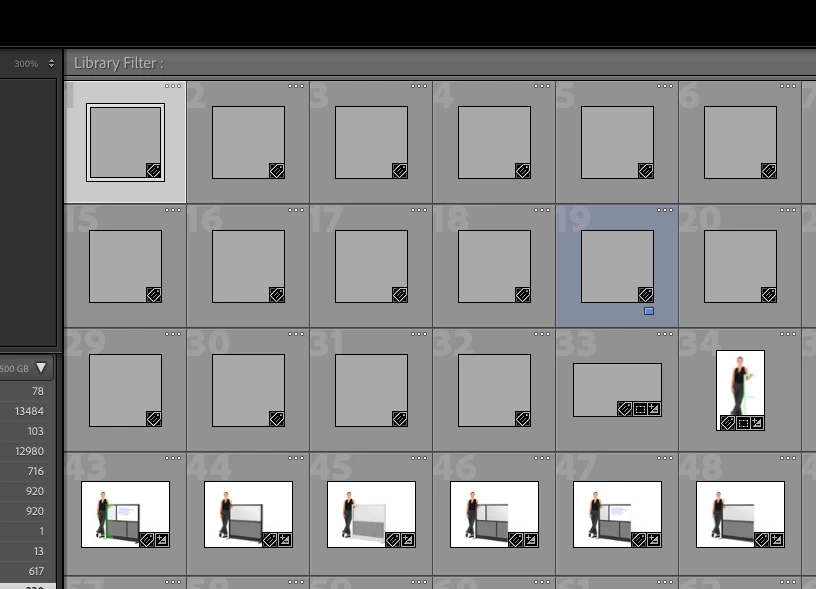
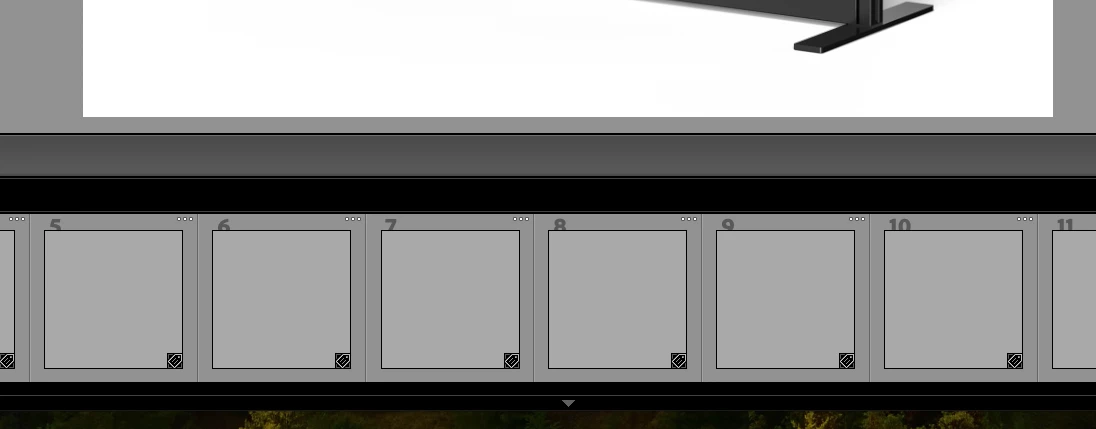
Previews keep not showing up. Library mode, Develop mode. Both have issues, but they vary. In Library mode I can have all or some previews missing and nothing seems to get the missing previews to show. In Dev mode, a few might show and sometimes clicking on an image with a missing preview will cause the preview to suddenly show. Usually when one preview does show up after clicking, one of the other previews disappears.

Restarting LR makes it seems like things are solved, but the problem returns quickly. Shutting down, restarting, reinstalling does not help. Rebuilding previews does nothing; the progress bar just sits never makes any progress. I try to backup the catalog but it always hangs up on Optimizing previews and never finishes. This seems to happen with all file types. Raw (CR2, CR3), JPG, PSD...
This topic has been closed for replies.

1 reply

dj_paige
Legend
November 28, 2023
johnrellis
Legend
November 28, 2023

If testing the display profile doesn't help, then see this help article next:

https://helpx.adobe.com/lightroom-classic/kb/lightroom-gives-error-preview-cache.html 


Let us know both what works and what doesn't, to help others here.

RRowe
RRoweAuthor
Inspiring
November 28, 2023

I think this may have worked! 

When I cleared my LR cache, things looked much better, but still if I added anything to a folder, the new image wouldn't show a preview and I couldn't build one. So it's like it was fixed, except for anything going forward. I also noticed that even though I could now see previews, when I clicked on an image to view it full size, I'd see only a low-res version with "loading", but it would never load and was stuck on that screen.

But deleting the [Catalog-name] Previews.lrdata file so far has worked! Previews all showed up and slowly started to adjust from RAW to represent all LR adjustments. Clicking on an image gave me immediate full-size view that was nice and sharp. Thank you for this!