
Participant
September 17, 2022
Question

Issues with temp/colors on edited photos from PS

  • September 17, 2022
  • 1 reply
  • 99 views

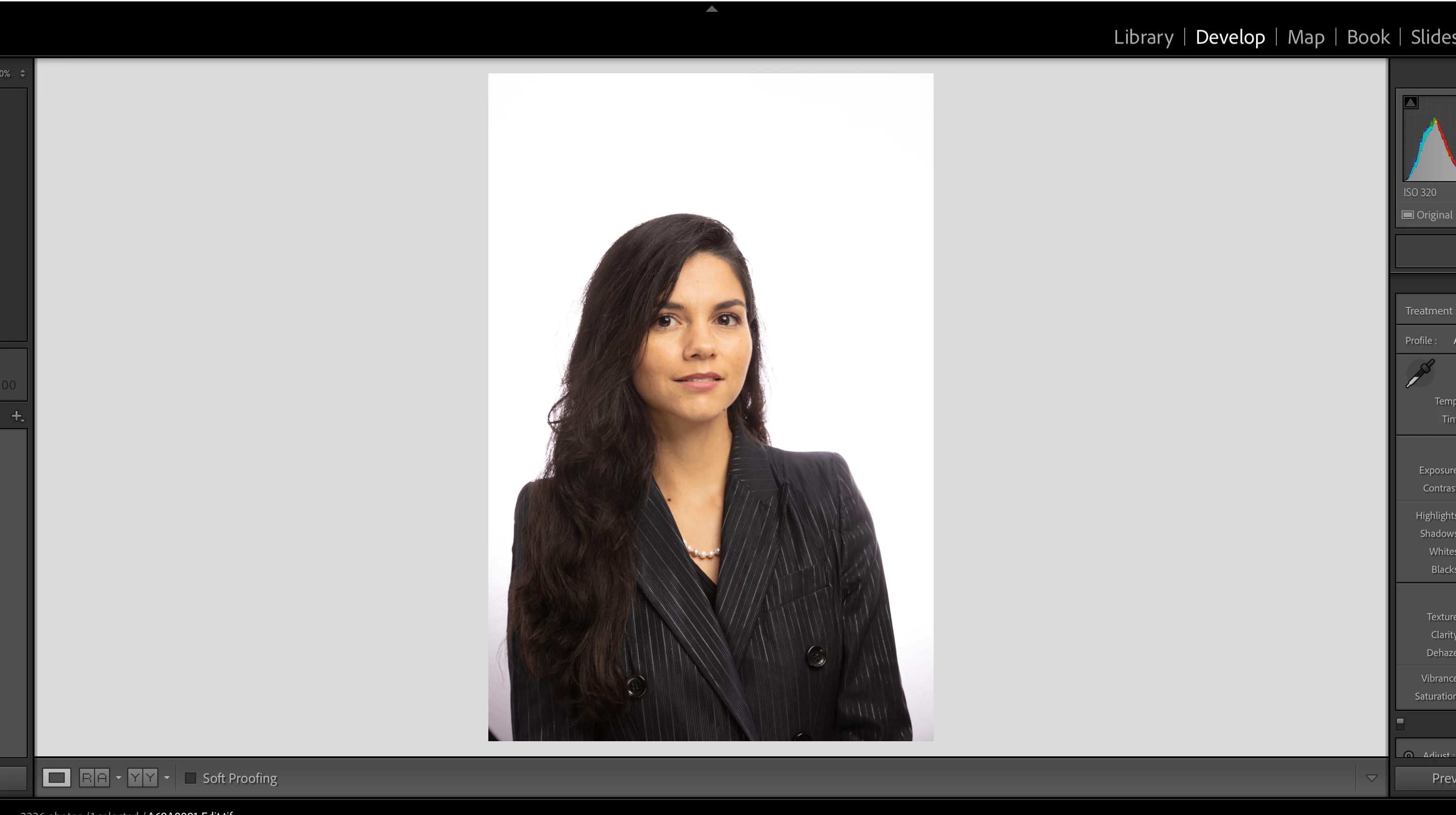
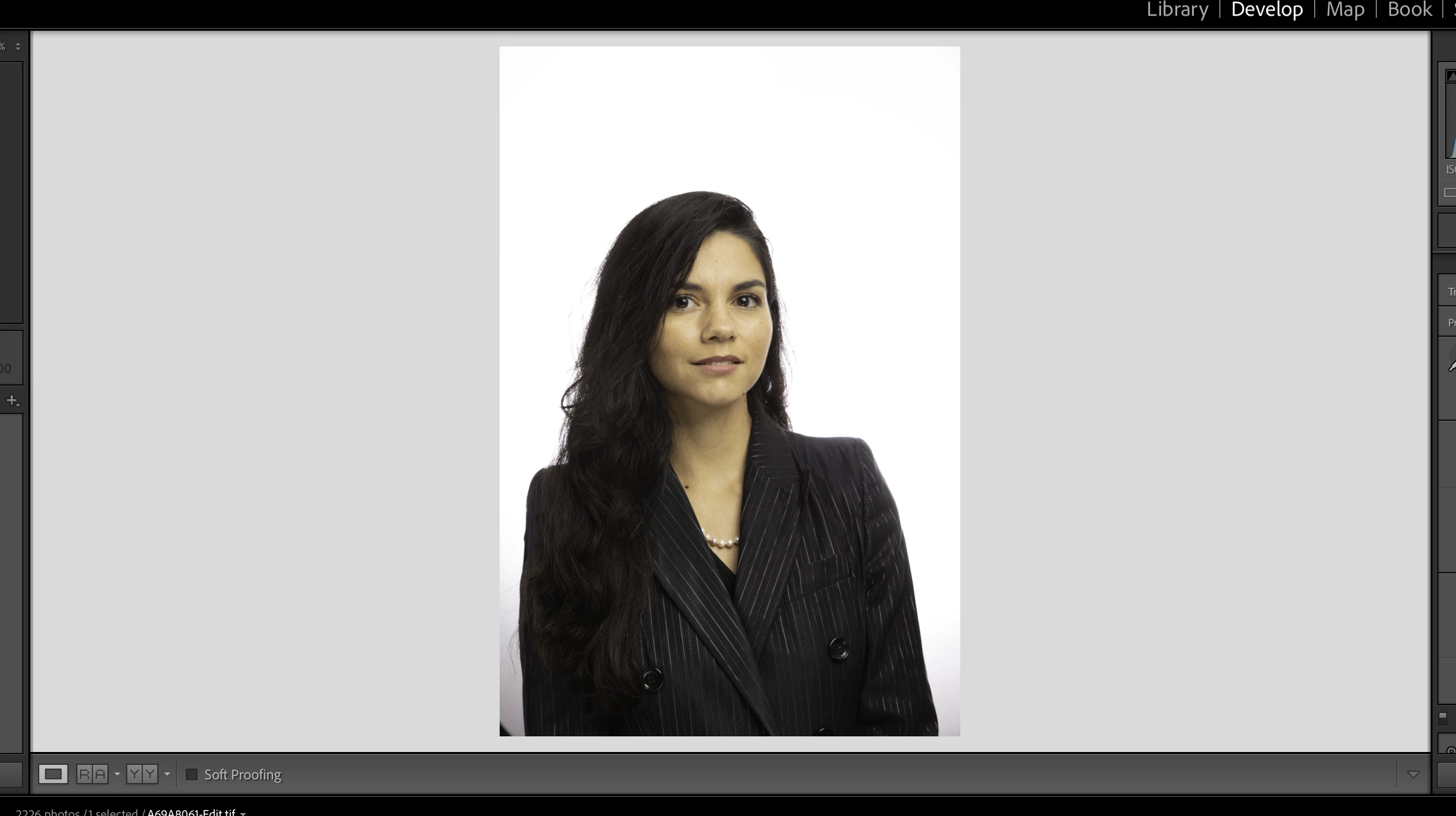
Has anyone else been experiencing this?  Normally, I right click/ edit in PS, do some edits, and then "save" to send back to LR.  I haven't changed any other settings, but now the edit that comes back is muted/temp is way off.  If I make an adjustment on the same photo and save it again to LR, it comes in normally.


This happened once before, but, then when I got the pop up asking if I wanted to edit with LR adjustments, I selected yes and the issue stopped happening.  Now,  that popup doesn't happen (I think after the last update) and this issue happens again.  Sorry if this is confusing, but has anyone else experienced this or have a solution other than making an additional edit (ex: spot healing on the white background) and saving again causing an additional step?
 

This topic has been closed for replies.

1 reply

TheDigitalDog
Inspiring
September 17, 2022

Are you sure you're on the latest version of both products? There was a bug in a version or so back where the round trip from LR to PS didn't honor the profile correctly but it has been fixed. 

See:
https://community.adobe.com/t5/lightroom-classic-discussions/color-problems-external-edit-to-photoshop/m-p/12936448#M274025

Reset your preferences in Photoshop and try again. 

You may have to find all the images you saved from Photoshop and now Assign the CORRECT profile to those images for the right color appearance. 

Author “Color Management for Photographers" & "Photoshop CC Color Management/pluralsight"
Participant
September 17, 2022

Yep, double checked and I'm up to date on both versions, LR and PS.

TheDigitalDog
Inspiring
September 17, 2022

So what is the color space set for  "Edit in Photoshop" and what is the resulting color space reported in Photoshop? 

Author “Color Management for Photographers" & "Photoshop CC Color Management/pluralsight"