Participating Frequently
June 4, 2021
Question

JPG compression issues from RAW - Major quality issue from full quality!

  • June 4, 2021
  • 3 replies
  • 1731 views

Hello community!

Thanks in advance - I am hoping someone can help me out with this issue. I am getting really bad JPG compression artifacts in my full quality exports out of lightroom desktop - not the clasic version. 


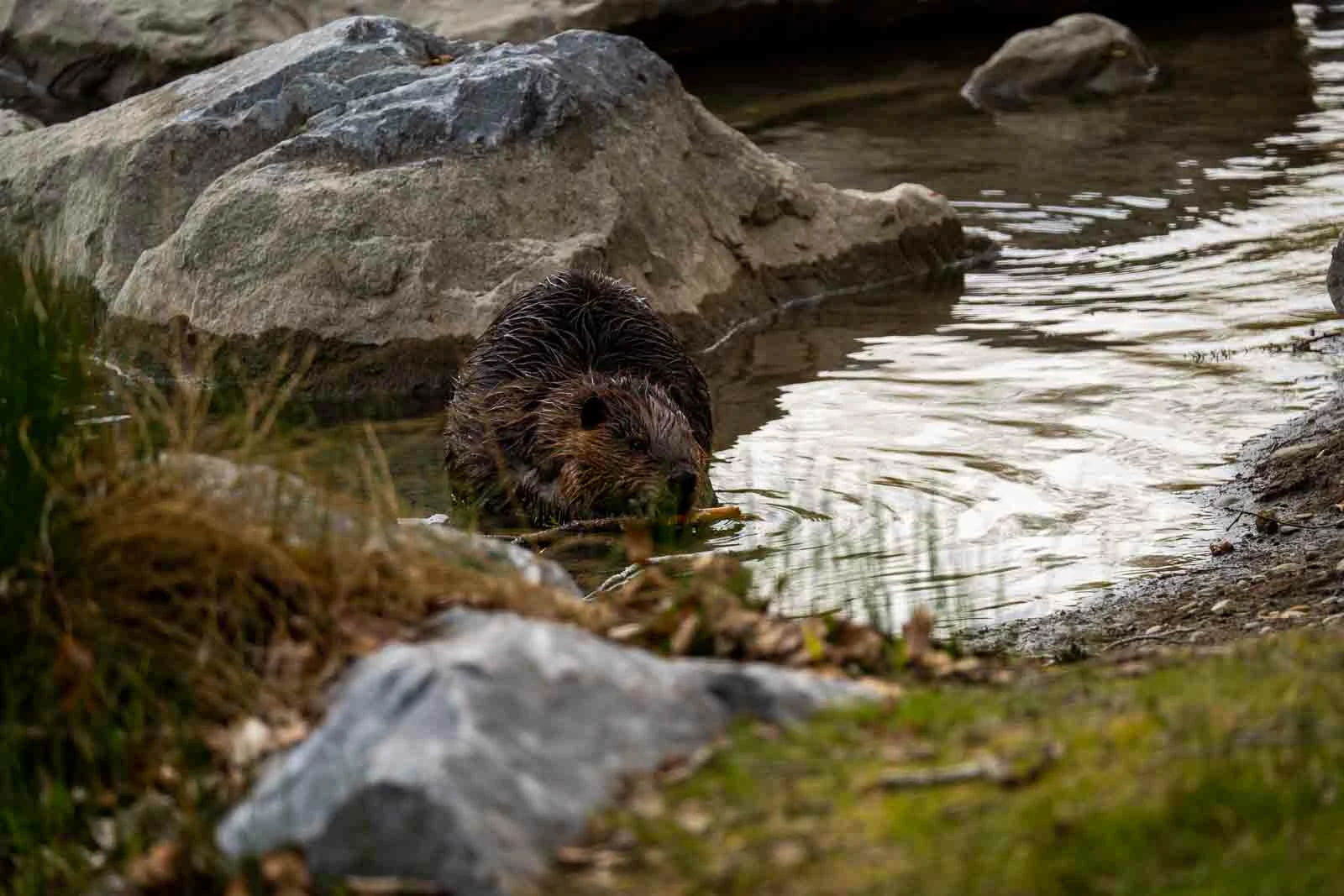
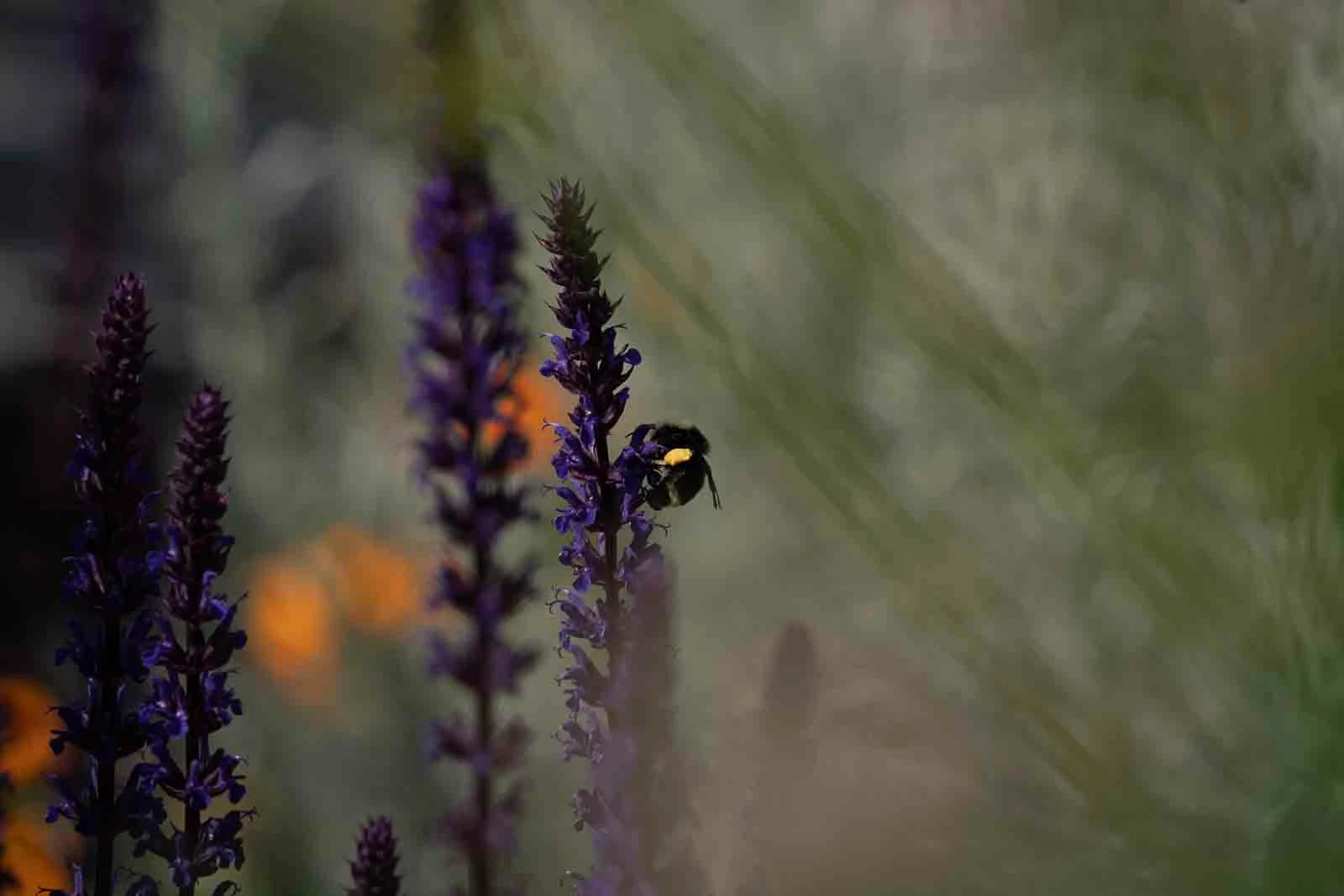
See the two samples below - the bee is a recent full quality export. the bever is a prior 1600 px export. 


any advice is very welcome. shooting sony - raw compressed for speed. All images are looking great on camera and in lightroom before export. This bee photo has no edits on it. Beaver is heavily edited. I am running low on memory on my computer is the only factor I can think of. Working on a sufrace pro tablet.


thanks in advance!
 

This topic has been closed for replies.

3 replies

Participating Frequently
June 5, 2021

I appear to have fixed the problem if this happens for anyone else - go to the preset menu and click export original, then export JPG large. I was previous just working with file type and something must have happened in the back code of the program that was causing a decrease in the quality...

Hope this helps if you're having issues! 


GoldingD
Legend
June 6, 2021

hmm, LrC? or Lr? That screenshot is not LrC.


Please post your System Information as Lightroom Classic (LrC) reports it. In LrC click on Help, then System Info, then Copy. Paste that information into a reply. Please present all information from first line down to and including Plug-in Info. Info after Plug-in info can be cut as that is just so much dead space to us non-Techs.


Participating Frequently
June 6, 2021

using Lr - is there a benefit to one over the other? I'm on a tablet so Lr has been easier.

thanks!

Participating Frequently
June 5, 2021

Here I have a perfect example - for some reason  DSC06133- 2 which i exported today is compressed to 537 KB though its the exact same image exported with the exact same settings as when I exported DSC06133 months ago. 

TheDigitalDog
Inspiring
June 5, 2021

I don't really see 'bad' JPEG compression but this may help (how you've set export):

http://regex.info/blog/lightroom-goodies/jpeg-quality

Also check the export settings for sharpening. 

Author “Color Management for Photographers" & "Photoshop CC Color Management/pluralsight"
Participating Frequently
June 5, 2021

are you looking at it on mobile or desktop?


Maybe this is a better sample. mountains are no issue - older export with similar lighting conditions to the kayaker - which is compressed as hell.  Look at the sky and the water...  its all rings of shades that only show up on export - pre export its flawless... This issue just started it didnt work like this before. 

Participating Frequently
June 5, 2021

I believe the mountain shot is even compressed to 1600 pixels as well...