
Answered
Keyword entry for multiple photos not possible
Error: Keyword entry for multiple photos not possible
Adobe Photoshop Lightroom Classic, Version 13.5 Camera Raw 16.5, Build [202408062022-6258095b]
macOS: 14.5 (23F79)
Steps:
1. Switch to Library mode.
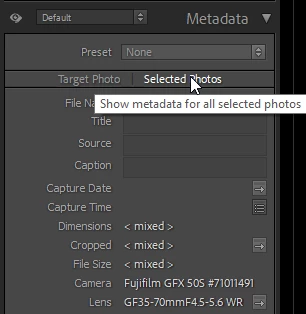
2. Select multiple images.
3. Open the “Keyword Tags” panel.
4. Enter one or more keywords in either the “Click here to add keywords” field or the large field.
Expected result: All selected images receive the keywords.
Actual result: Only the first selected image receives the keywords.
Note: Lightroom is being used in German. Lightroom terminology may therefore be incorrect.


 AdChoices