
KI Rauschreduzierung:Probleme mit fehlenden Dateien und Zielordner
Ich habe auf meinem MacBook Pro mit M2 Max Chip Lightroom Classic installiert.
aus Lightroom/Hilfe/Systeminformationen...
Lightroom Classic-Version: 14.2 [ 202502071718-3869eef7 ]
Lizenz: Creative Cloud
Spracheinstellung: de-CH
Betriebssystem: Mac OS 15
Version: 15.3.1 [24D70]
. . .
Interne Camera Raw-Version: 17.2 [ 2155 ]
Maximale Anzahl Threads, die Camera Raw verwendet: 5
Camera Raw SIMD-Optimierung: SSE2
. . .
Ich stelle fest, dass seit ein paar Tagen die KI Rauschreduzierung nicht mehr funktioniert. Bis vor einem Monat hat das noch tiptop funktioniert und das neu erstellte DNG file taucht in der Bibliothek als Variante auf.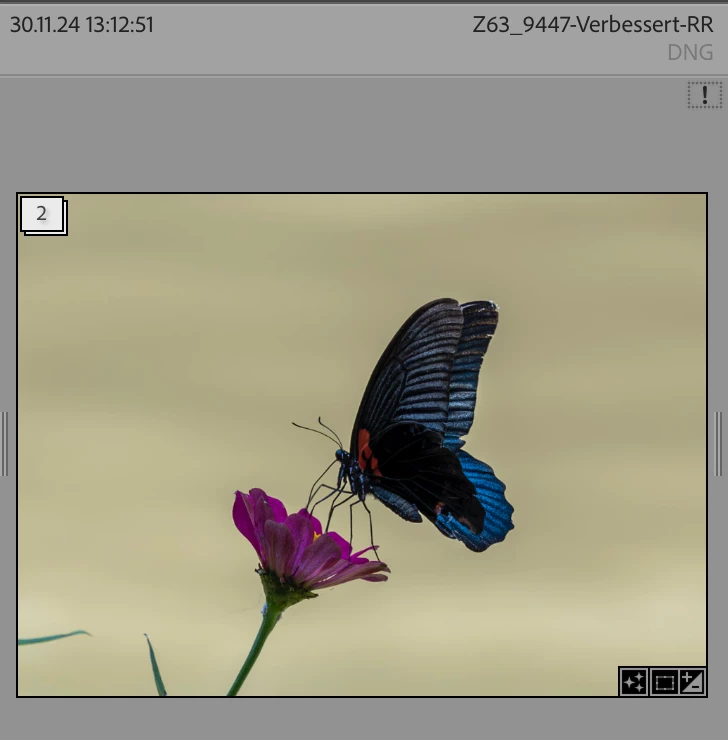
Nun gibt es im Entwicklungsmodus beim clicken auf KI Rauschreduzierung folgende Fehlermeldungen: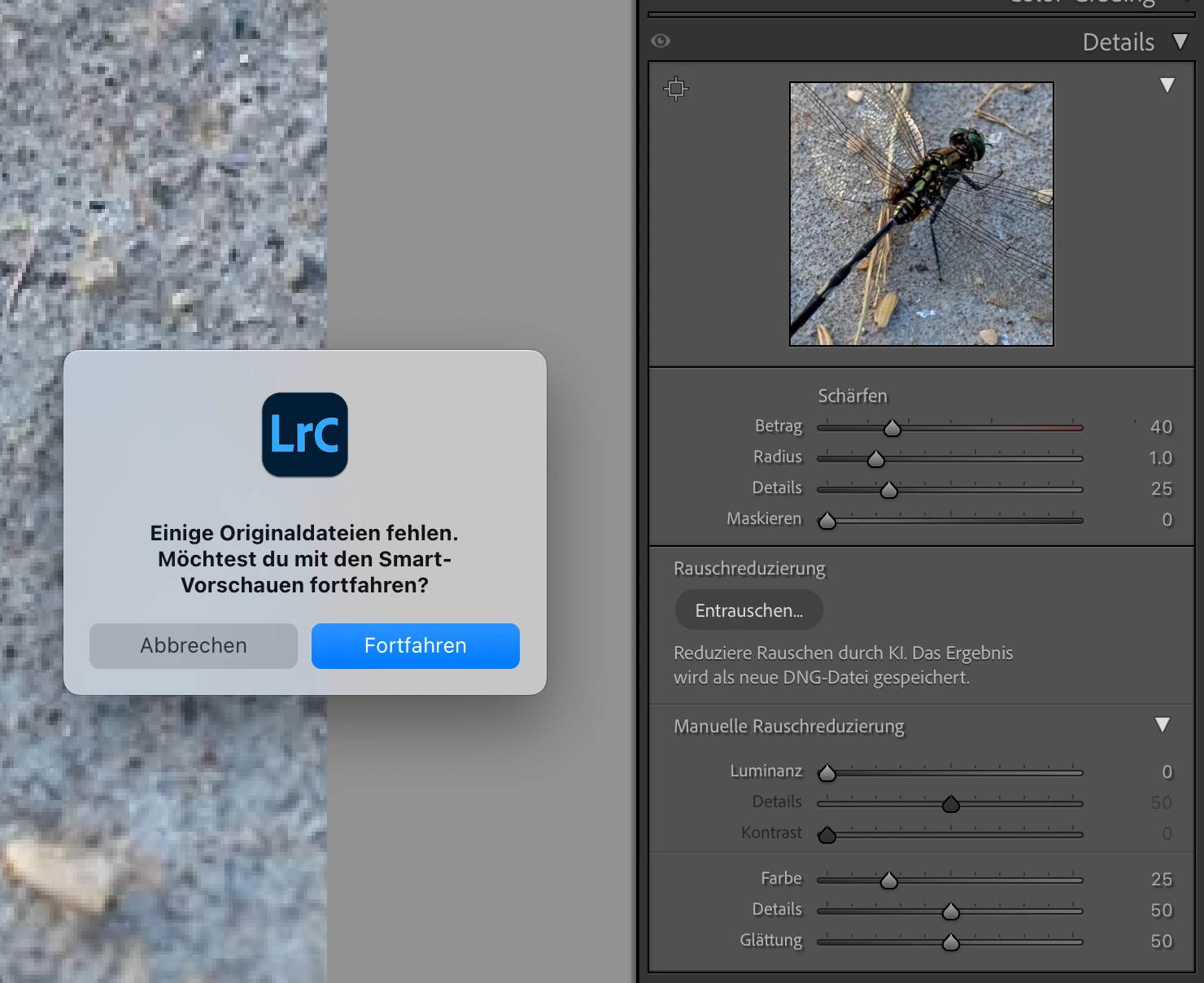
Klicke ich auf "Fortfahren" gibt es eine zweite Fehlermeldung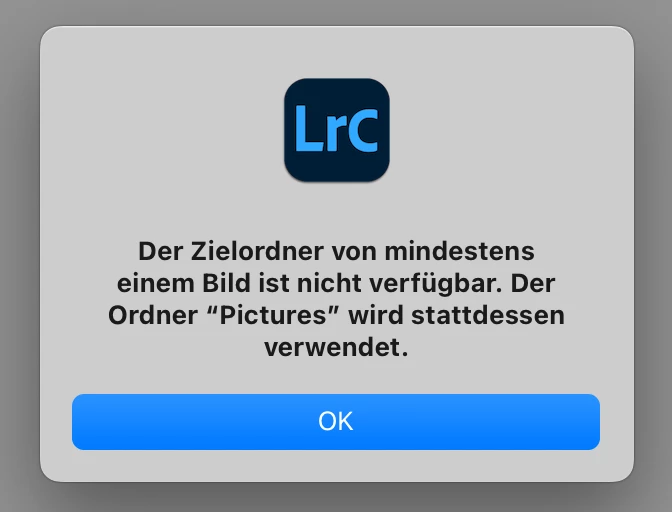
Danach ist der Entwicklungsscreen leer. Ich nehme an, dass die KI Rauschreduzierung zwar funktioniert, aber es in Lifghtroom ein Problem mit Ordern gibt.
Wie kann ich das wieder korrigieren, dass Dateien wieder am Ort wie vorher auftauchen?


 AdChoices