Participant
January 22, 2024
Answered
Konturen Reparaturwerkzeug
- January 22, 2024
- 2 replies
- 176 views

In the Right Panel, notice the red dot/circle below the mask icon, Indicates changes occurred that can effect or be effected by the mask(s)

Bring up the mask panel. Right click on a mask (AI one preferably) and select update AI masks
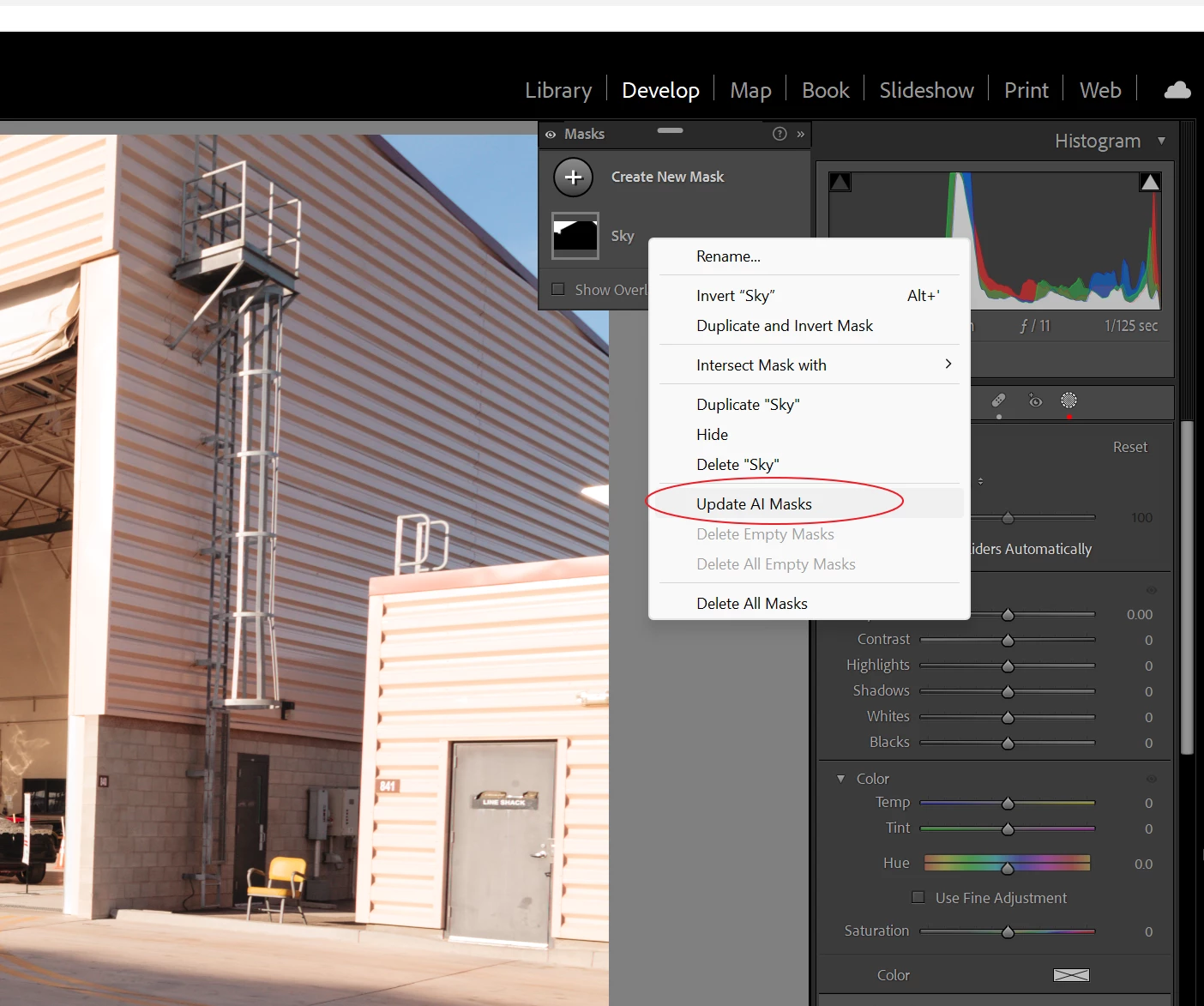
Yes my example, not so drastic.
It used to be that you must apply those heals before masking. Not so much any longer as the Update AI Masks works much better that it did (was it even in earlier releases??)
Already have an account? Login
Enter your E-mail address. We'll send you an e-mail with instructions to reset your password.
 AdChoices