Participant
April 10, 2024
Question

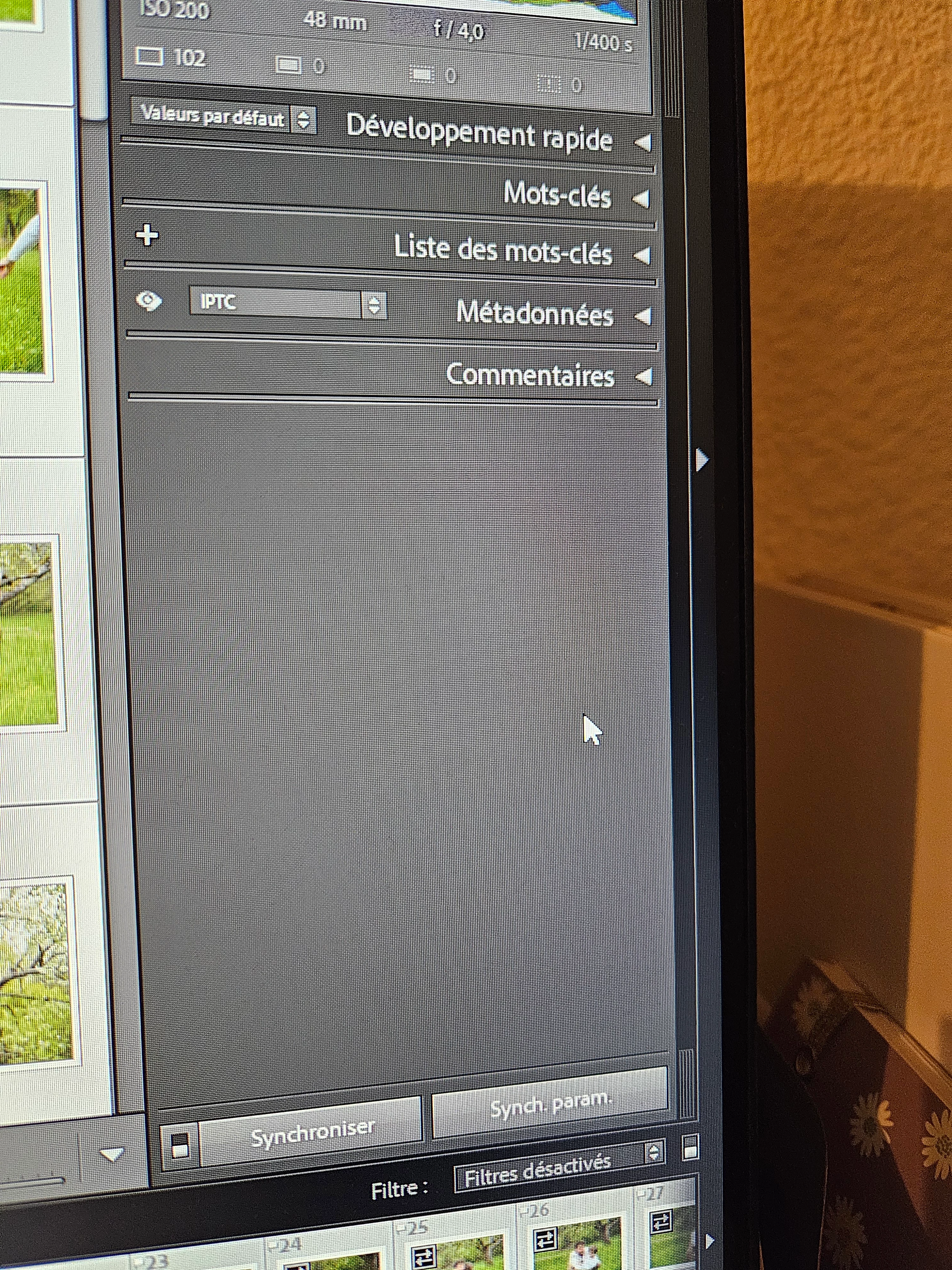
La fenetre destination n apparaît pas

  • April 10, 2024
  • 2 replies
  • 189 views

Bonjour 


La fenêtre de destination n apparaît pas... je ne peux donc pas faire une copie de mes photos ou que ce soit...

This topic has been closed for replies.

2 replies

GoldingD
Legend
April 10, 2024

How are you attempting to export? Please list the steps.


AxelMatt
Community Expert
Community Expert
April 10, 2024

You are in the Library module of Lightroom. There's no destination windows. You can make a virtual copy of a image with the short cut Strg + T.

The destination window you'll see  when you import pictures to Lightroom.


If this doesn't help or I misunderstood your question please describe a little bit more detailed.


My System: Intel i7-8700K - 64GB RAM - NVidia Geforce RTX 3060 - Windows 11 Pro 25H2 -- LR-Classic 15 - Photoshop 27 - Nik Collection 8 - PureRAW 6 - Topaz Photo AI
Participant
April 10, 2024
Même en dans l'onglet développement ça n apparaît pas pour exporter mes
photos...
AxelMatt
Community Expert
Community Expert
April 11, 2024

Sorry, but I don't understand what you mean.


Plese describe your issue/question as precisely as possible. What are you trying to achieve and what are your steps? 


My System: Intel i7-8700K - 64GB RAM - NVidia Geforce RTX 3060 - Windows 11 Pro 25H2 -- LR-Classic 15 - Photoshop 27 - Nik Collection 8 - PureRAW 6 - Topaz Photo AI