
Question
Lens Correction Vignette disabled
Hi,
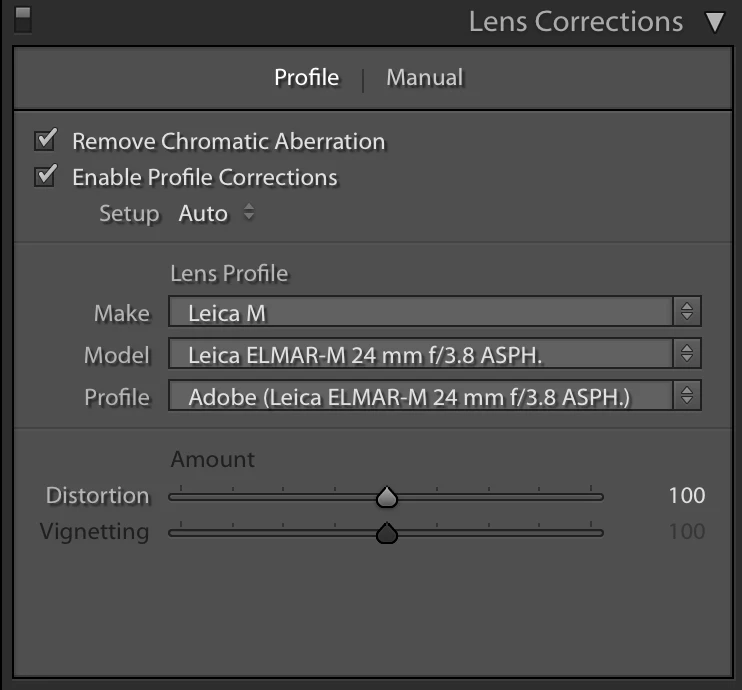
Using the Lens Correction tab, Develop module of LR 6.x, the "Vignette" slider on the first pane of that tab is always disabled. I've tried various lens profiles on the "Leica M" camera, and none have the Vignetting slider enabled (see below). If I set the camera make to "Nikon", then the Vignetting slider becomes active, so this seems to be something deliberate/unique to the Leica M model. Does anyone know why? I guess this is something about the way the Lens Profiles for these cameras are constructed...?
William
Here is how the pane's "Profile" tab appears (consistent regardless of Lens I use)
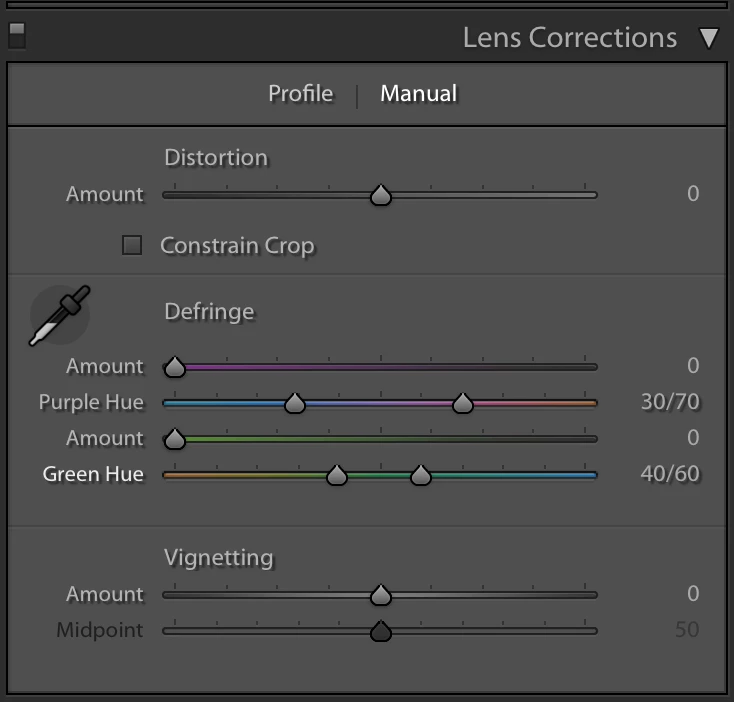
It is enabled in the "Manual" tab:


 AdChoices