Participant
August 19, 2026
Answered

library filter: keep a specific filter type fixed

  • August 19, 2026
  • 3 replies
  • 24 views

LrC --> Library --> library Filter: when I set on filter type "raw" and I view date by date, with every change of date the file type filter switches to "all types", so it does not stick on type "raw".  Can I keep it fixed on a certain type?
    Correct answer dj_paige

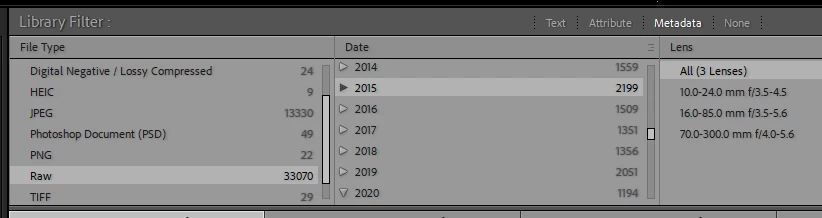
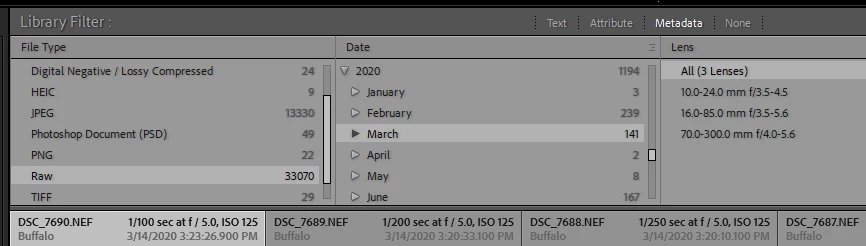
    In the Filter Bar, if the left-most column selects File Type Raw, then you can change dates in the second column and the left-most column stays on Raw. Here are two screen captures where I have changed the date selected and the File Type remains on Raw.


    3 replies

    dj_paige
    dj_paigeCorrect answer
    Legend
    August 19, 2026

    In the Filter Bar, if the left-most column selects File Type Raw, then you can change dates in the second column and the left-most column stays on Raw. Here are two screen captures where I have changed the date selected and the File Type remains on Raw.


    JAHEUKAuthor
    Participant
    August 19, 2026

    thx!!!   it can be extend by column 2, 3, . . . 

    verrry good tip


    Herman

    dj_paige
    Legend
    August 19, 2026

    Glad I could help.

    Please mark my reply as Correct