
Question
"Lighroom Sync" / "Prevent system sleep during sync" not working
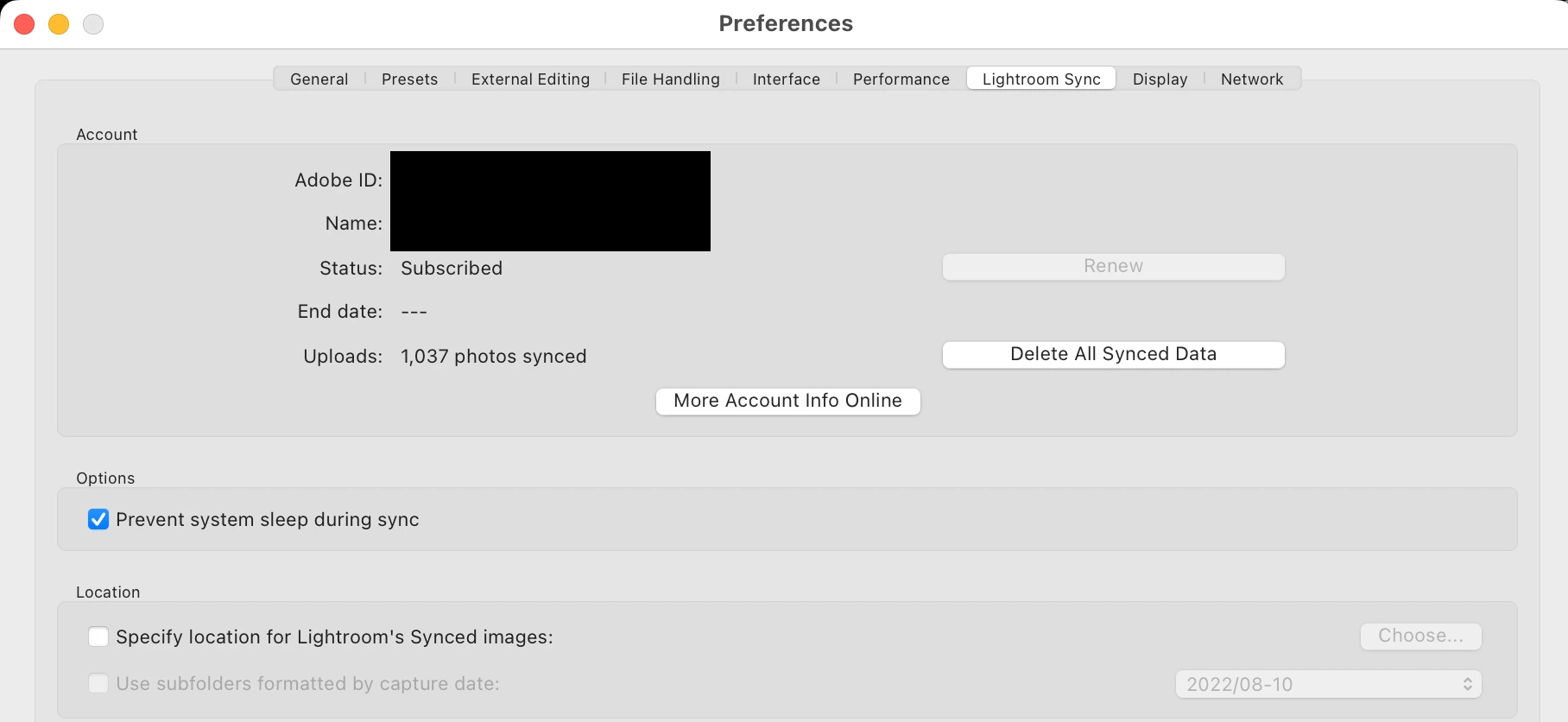
The checkbox "Prevent system sleep during sync" under the Settings tab "Lightroom Sync" is checked.
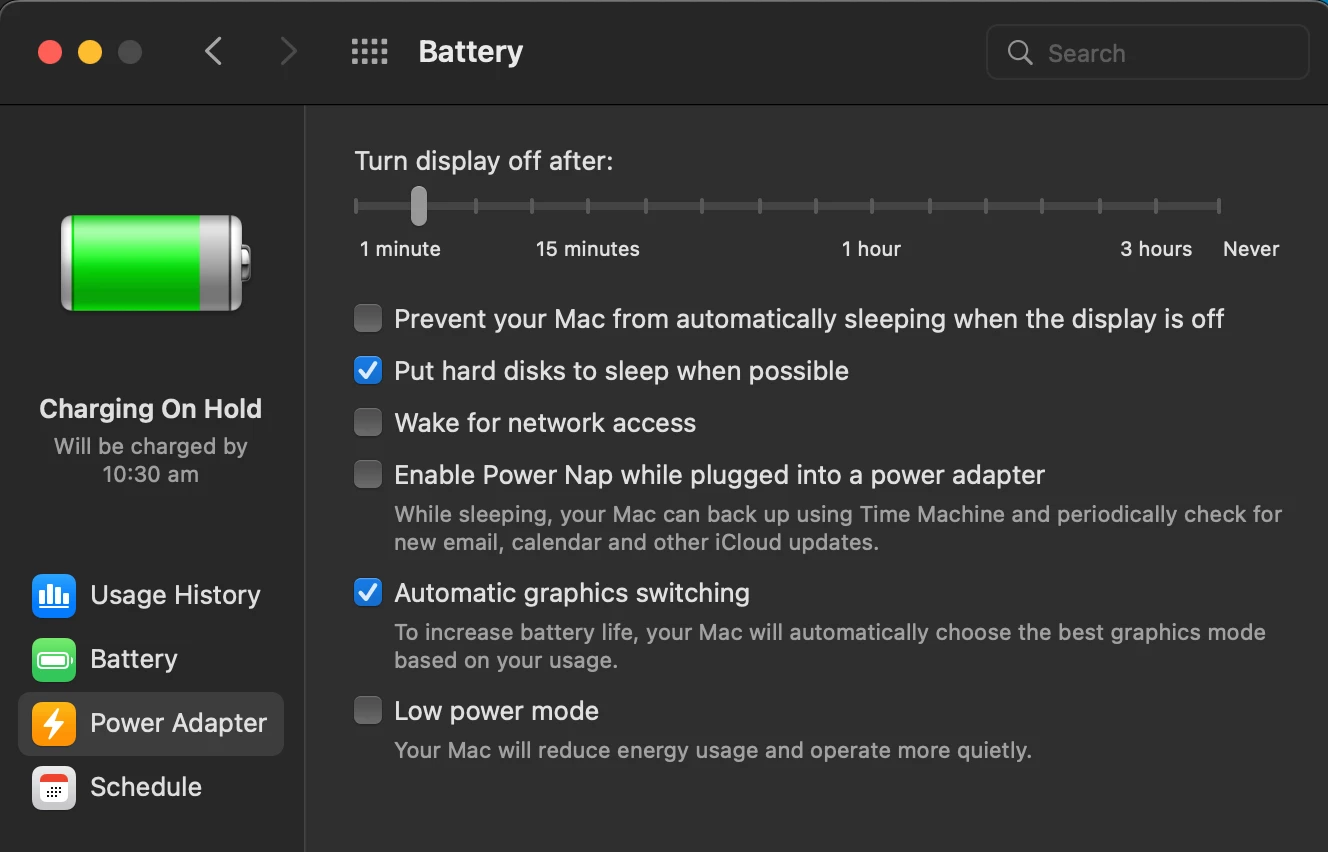
I let Lightroom Classic run and left the Mac unattended while being plugged and charging.
Upon returning after 10 minutes, the Mac was fully asleep and Lightroom had not synched to the Cloud in the meantime.
Thank you
- macOS Monterey 12.5 (latest)
- Lightroom Classic 11.4.1 (latest)


 AdChoices