January 23, 2026
Question

Lightroom 15.1.1 not showing imported presets

  • January 23, 2026
  • 3 replies
  • 83 views

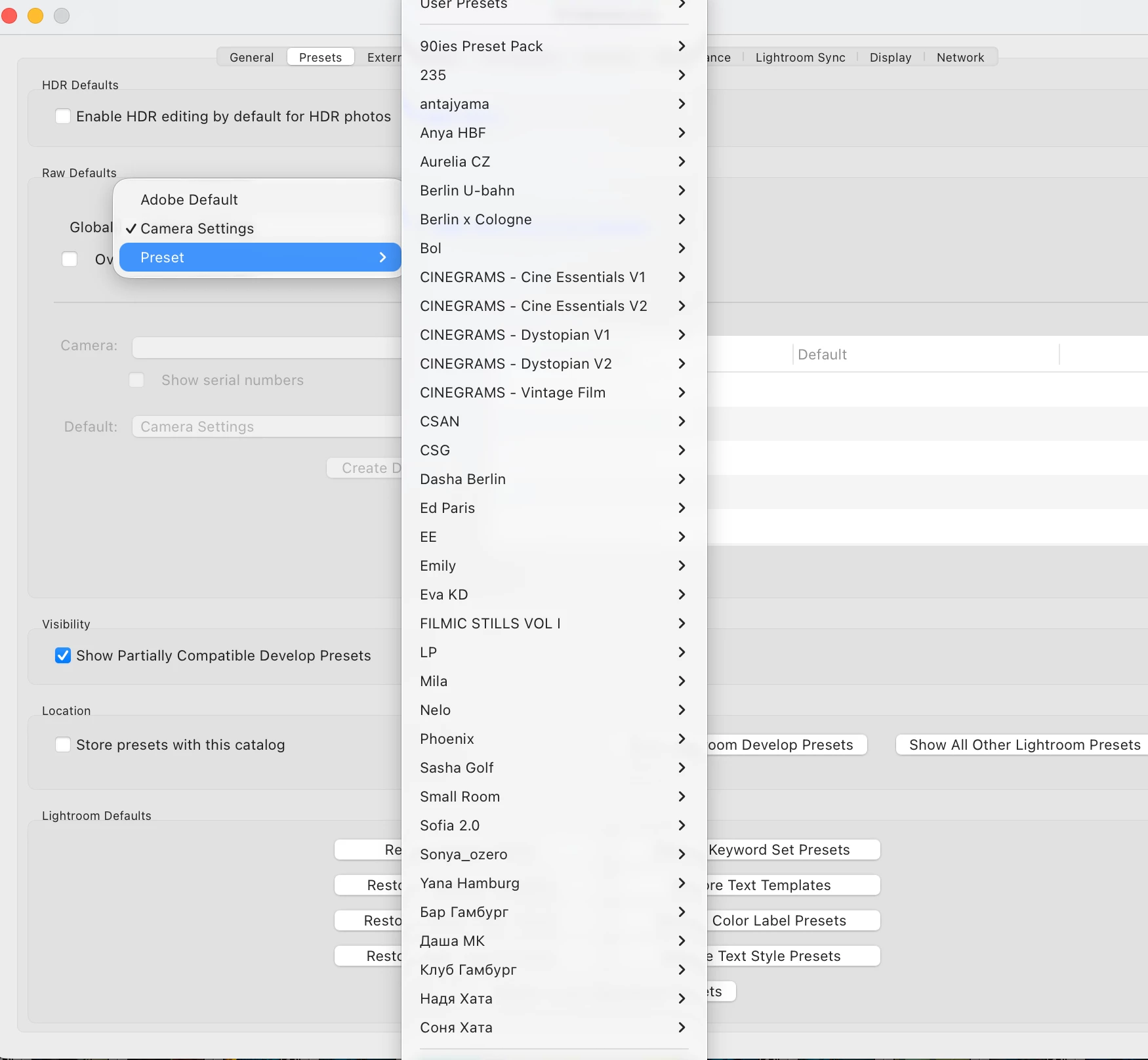
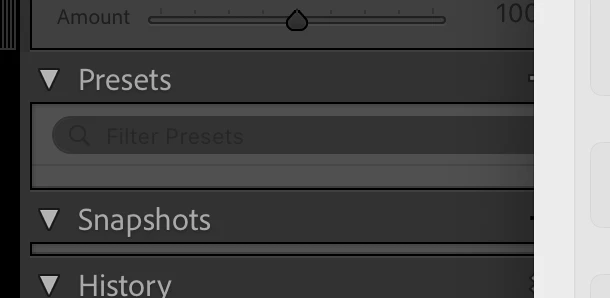
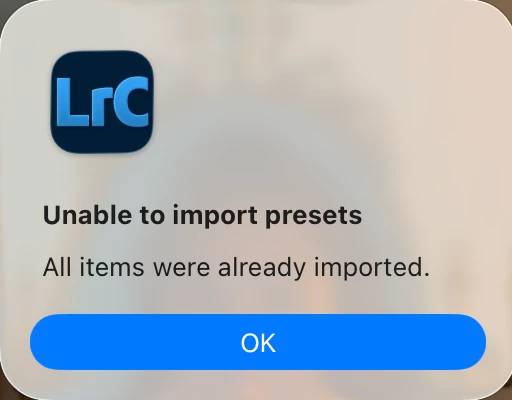
Hello, I just got back to my LR Classic & unable to see any of my imported presets which were there last month. I have not changed any settings etc in while. When I tried to import presets again I get an error "Unable to Import, Preset Already Exists" but under Develop > Preset its totally empty 

In Prefrences, I see the presets that I have imported but nothing in Develop section
3 replies

Participant
January 26, 2026

I've got a similar problem - but with missing profiles. It happened all of a sudden. And when I'm trying to add the profiles, it says they are already there (but I can't see them). So frustrating!!! 

johnrellis
Legend
January 26, 2026

When you see "All items were already imported", work through steps 6-8 of this FAQ:

https://www.lightroomqueen.com/community/threads/faq-where-are-my-develop-presets.50140/

Participant
January 26, 2026

I've done 6-7 (and nothing's happened yet) but not sure with then 8 - I've got like 150+ presets, it means I'll have to edit all of them?! 

Legend
January 24, 2026

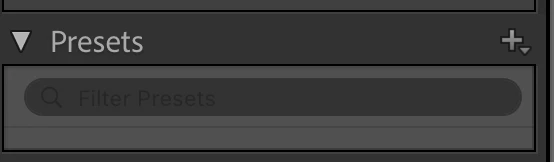
Click on the + icon to the right of "Presets" 

Choose 'Manage Presets' and see if all Preset groups were turned off?

bhousto90_0-1769267399841.png

bhousto90_0-1769267707373.png


January 25, 2026

The option is faded as you see

JohanElzenga
Community Expert
Community Expert
January 25, 2026

Do you have at least one image in the catalog and is an image selected?


-- Johan W. Elzenga
JohanElzenga
Community Expert
Community Expert
January 24, 2026

Have you tried resetting the preferences? https://www.lightroomqueen.com/how-do-i-reset-lightrooms-preferences/


-- Johan W. Elzenga
January 25, 2026

Yes, still can not see the presets and still not import because as per LR they already imported. I even uninstalled and Installed it