Participant
August 22, 2021
Question

Lightroom 2021 classic crashing at start up using win 10

  • August 22, 2021
  • 3 replies
  • 642 views

Hi I have checked all the posts that I understand and googled several possible causes.

I have Adobe Photoshop Lightroom Classic 2021 - Windows 10

Brand new laptop nothign installed but O365

lightroom worked the first time I installed, opened a photo tried a few edits and then decided I needed to do some tutorials so closed it down. Opened again a few days later but now it crashes as soon as it opens

uninstalled and reinstalled made no difference

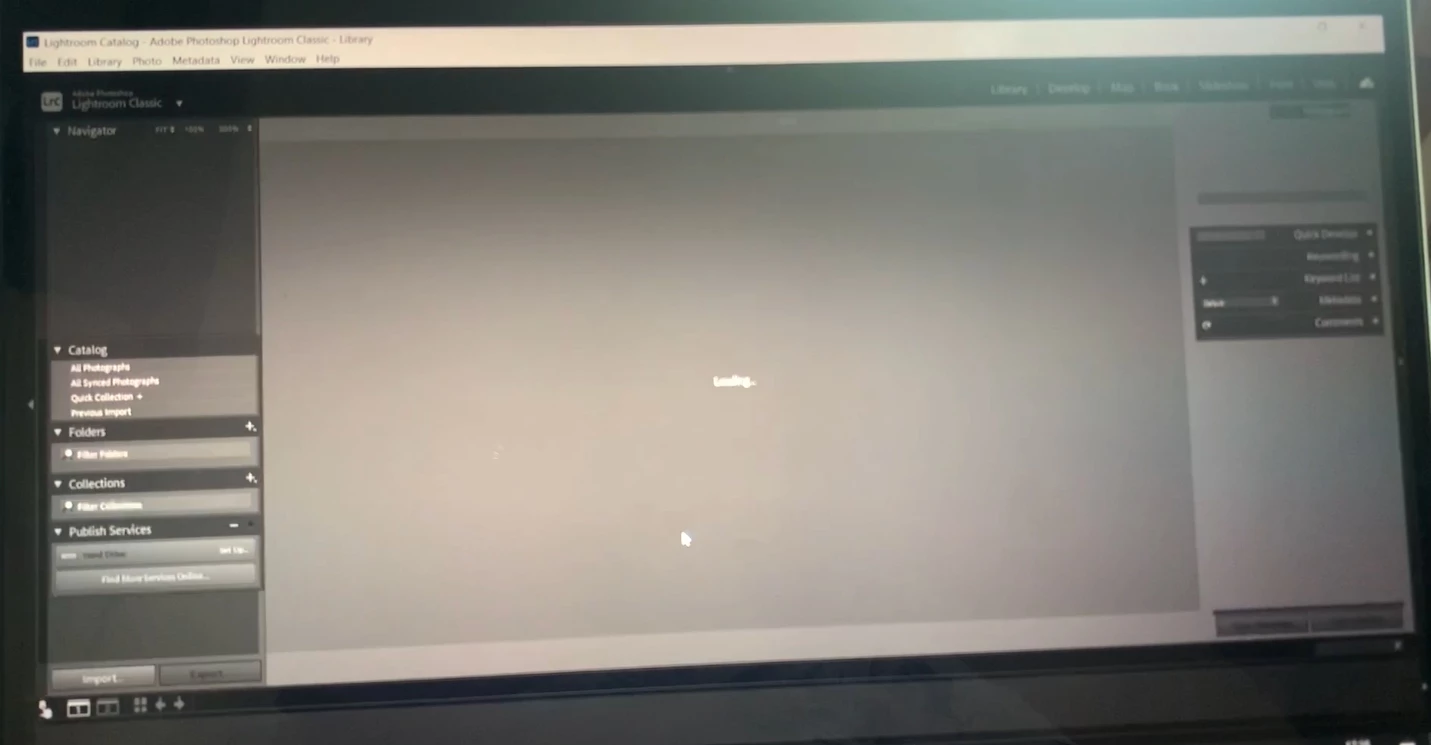
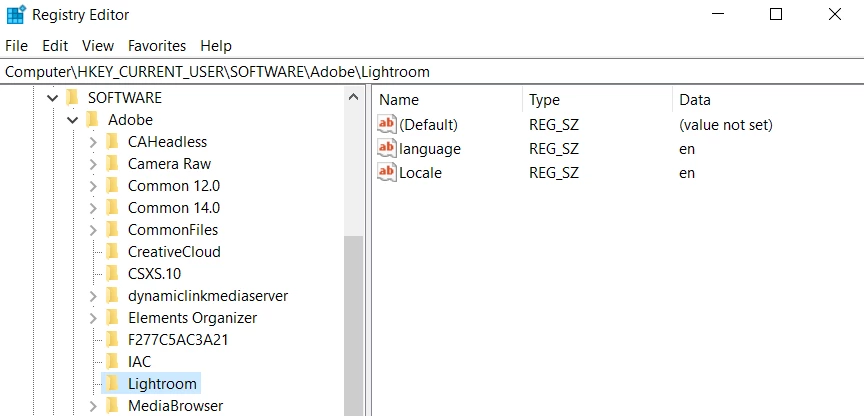
I see two screens as follows before it crashes
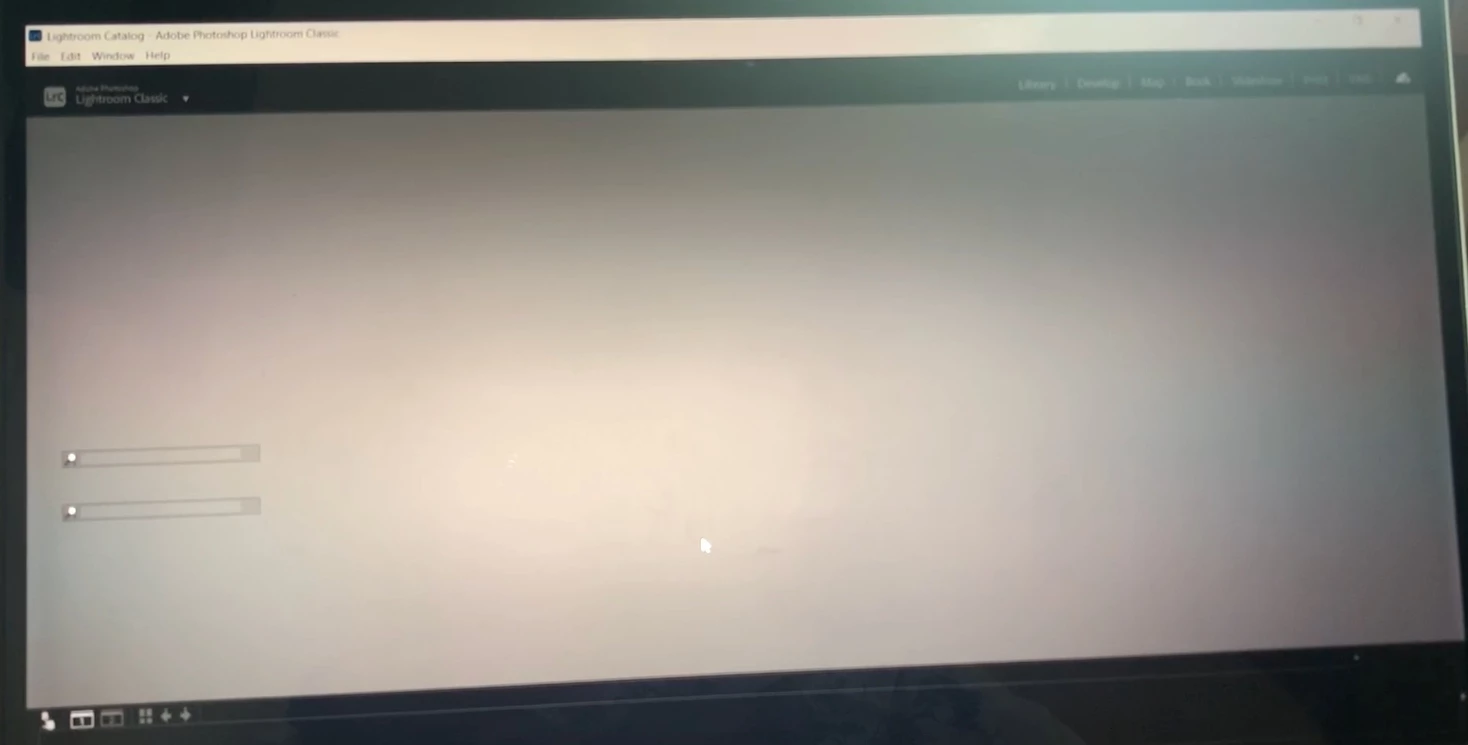
here is the registry enteries
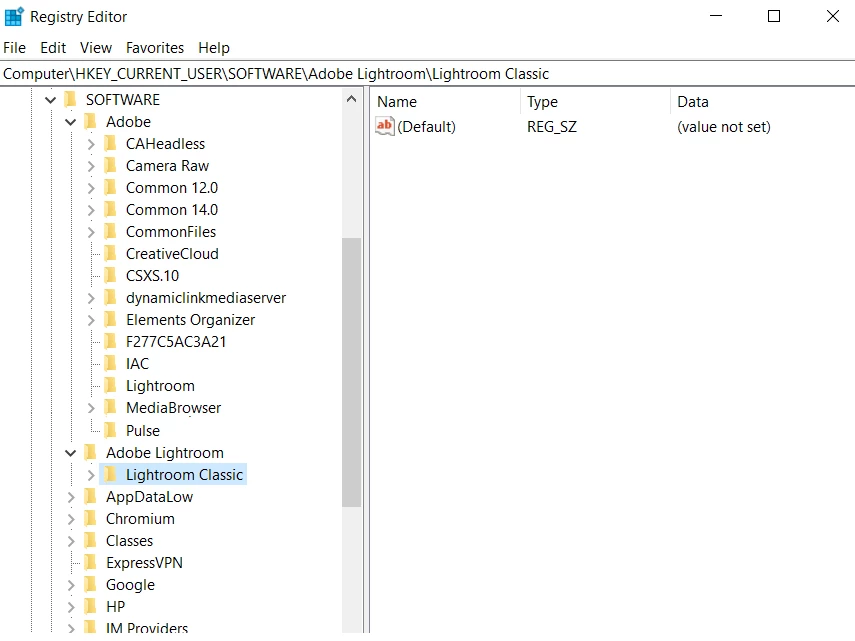
Not sure why or if there should be 2 entries??

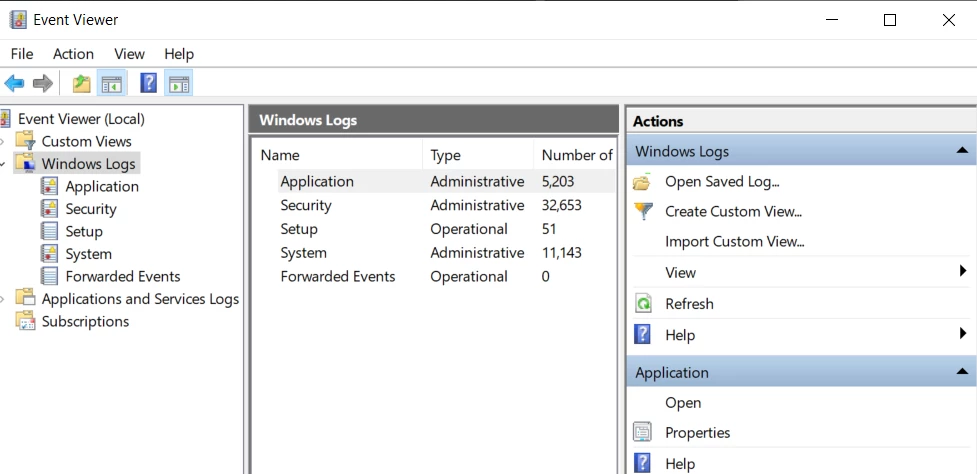
I would show the windows event log files but I dont know what one to pick, sorry
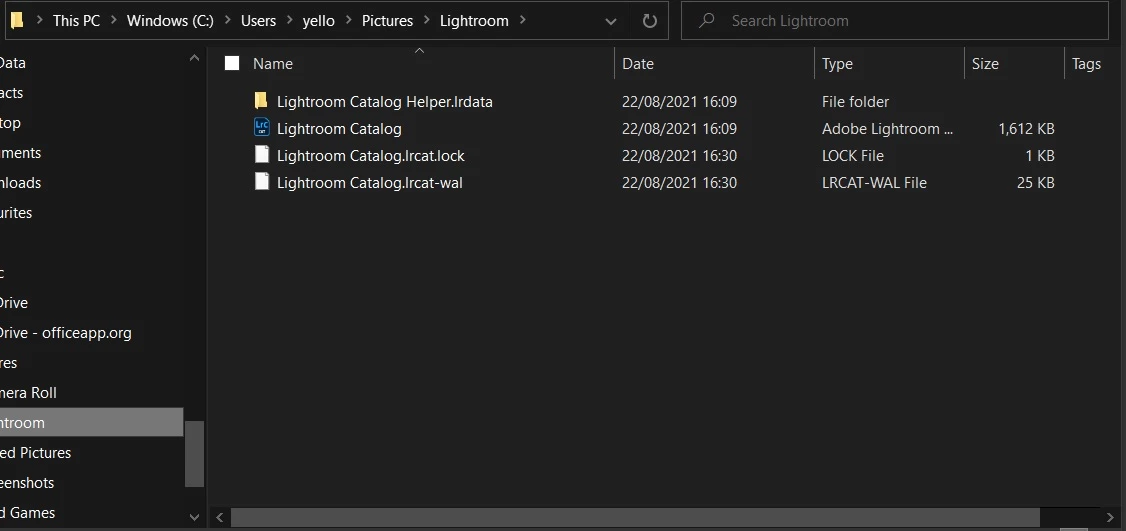
here is the pictures folder the bottom 2 files appear as the lightroom launches then dissapear after it crashes.
 

loosing the will here unless someone can help, thanks everso

This topic has been closed for replies.

3 replies

GoldingD
Legend
August 22, 2021


Not sure why or if there should be 2 entries??


Three possibilities

  • Vey old installation of Lightroom with some trash left behind in the registry
  • Lightroom Desktop, a.k.s Lightroom Couldy
  • Not clean coding by Adobe installs/uninstalls, etc (note, my Windows 10 has that also, plus Lightroom CC


GoldingD
Legend
August 22, 2021


 I have checked all the posts that I understand and googled several possible causes.


Ok, but a you have not listed what you attempted, I cannot assume you tried what follows. What follows are two possibilities that a search should have revealed. But...


Number one, Preferences File.


Hav you considered restoring (a.k.a resetting) the preference file? The preference file can get corrupted leading to buggy behavior, Tee blank spots in yhour second screenshot just SCREAMS preference file (that and GPU, see below). The preference file WILL survive updates, upgrades, uninstalls, reinstalls. How to do this is in (ref 1). Note that preferences settings will revert to defaults.


Number Two, selecting Use Graphics Processor in preferences


Not all GPU's are capable of supporting this option, This is due to age of GPU (when was it sold, GPU's have moved on and maybe yours is week), GPU driver installed, VRAM, Issues in your OS. see (ref 2) for manual method to disable.


(ref 1): https://helpx.adobe.com/lightroom-classic/help/setting-preferences-lightroom.html

(ref 2): https://helpx.adobe.com/lightroom-classic/kb/troubleshoot-gpu.html

GoldingD
Legend
August 22, 2021

First up, Lock File


  • Last screenshot, that lock file, you are deleting it and then attempting to start LrC? Yes/no.


I am fairly sure the answer is Yes, as you have gotten as far as a LrC screen showing that previews are loading.


Second up: Adobe Program, name/version


I have Adobe Photoshop Lightroom Classic 2021 - Windows 10


  • That is a non existing name for LrC (current). What exact Adobe program name and version? Current would be Lightroom Classic v10.4 (notice no blasted CC in the name, no dependency on year in the version)


Third, OS verrsion


  • What version/build of Windows 10?


Fourth, GPU


  • What is your GPU make/model
  • What is your GPU driver version?
Participant
August 23, 2021


sorry not so good at this 😞


First up, Lock File


  • Last screenshot, that lock file, you are deleting it and then attempting to start LrC? Yes/no.


No I am screen shotting the 2 screens with my phone, the lock files appear and delete on their own no input fron myself .


2nd : Lightroom version 10.1 no previous installations

3rd: Brand new HP Envy Windows 10 Version 21H1

Here is the only information I could find on my graphics


thanks everso