Participant
June 21, 2013
Question

Lightroom 5 no noise reduction on file export

  • June 21, 2013
  • 2 replies
  • 16391 views

Here are the steps I'm using:


               color and luminance noise reduction

Export with these settings:

               jpeg ( same result with tiff}

               quality 100%

               resize to fit long edge 1000 px

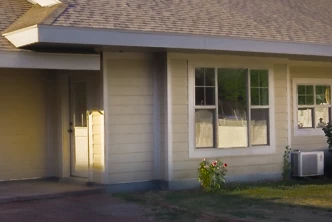
    Lighroom screen--------------------------------------------------------Jpeg export
Any ideas?

This topic has been closed for replies.

2 replies

Keith Reeder
Participating Frequently
June 21, 2013

And just to add/clarify - if you export at full res, you should see the effect of your NR and sharpening decisions.

Consider that a work-around, and resize in (say) Photoshop.

areohbee
Legend
June 21, 2013

Keith_Reeder wrote:

Consider that a work-around, and resize in (say) Photoshop.

Other work-arounds:

* Resize using Lr/Mogrify as post-process action.

* Use PreviewExporter for reduced-rez exports.

Rob

July 4, 2013

Workarounds are NOT THE SOLUTION!

we all Pay for that Product and in any other Version it works well.

Know we have to do 2 Steps more our Workflow for fixing a developer mistake?

ssprengel
Inspiring
June 21, 2013

This was discovered the first day LR5 was released and has been acknowledged by Adobe—it has to do with the relative dimensions of the output relative to the original file. I think what happened is the code that is used to determine whether a Develop preview gets NR and Sharpening applied is also being applied to exported output:

http://blogs.adobe.com/lightroomjournal/