matteon95170234
Participant
October 8, 2018
Answered

Lightroom 6 (Licenza perpetua) - erroe imprevisto durante l'apertura del catalogo

  • October 8, 2018
  • 2 replies
  • 575 views

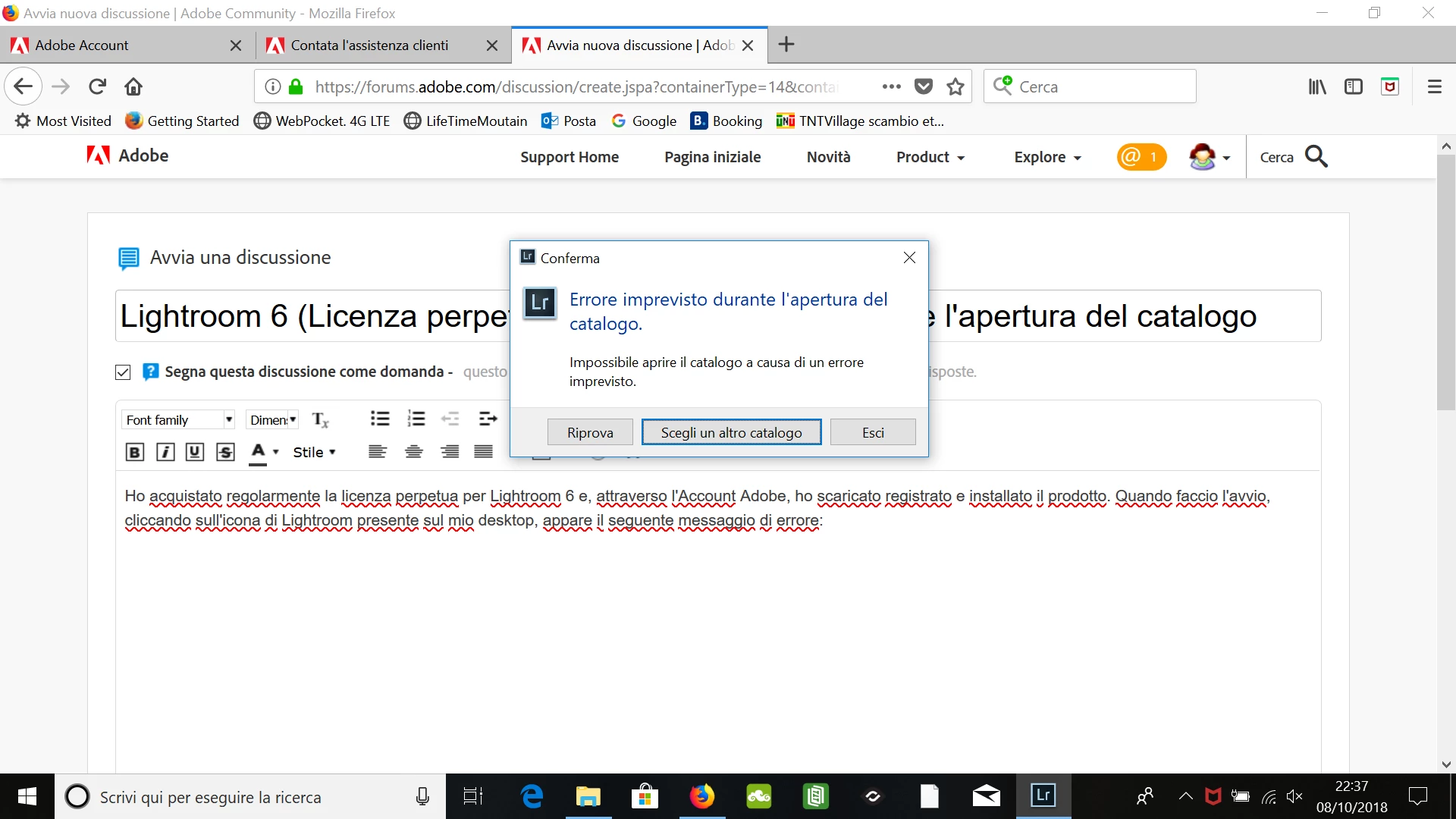
Ho acquistato regolarmente la licenza perpetua per Lightroom 6 e, attraverso l'Account Adobe, ho scaricato registrato e installato il prodotto. Quando faccio l'avvio, cliccando sull'icona di Lightroom presente sul mio desktop, appare il seguente messaggio di errore (vedi sotto). Anche sa uso "scegli un altro catalogo" e lo seleziono manualmente mi ripresenta lo stesso errore. Se scelgo "esci" si chiude la schermata di cui sotto. Non mi è possibile di avviare Lightroom 6.
This topic has been closed for replies.
Correct answer Sahil.Chawla

Hi Matteon,

Sorry to hear about this error, could you please try the steps mentioned here and let us know if it helps?

Photoshop Lightroom catalog FAQ

Regards,
Sahil

2 replies

Participant
May 11, 2021

Buonasera, succede anche a me la stessa cosa come sopra. Ho disinstallato il programma e installato di nuovo ma non funziona. di seguito vi invio le foto delle finetre che si aprono. per favore non essendo un informatico vi chiedo una soluzione che si possa capire e intuitiva senza suggerimi altri faq incomprensibili e che alla fine non risolvono nulla.

molte grazie


dj_paige
Legend
May 11, 2021

Your error on the left indicates that Lightroom has encountered an unexpected error. Usually, this means that your catalog file is corrupted and you need to restore a recent backup of your catalog file and use that.

Sahil.Chawla
Adobe Employee
Sahil.ChawlaCorrect answer
Adobe Employee
October 8, 2018

Hi Matteon,

Sorry to hear about this error, could you please try the steps mentioned here and let us know if it helps?

Photoshop Lightroom catalog FAQ

Regards,
Sahil