
Lightroom 8.2 Photoshop CC 2019 Conundrum
My system is Mac Mojave v10.14 I have been using LR 8.2 for about 2 weeks. I started seeing Camera raw box pop up but soon stopped. Until today i was able to open any DNG in photoshop or as a smart object object. Now nothing but PSD's open in photoshop. I actually have to drag a DNG form our network server into photoshop to get it to open. When i try from LR it opens Photoshop but the image never opens. I think it's a camera raw issue. My camera raw as everything is up to date. Please advise.
Latest update, i re-instaled camera Raw. Same problem, Now when i drag an image from the Lightroom window into Photoshop i get this.
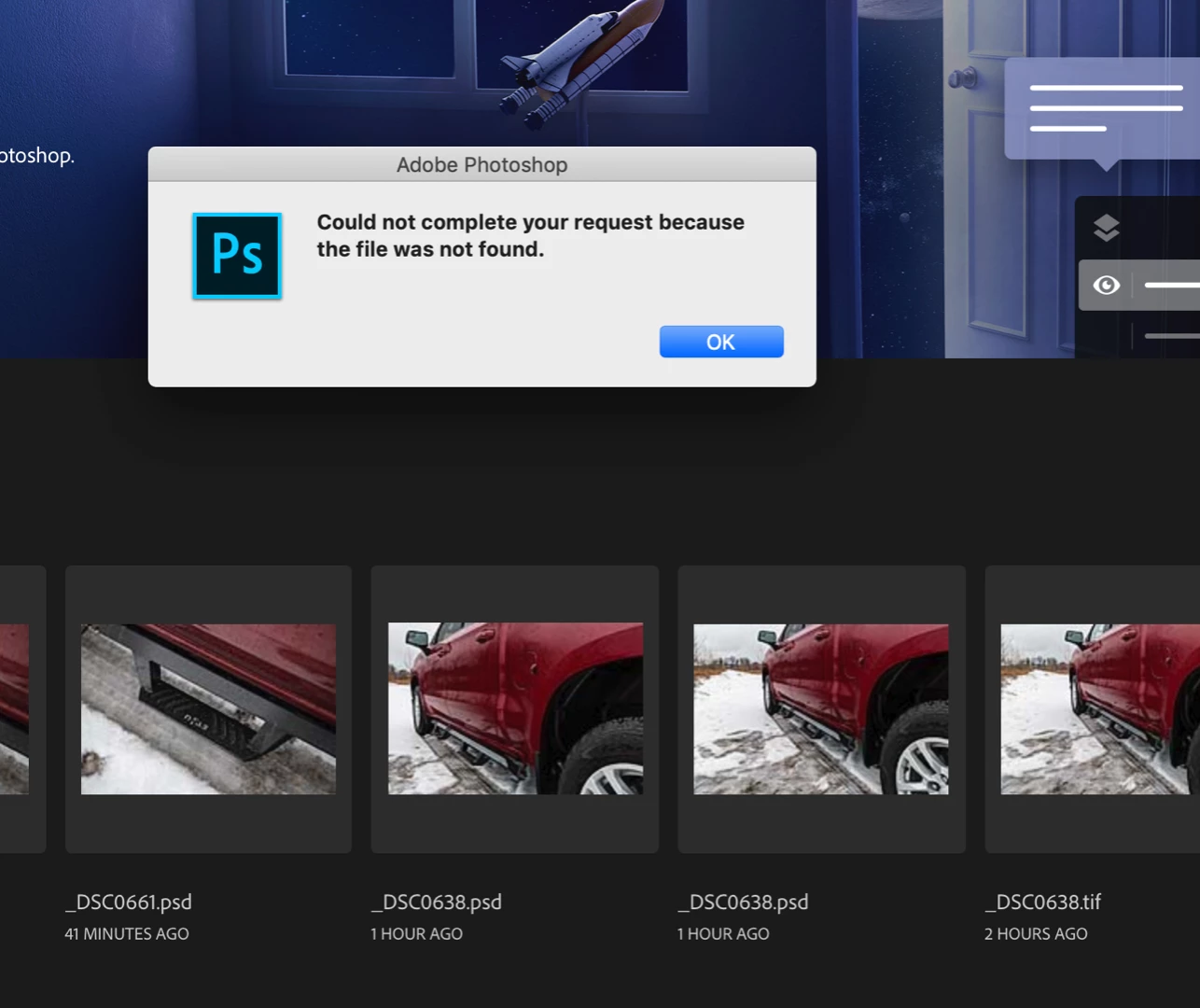
This has never happened before. However when i grab the same image directly from the master library in our network drive. It opens in camera Raw in Photoshop.
Pleas advise.
 AdChoices