lil_uhura
Participant
February 26, 2020
Question

lightroom 9.2 not showing photo previews

  • February 26, 2020
  • 1 reply
  • 106 views

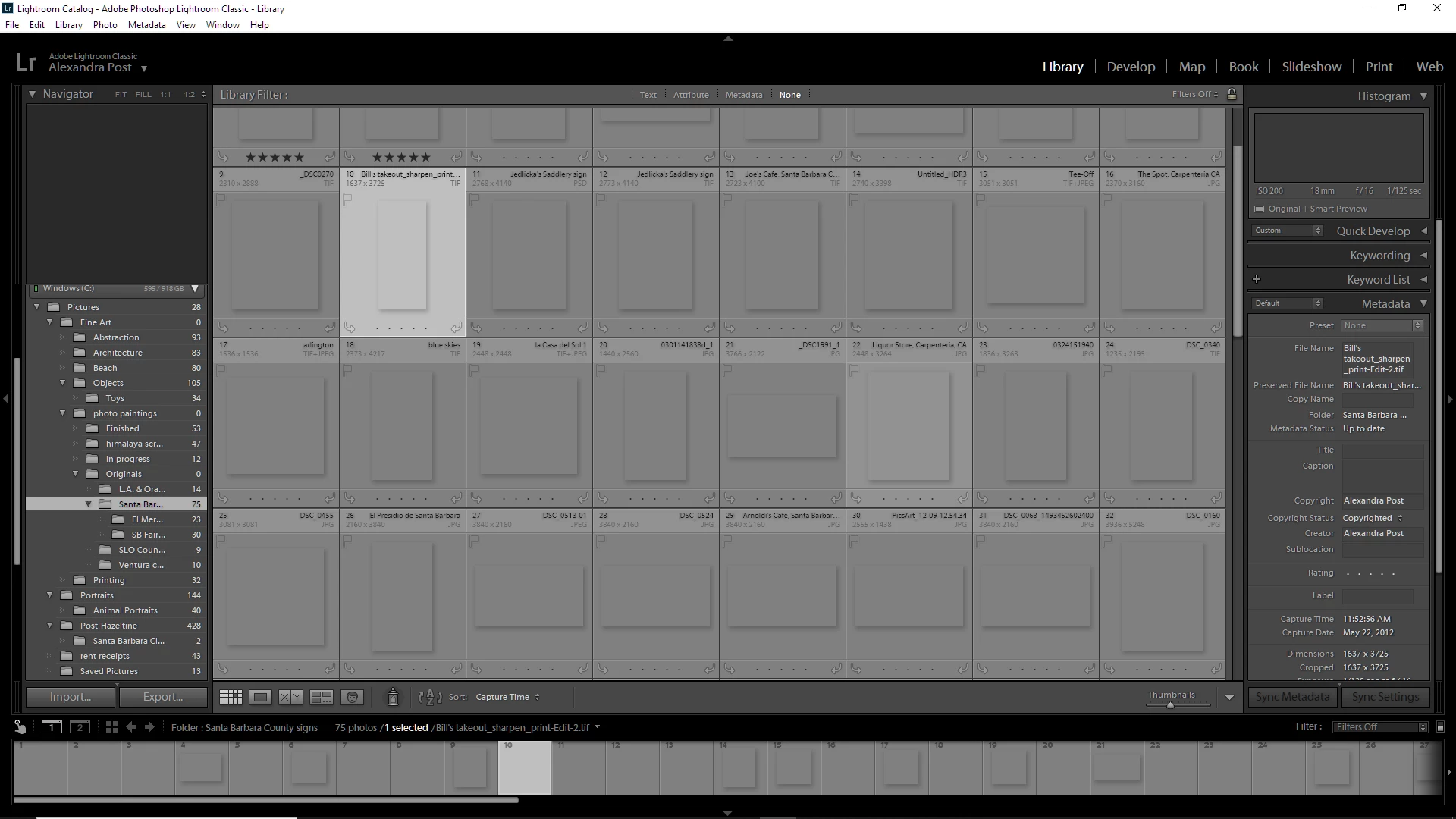
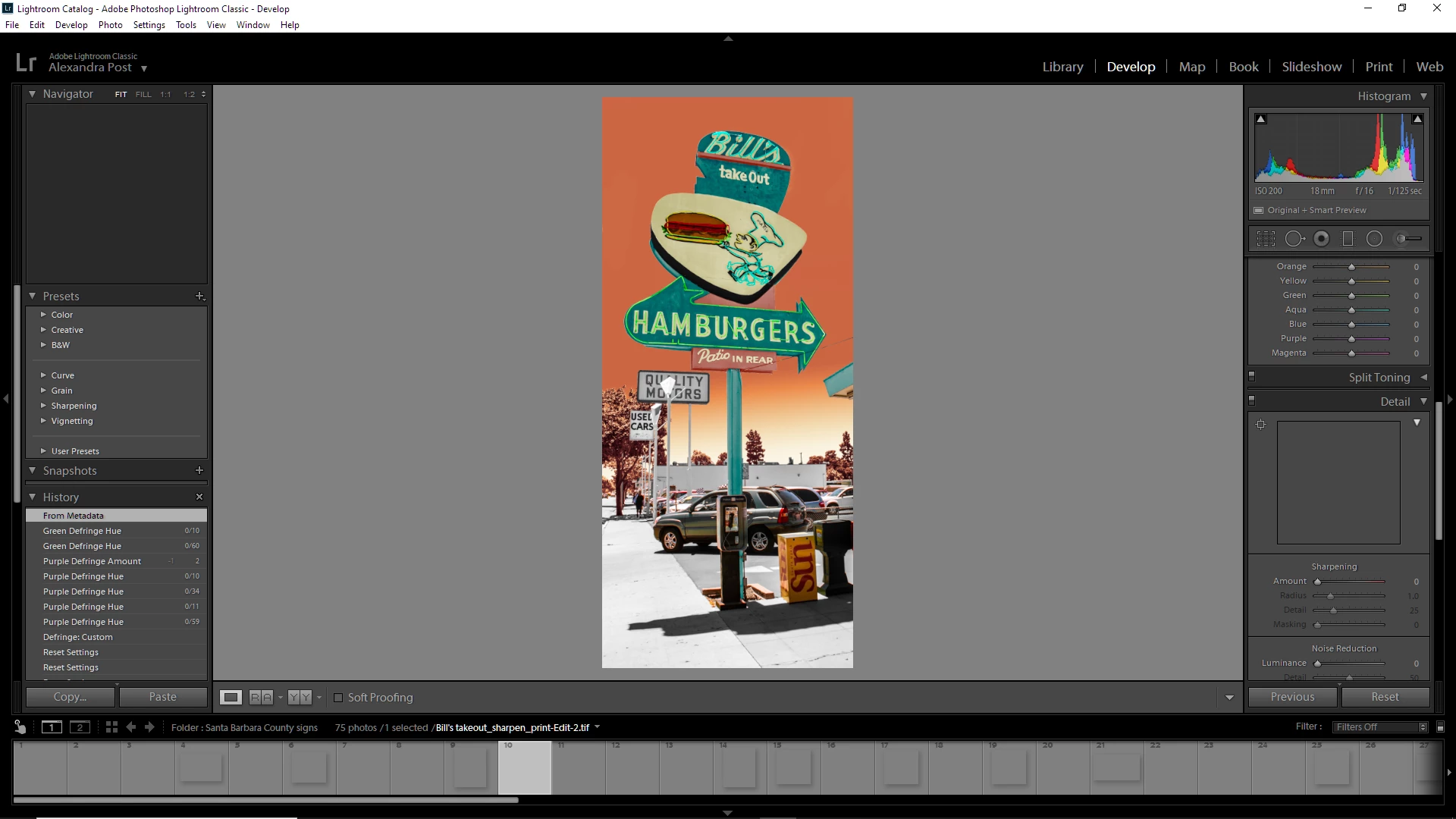
lightroom 9.2 isn't showing my photos anymore. I've tried rolling back my computer updates which worked for a while, but I cant do that anymore (I'm on Windows 10). I've tried uninstalling and reinstalling lightroom, but nothing seems to work. I'm about ready to tear my hair out in frustration. I use a nikon d5600 
This topic has been closed for replies.

1 reply

Per Berntsen
Community Expert
Community Expert
February 26, 2020

First, try to disable the GPU.

Go to Edit > Preferences > Performance, and uncheck Use graphics processor.

If this fixes the issue, updating your graphics driver may let you work with the GPU enabled.


Another possibility is that you have a defective monitor profile.

As troubleshooting, and as a possible (temporary) fix, try setting the monitor profile to sRGB. (use Adobe RGB if you have a wide gamut monitor) 

If this fixes the issue, it is recommended that you calibrate the monitor with a hardware calibrator. (but sRGB may be good enough, depending on the characteristics of the monitor, and your requirements)


With Lightroom closed, press the Windows key + R, type colorcpl in the box, and press Enter.

Add the sRGB profile, and set it as default.