
Participant
December 29, 2021
Question

Lightroom automatically edits colors on my photo

  • December 29, 2021
  • 2 replies
  • 154 views

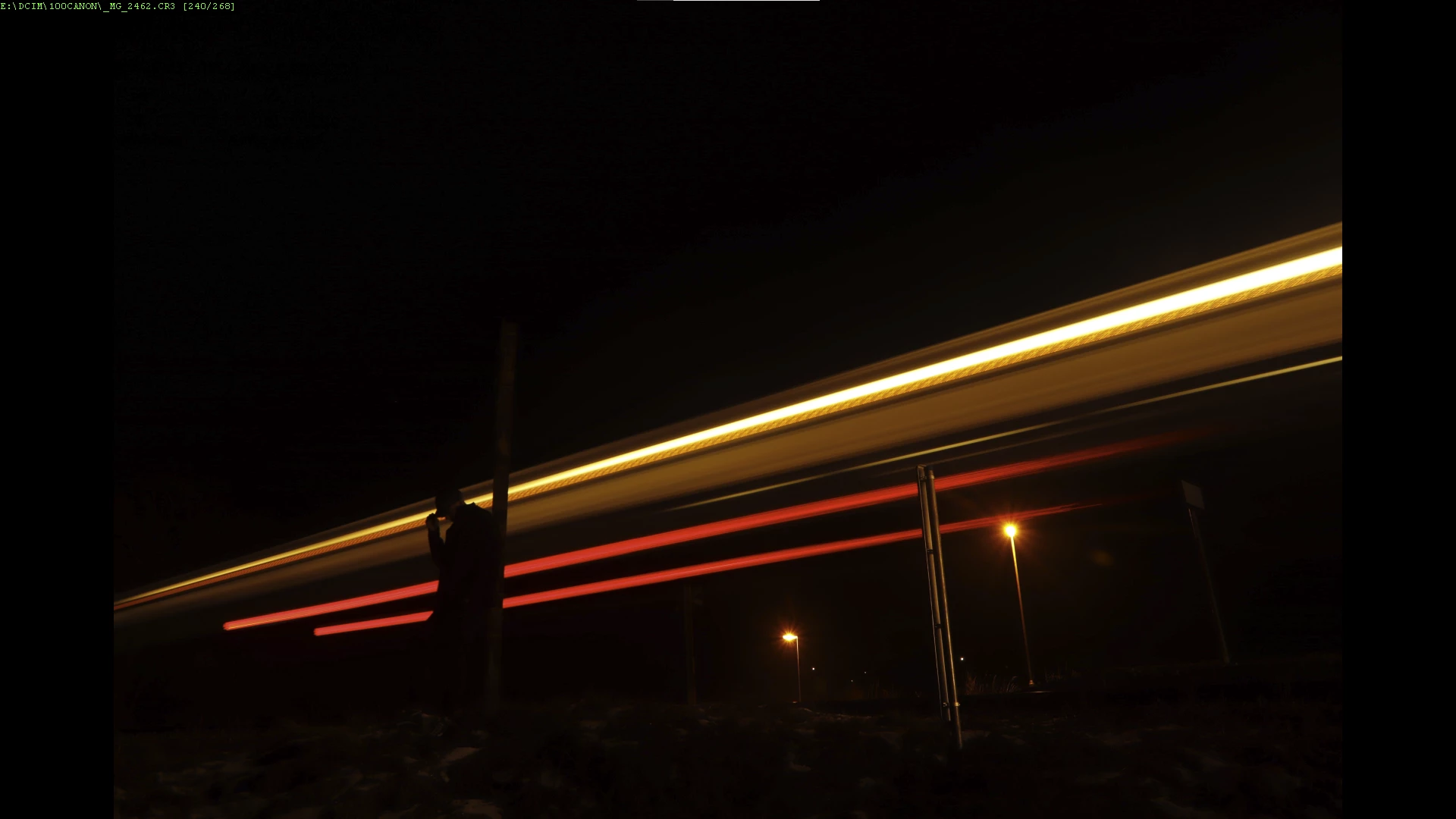
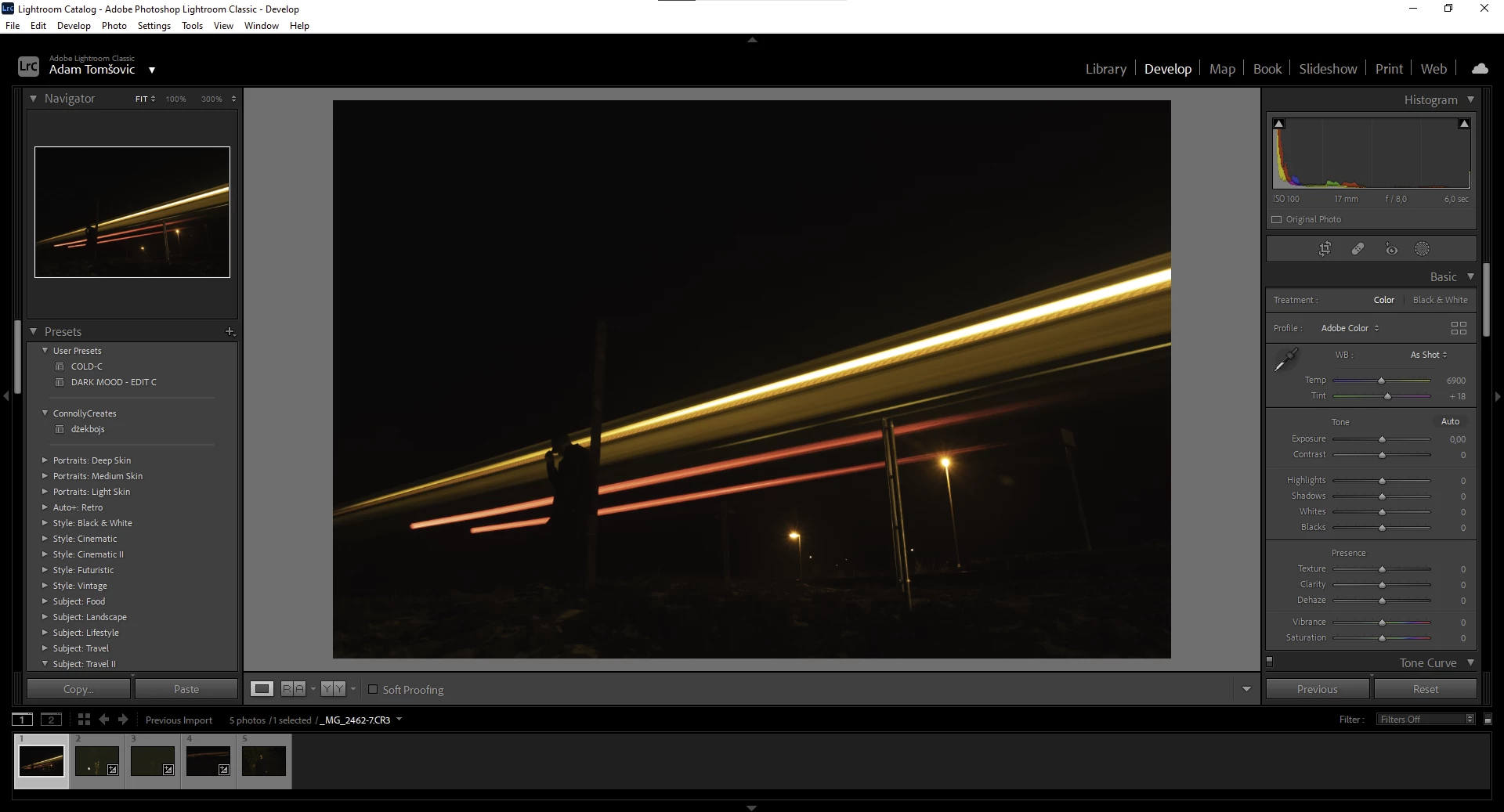
I´ve got an issue. When I import a picture into a lightroom, colors automatically changes (they are not matching with original photo-.RAW formats). Before when i was using this great software it worked normally. Please help me.
This topic has been closed for replies.

2 replies

Sean McCormack
Community Expert
Community Expert
December 30, 2021

If you prefer the camera generated colour, you may prefer to use a Camera Matching profile. In this case, go to Preferences, and in the Presets section, change Raw Defaults from Adobe Default to Camera Settings. This will match the in camera Picture Style from Canon. It won't match custom changes to the style, just the base style. 


Sean McCormack. Author of 'Essential Development 3'. Magazine Writer. Former Official Fuji X-Photographer.
TheDigitalDog
Inspiring
December 29, 2021

The "original' you refer to isn't the raw, is a JPEG created by the camera using a proprietary raw to JPEG conversion for the thumbnail.

LR and ACR must create their own proprietary preview, even before you start an edit, based on your defaults for import (including a camera profile). Short story long: you can't and shouldn't expect the two to match.

Author “Color Management for Photographers" & "Photoshop CC Color Management/pluralsight"