December 23, 2017
Question

Lightroom Camera Calibration noise - please help!

  • December 23, 2017
  • 1 reply
  • 583 views

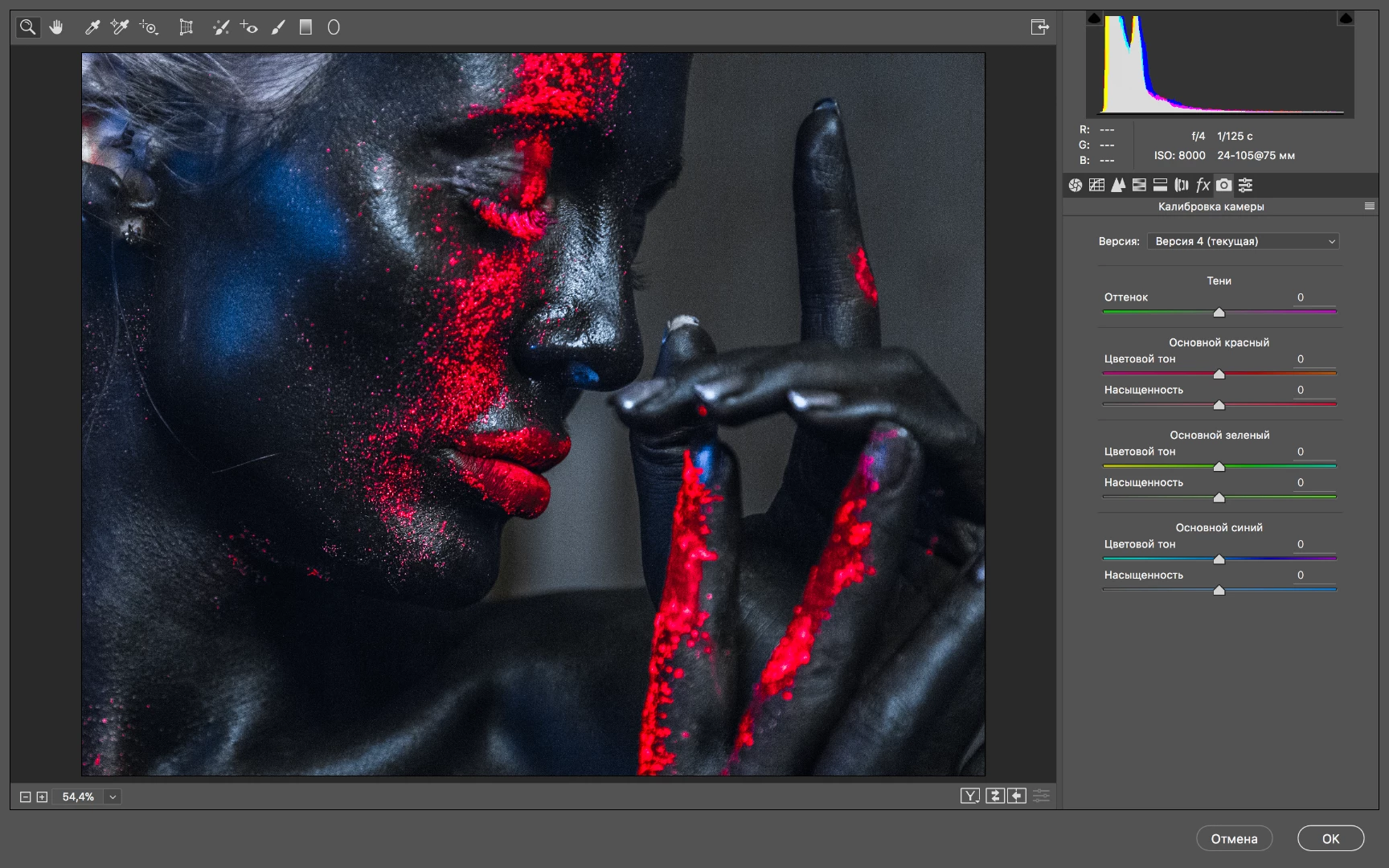
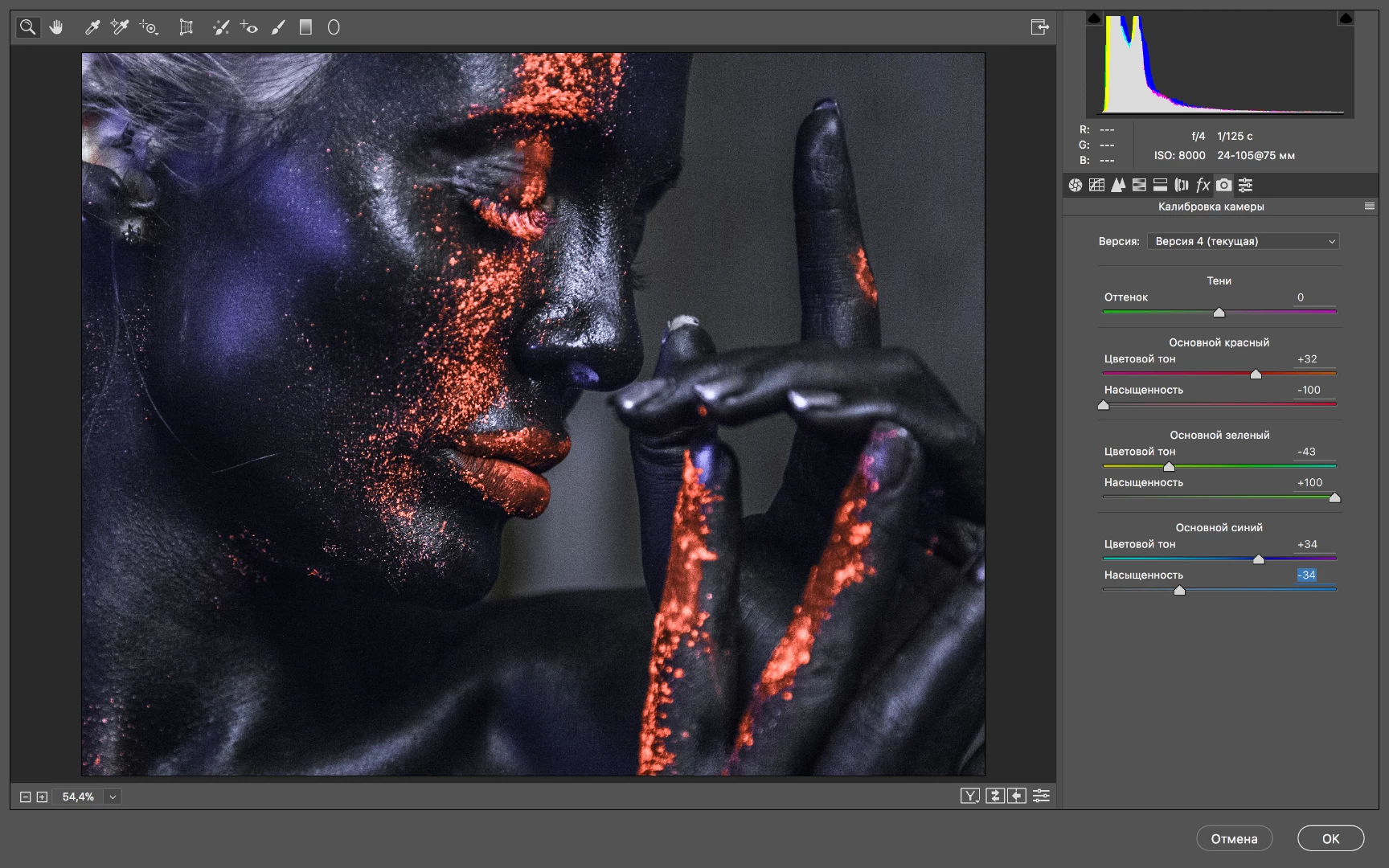
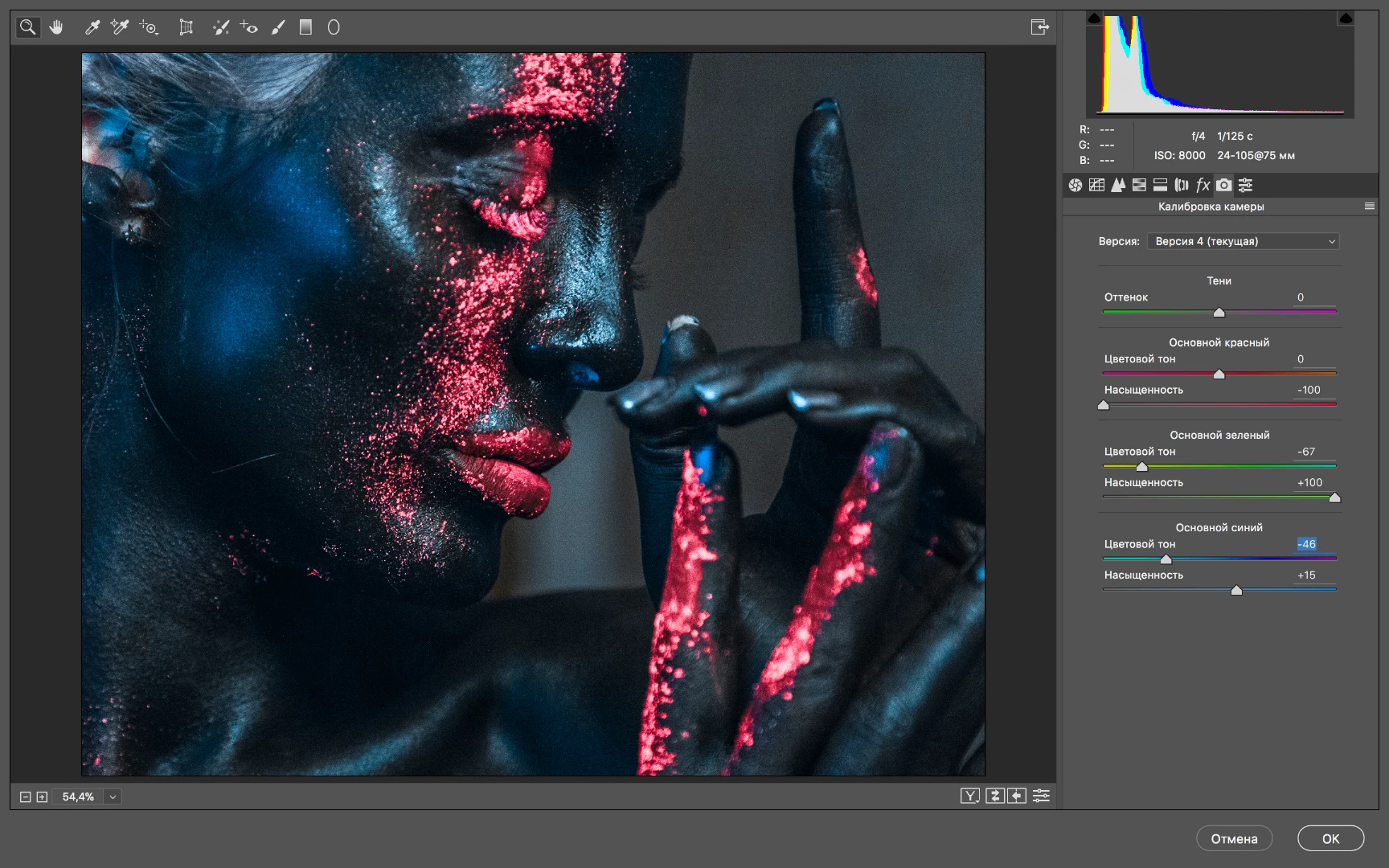
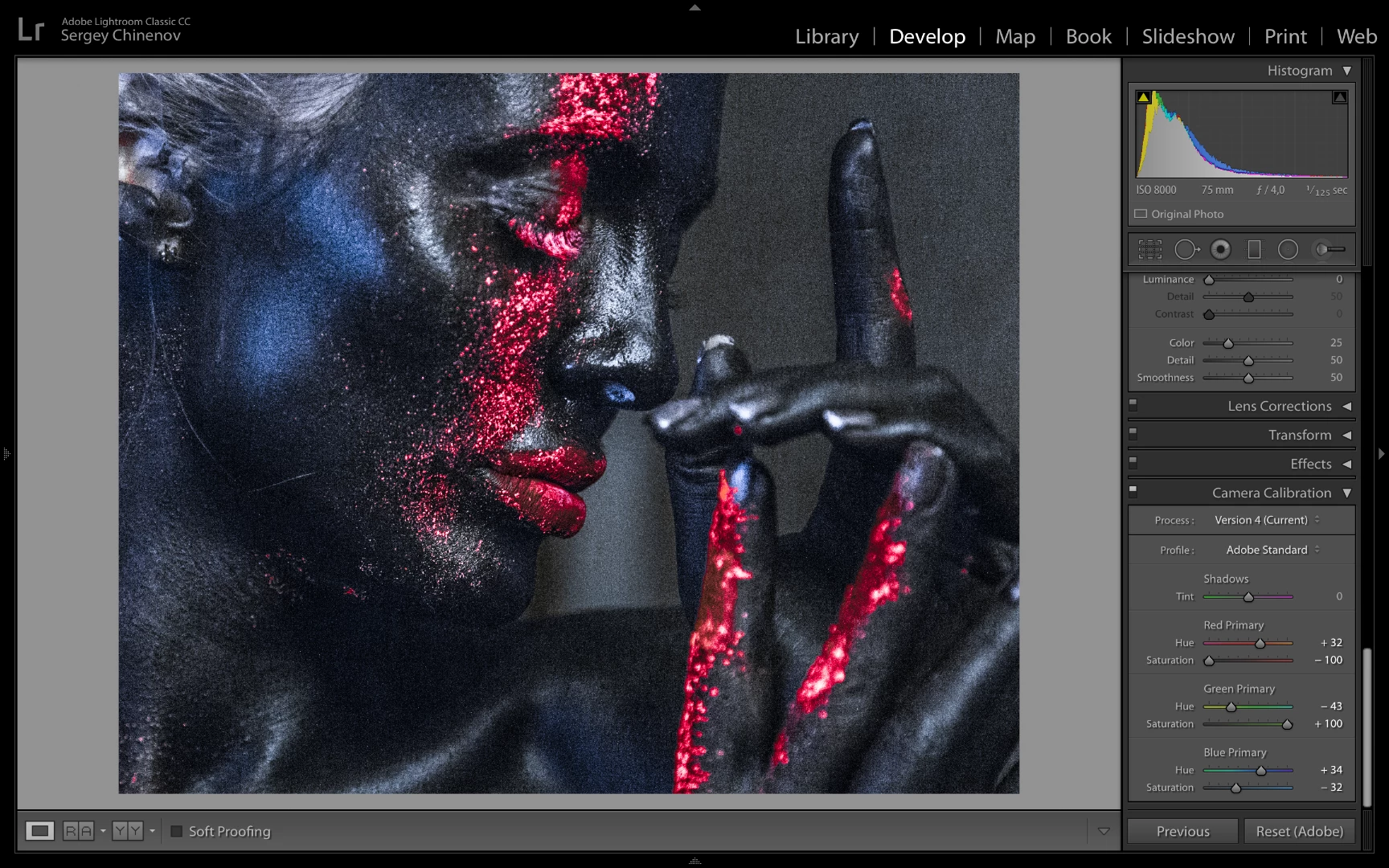
Got a problem in lightroom while adjusting camera calibration - the more colour adjusting I do the more noise appears! Using photoshop there is no noise, but it is impossible to process all the photos additionally via photoshop! What is it & how to fix it ??

And also notice the same adjustions give different colouring in Lightroom and photoshop, what the hell?!

This topic has been closed for replies.

1 reply

Community Expert
December 23, 2017

Is the noise there in Library too? If not, this is probably the GPU bug in Lightroom Classic 7.0 giving very grainy display of images in Develop. Have you updated Classic to the latest version?

December 24, 2017

Yeah i have the latest version. The noise is in library too, so does on exported jpegs and also It happens on both laptops - Dell xps and Macbook pro! Also noticed noise is more likely to appear on high ISO shots, but only in lightroom!

Just Shoot Me
Legend
December 24, 2017

Export that same image from ACR to a JPG, you can do that directly from ACR and not go through PS, and see if it looks the same as the JPG from LR.