UPDATE: It’s working again! I’ve done everything in this thread except for the delete and re-import steps. The oldest suggestions did nothing. Yesterday uninstalled and reinstalled older versions several times. I deleted both the /Library/Application Support/Adobe/CameraRaw/ModelZoo/ files from the system and the user libraries.
I messed with the Camera Raw settings in the preferences. Changed those between auto and off and on and back to auto. I deleted the GPU config files from Solution 3 here: https://helpx.adobe.com/lightroom-classic/kb/troubleshoot-gpu.html
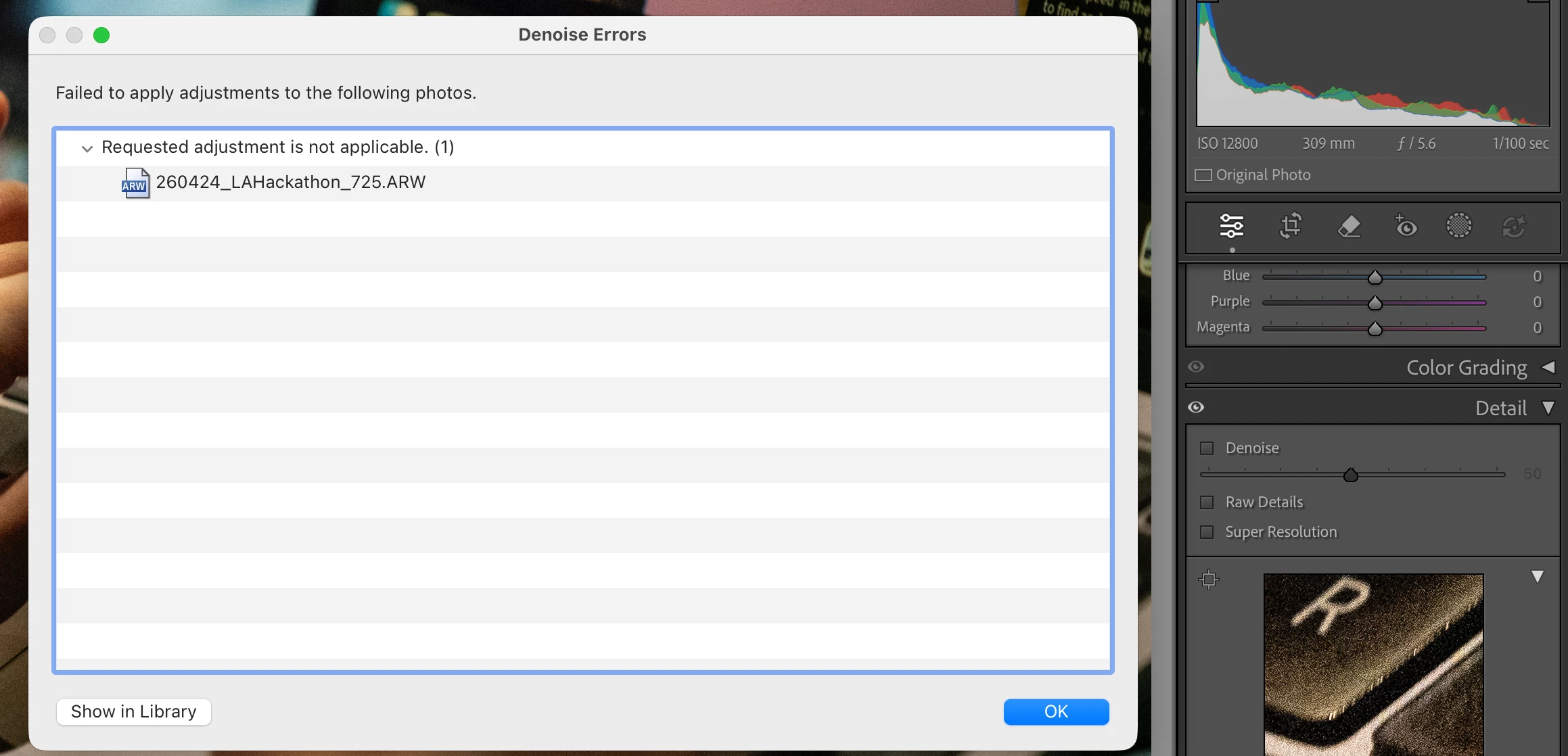
None of it seemed to resolve my problems, but my harddrive just disconnected while I was running Lightroom and so it was doing a rebuild of my library and I randomly tried clicking the denoise button again on a prayer and it actually worked. I maybe should have restarted my whole computer yesterday after doing everything and tried then, as this was not working when I went to bed.
This all came about from trying to batch use the Denoise AI option. I will not do that again as it’s obviously a broken function.
So, maybe I’d do all the steps I did including uninstalling completely and doing a fresh install and then run an optimize catalog function or something that helps rebuild and clean the catalog.



 AdChoices