



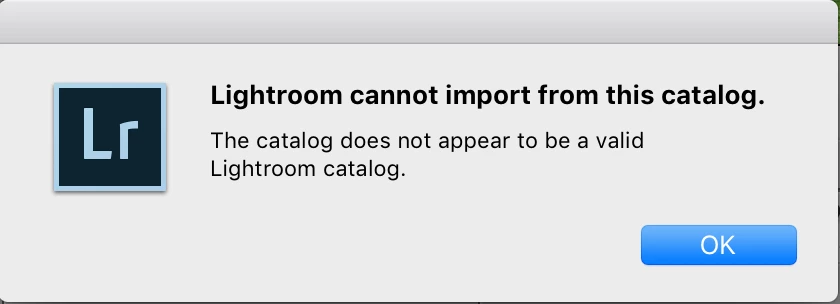
Lightroom cannot import from this catalog. The catalog does not appear to be a valid Lightroom Catalog.
This has been posted before in another thread but seems to be a different scenario to mine and with no apparent solution. I am using Lightroom CC Classic for Desktop on my iMac and Macbook (before you ask - yes, I have the most updated and latest versions)
My scenario - I have edited a photoshoot on my Macbook, and exported the folder as a catalog. I then copied that entire folder to a thumb drive, and onto my main editing system's hard drive for use on my iMac. Then, I go into Lr (on my iMac) and "Import from another catalog" and I get this error message. I have checked and the extension on the catalog file is .lrcat, which is what it's supposed to be, yet still get this error message:
I have worked this way many times in the passed with no issues at all (i.e transferring catalogs from one computer to another). But all of a sudden now I can't seem to get this working.
I'm wondering if this is a bug perhaps with the new version of Lr?
Any advice or help would be greatly appreciated. Has anyone else had this issue and if so, how did you resolve it?
Thanks in advance
 AdChoices