
Participant
June 22, 2017
Answered

Lightroom cannot support sony ARW photos

  • June 22, 2017
  • 2 replies
  • 1560 views

My computer used to be able to import and develop ARW photos of Sony through lightroom, but today I download a newest version of lightroom(2015)  through Creative Cloud. The lightroom can not support ARW photos any more.

I open my existing catalog and the ARM photos I imported before shows like this and can not be modified.
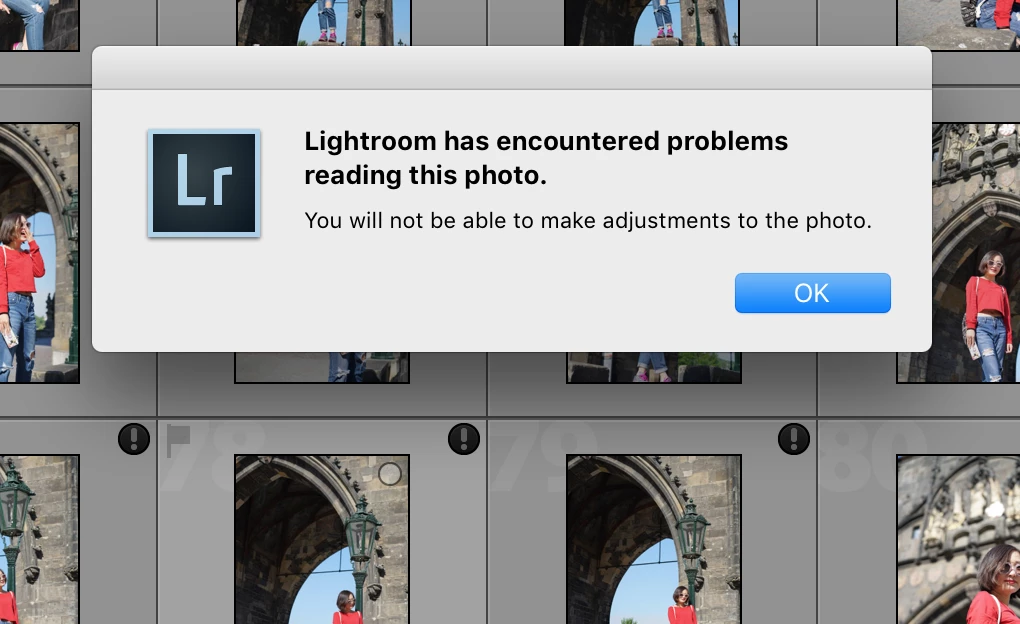
I create a new catalog and try to import the photos directly from my SD card, but it shows like this.
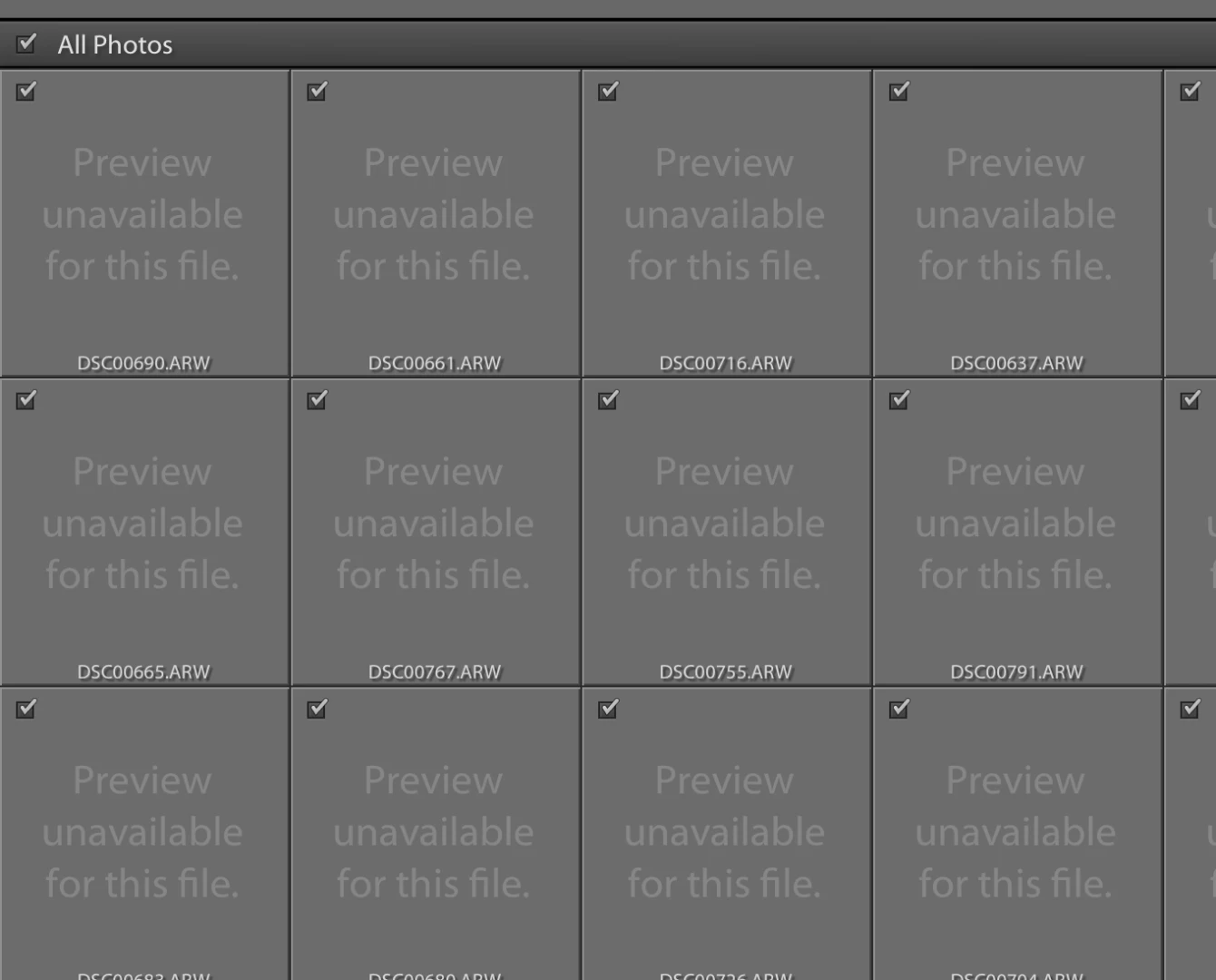
This is my lightroom version:
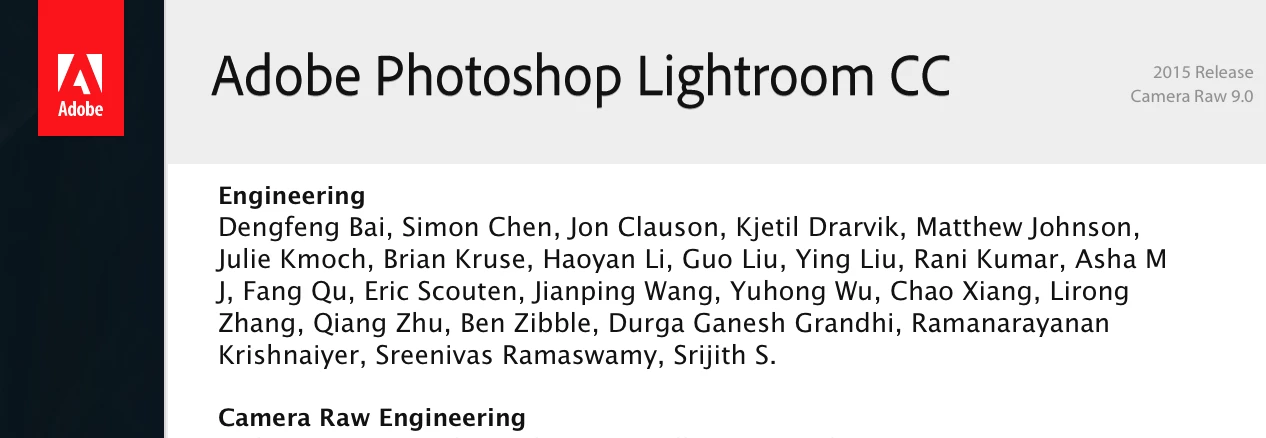
Thanks soooooo much if anyone can help me with this problem!!!
    This topic has been closed for replies.
    Correct answer wenyingz53644200

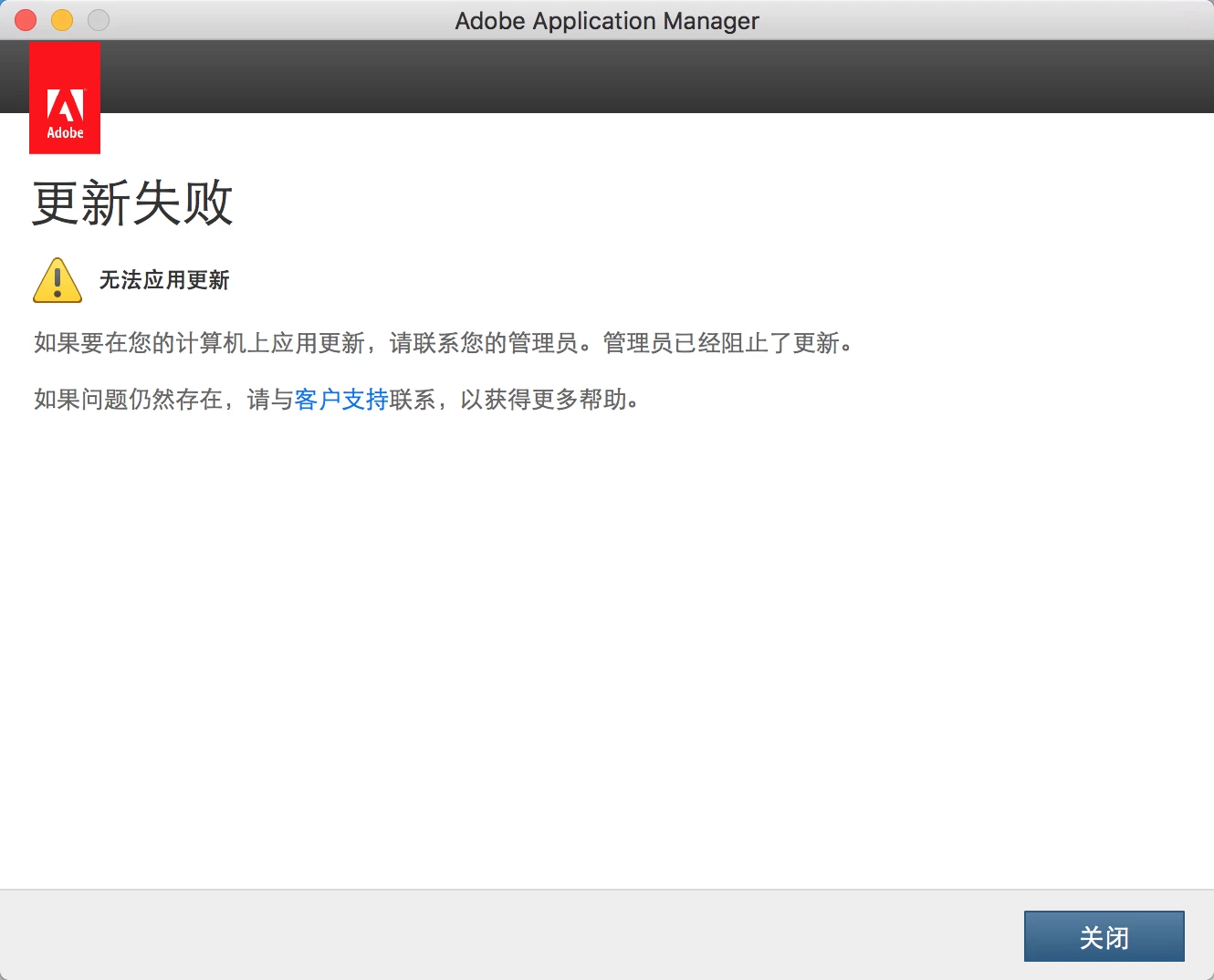
    I have trie to manually update to 6.10, and I download from this website, but can not update successfully.

    http://swupdl.adobe.com/updates/oobe/aam20/mac/AdobeLightroom-6.0/6.10.1/setup.dmg

    It shows that the administrator has stopped the update.

    2 replies

    wenyingz53644200AuthorCorrect answer
    Participant
    June 22, 2017

    I have trie to manually update to 6.10, and I download from this website, but can not update successfully.

    http://swupdl.adobe.com/updates/oobe/aam20/mac/AdobeLightroom-6.0/6.10.1/setup.dmg

    It shows that the administrator has stopped the update.

    ianchan0817
    Participant
    February 6, 2019

    i have the samr issue

    even updated to 6.14 and Dng 11.1 the latest version as well

    any solution?

    Just Shoot Me
    Legend
    February 6, 2019

    ianc92887101  wrote

    i have the samr issue

    even updated to 6.14 and Dng 11.1 the latest version as well

    any solution?

    You need the DNG Converter 11.1 then you need to run your proprietary Sony RAW files through the DNG converter. Once the RAW Sony RAW files have been converted into DNG files they will import into LR 6.xx.

    Just Shoot Me
    Legend
    June 22, 2017

    Go to Help then System info and post what version of :LR you are using. It is the Top line in the sys info dialog.

    Check that the folder you have selected as the Destination in the import dialog has the correct Read & Write permissions.

    Participant
    June 22, 2017

    Lightroom 版本:  CC 2015 [1014445]

    I am sure that the folder has Read & Write permissions.