


Participant
May 21, 2026
Question

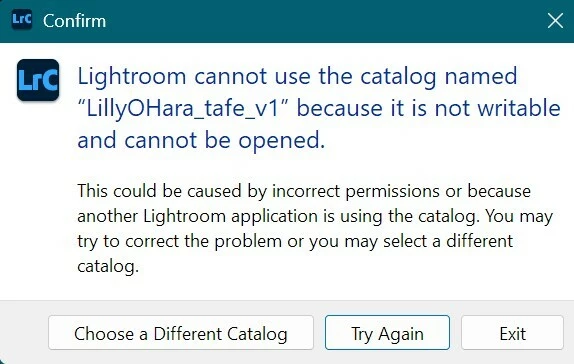
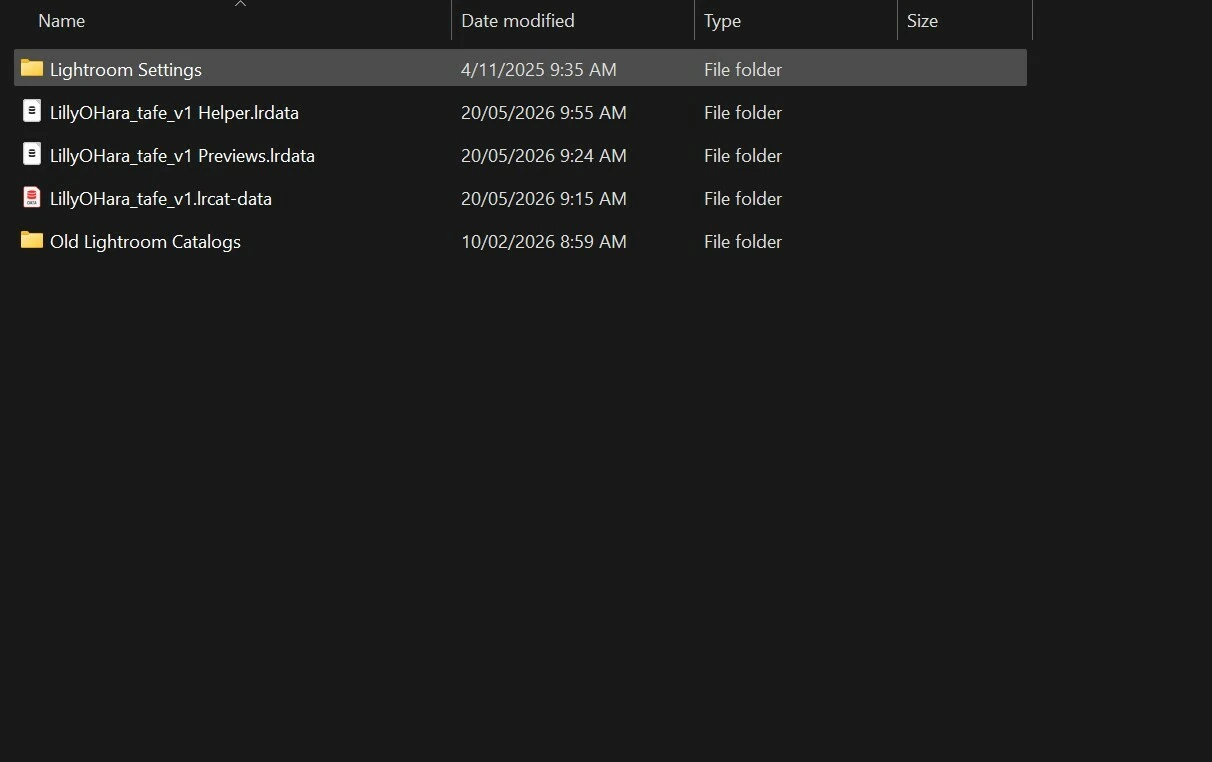
Lightroom catalogue file has disappeared after closing, but lrdata files remain. All backups saying that they are not writable and cannot be opened.

  • May 21, 2026
  • 1 reply
  • 38 views

My Lightroom classic catalogue file has completely disappeared, file cannot be found, and all of the backups I have (on various devices) are not working. They are saying that the file is not writable and cannot be opened. Lightroom is working as I opened an old catalogue to test. It is this specific catalogue, and every single backup of it that I have that isnt there/wont open.

This catalogue opened fine quite literally twenty minutes ago. I was getting a lot of lag while waiting for a mask to load (this is normal, my computer is slow), so I closed lightroom. When I went back into the folder to open the file, it was not there, and all of the backups weren’t working.

I have: restarted my computer, scanned my drive for corruption, logged in/out of creative cloud.

Images below show what is happening perhaps better than I can explain.

Is it just better to create a new catalogue and import everything again? I have most RAW files still.


    1 reply

    dj_paige
    Legend
    May 21, 2026

    Please use your operating system’s search feature to search all folders on all drives for this catalog file (named should end with .LRCAT). Also check the trash/recycle bin.


    Backups won’t open because (most likely) you have to unzip them first.

    Participant
    May 21, 2026

    I have searched all folders on both the drive my catalog is originally in, as well as the backup locations. The original is not there, and backups are not opening. The folders are unzipped and I have ensured read-only mode is deselected.

    I have decided to create a new lightroom catalog, as reapplying my presets and importing/organising everything is proving to be more simple than attempting to fix whatever on earth happened. Thank you for your help, however, it is appreciated!

    dj_paige
    Legend
    May 21, 2026

    The folders are unzipped and I have ensured read-only mode is deselected.


    I was not referring to folders being unzipped. I was referring to the backup catalog file, it must be unzipped before you can use it.