Participant
August 20, 2017
Answered

Lightroom CC 2015.12 left panel broken

  • August 20, 2017
  • 1 reply
  • 626 views

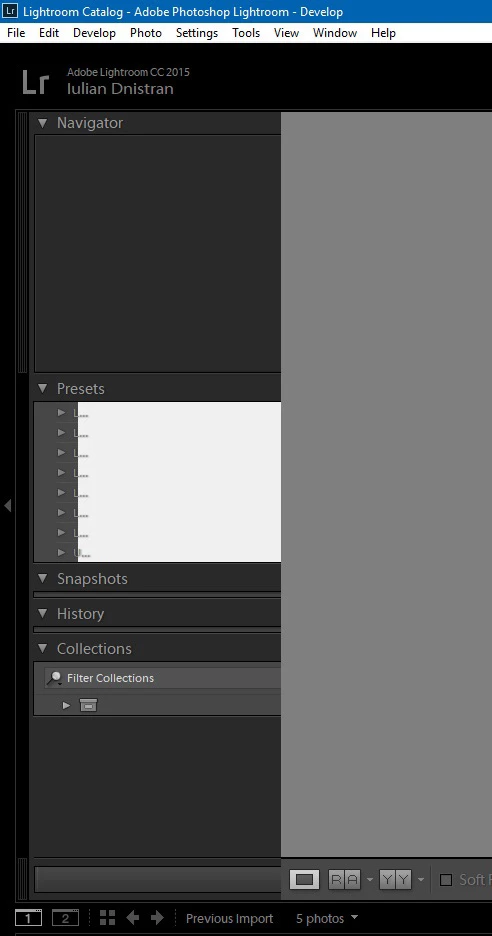
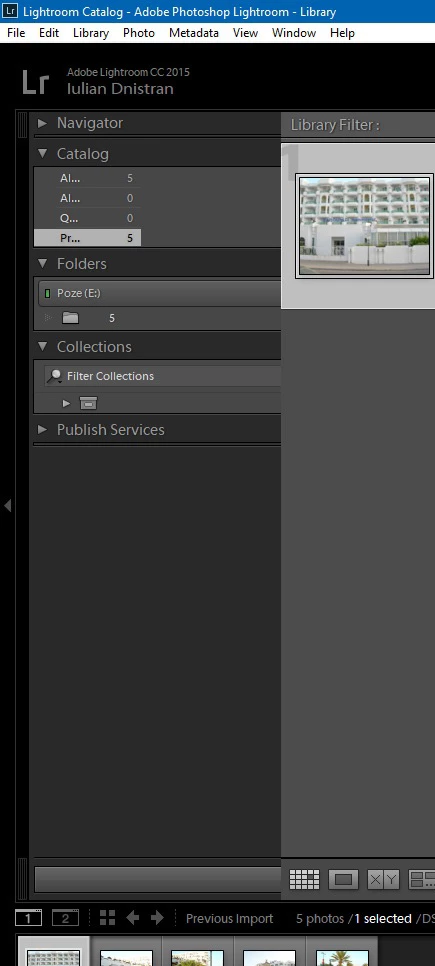
How can I restore the sanity of my left panel in Library and Develop modes? In short, now they don't show the complete preset names, collection names and history. It just happened out of the blue. Windows 10 is up to date, and so is every driver. Resizing the panels doesn't affect the text at all.

I'm considering reinstalling Windows from scratch, but maybe I'll get lucky and solve the problem another way.

Thanks!
This topic has been closed for replies.
Correct answer iuliand36400732

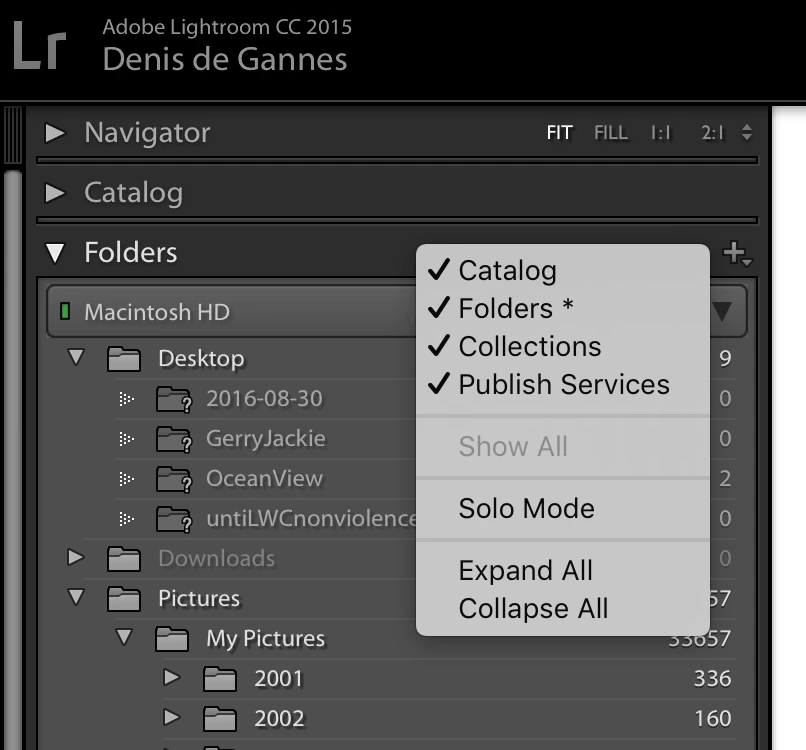
Who can select what is displayed in the Lightroom Panels top, bottom, left and right by right clicking on one of the panel headers and selecting on the options you wish displayed. This works in all the modules.

See the screen capture.

There are also other options available from the main menu bar under Window.


Thanks, but that doesn't work. Ultimately, after uninstalling Adobe CC multiple times and deleting every dependency, I still resorted to reinstalling Windows, which solved my problem.

1 reply

Ian Lyons
Community Expert
Community Expert
August 20, 2017

I doubt reinstalling Windows or even Lightroom will help. Best you try resetting Lightroom preference file by holding down the Shift and Aly keys while restarting Lightroom.

Participant
August 22, 2017

Unfortunately, this didn't help. Thanks for your input, though!

DdeGannes
Community Expert
Community Expert
August 22, 2017

Who can select what is displayed in the Lightroom Panels top, bottom, left and right by right clicking on one of the panel headers and selecting on the options you wish displayed. This works in all the modules.

See the screen capture.

There are also other options available from the main menu bar under Window.

Regards, Denis: iMac 27” mid-2015, macOS 11.7.10 Big Sur; 2TB SSD, 24 GB Ram, GPU 2 GB; LrC 12.5,; Lr 6.5, PS 24.7,; ACR 15.5,; (also Laptop Win 11, ver 24H2, LrC 15.3; PS 27.0; ) Camera Oly OM-D E-M1.