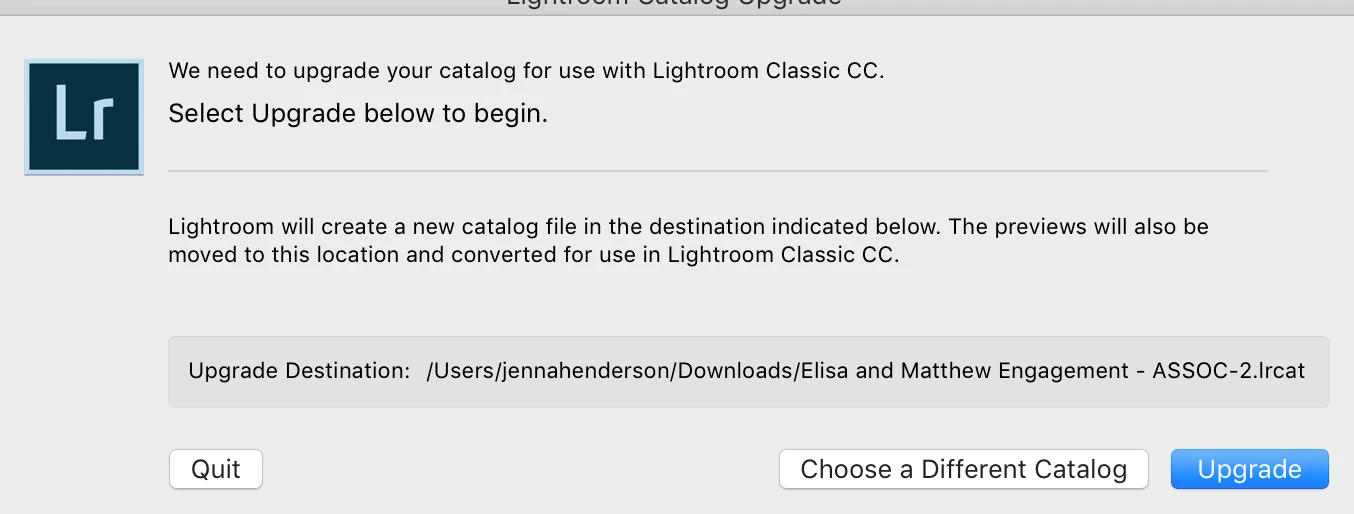
Thank you ~ I had searched my drive for lrcat to see my files, I clicked all of the lrcat files I've used within the past few days, but every time I'd open them I would get the following message, which forced me to upgrade to be able to open the file. Do you think this means my work is gone?
Could be but in my experience no files get deleted, go missing, unless it was by the user deleting them, either on purpose or by accident, or some type of hardware failure.
You should also have backup catalogs as by default LR creates a backup of the catalog file once a week. Those backup catalog files will end with a ZIP extension. Try to locate the most recent backup and unzip it and try opening that.
If you still get that same message about Upgrading the catalog then you must of been using a older version of LR, like LR CC 2015.x, and somehow upgraded LR to the newer LR Classic CC V7.
You can reinstall LR CC 2015 from the Creative Cloud Desktop app or from the link below. That link will point to LR 6 but LR 6 and LR CC 2015 are the exact same program.
Download Photoshop Lightroom



 AdChoices