
Answered
Lightroom CC Classic 7.4 update bring bug
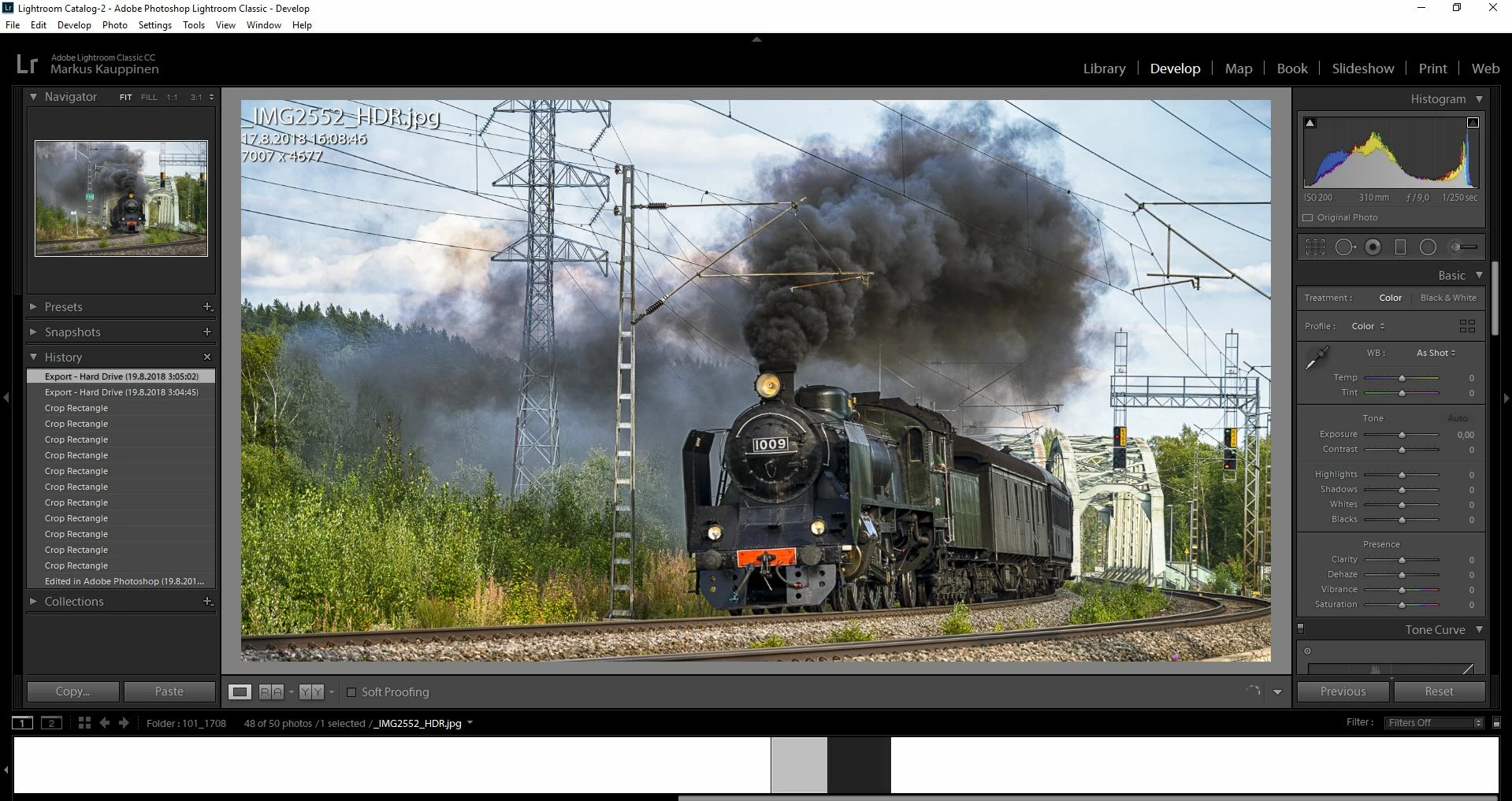
Just update Lightroom and now I can't use it. After a few minutes it crashes all the time.

Just update Lightroom and now I can't use it. After a few minutes it crashes all the time.
All the software and drivers are updated
Do the menu command Help > System Info to verify you are running LR 7.4. Not infrequently, people think they are on "the latest" version when in fact LR has failed to update for some reason.
Next, verify you have the most recent graphics driver by going directly to the manufacturer's web site (rather than relying on Windows Update). See Solution 3 for details: Adobe Lightroom GPU Troubleshooting and FAQ
Already have an account? Login
Enter your E-mail address. We'll send you an e-mail with instructions to reset your password.
 AdChoices