
Participant
June 18, 2021
Answered

Lightroom CC export presets export_destinationPathPrefix different between Mac and PC.

  • June 18, 2021
  • 1 reply
  • 740 views

Hi,

I'm trying to migrate many export presets from Lightroom CC on PC to Lightroom CC on MAC. And it turns out that export presets lost their Export Location folder. Originally it is on network attached storage (NAS). And for example on PC location in  .lrtemplate file of the export presets
export_destinationPathPrefix = "\\\\NAS\\photo\\"


and on MAC the same property is


export_destinationPathPrefix = "/Volumes/photo/"


which i think is causing this issue.


I have moved manually presets folder from PC location to Mac location and all export presets appears in Export section. Is there any automatic migration utility for these presets ? I really want to have the same presets between both PC and Mac without recreating all of them on both machines. Also I'm not sure if this is supported way to manually do that but it will be good if there is any way to migrate all settings between LR CC between two machines with different OS.
This topic has been closed for replies.
Correct answer Abambo

Just for info: the first \ is the escape key for the following character, so \\ means truly \, as the backslash is used for escaping special characters.


You can change the items with text editor.


1 reply

Abambo
Community Expert
AbamboCommunity ExpertCorrect answer
Community Expert
June 19, 2021

Just for info: the first \ is the escape key for the following character, so \\ means truly \, as the backslash is used for escaping special characters.


You can change the items with text editor.


ABAMBO | Hard- and Software Engineer | Photographer
SpeksyAuthor
Participant
June 19, 2021

Hi Abambo,


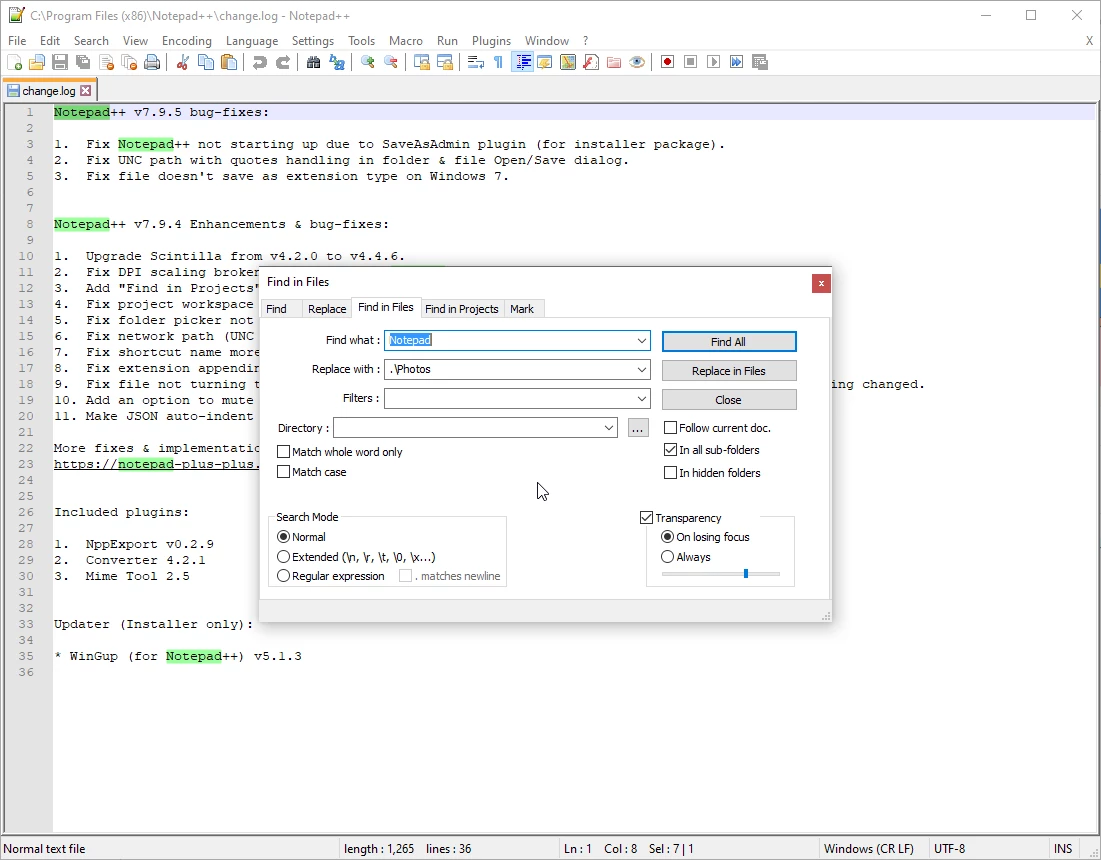
Thanks for the answer. Probably I will use eventually some app like notepad++ to replace all strings and slashes to correct one, but I will need to do that every time when I move export presets from one OS to the other. In my case after replacing \\\\NAS\\ with /Volumes/ and changing all backslashes to forward slashes will make paths correct. However I want to find out is there any other way to do that, instead of manually recreate all of the export presets or replacing some texts in the .lrtemplate. 

Regards.

Abambo
Community Expert
Community Expert
June 19, 2021

My export presets change only slowly, but I have a collection of around 30 that I use often. So, I would need to use that once only. You can also find automated solutions like a script using the Unix line editor ed. Established once, it will change the data always the same way.

ABAMBO | Hard- and Software Engineer | Photographer