


Participating Frequently
October 21, 2023
Answered

Lightroom Classic 12.4: Importing from iPhone 14 Pro with iOS 17.0.3 fails to show image previews

  • October 21, 2023
  • 2 replies
  • 566 views

Each time I try to import photos from my iPhone 14 Pro with iOS 17.0.3 into my Lightroom Classic 12.4 library, the preview of the on-device images will show up as empty rectangles. Strangely enough, if I switch my import source to something else (e.g. a local directory), then back to my iPhone, more previews would show up. If I repeat this dance several more times, eventually most, if not all, of the previews would be visible.


This is clearly a bug. Lightroom Classic is able to read the previews, just not the first time.
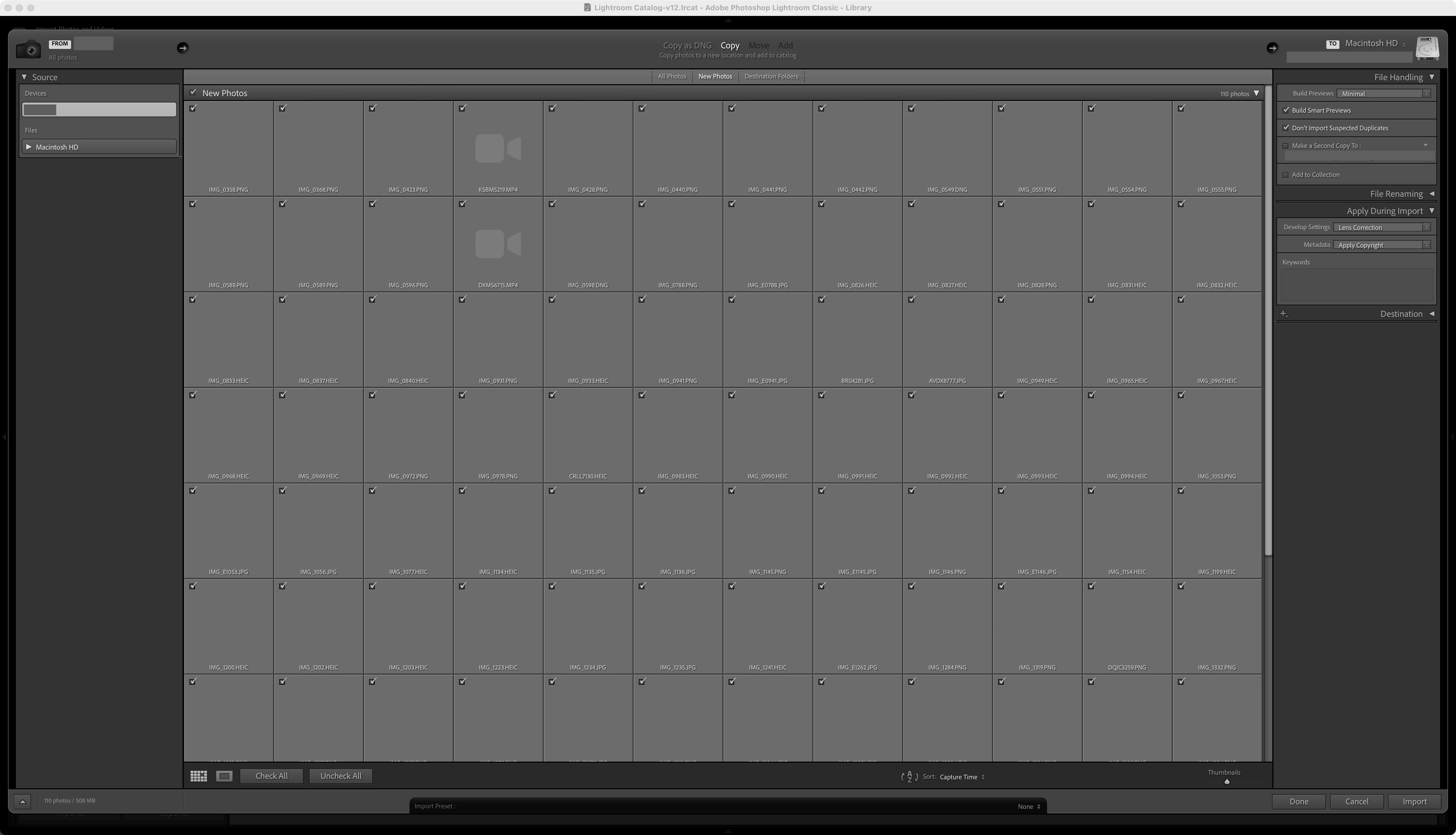


[Moved from Bugs to Discussions by moderator. Lightroom Classic 13 has been released, so you can't file bug reports for an earlier version]

Correct answer GoldingD

It looks like you are looking in Devices, what if you look in Files?

2 replies

Participant
November 27, 2024

I just posted in another thread, but basically it's some sort of bug. I am on Sequoia and M4 MBP. I cannot generate any previews or thumnails to newly imported photos at all. I made sure all the permissions are granted for Lightroom, still no go. Lightroom Classic 14.0.1 So frustrating.


GoldingD
GoldingDCorrect answer
Legend
October 21, 2023

It looks like you are looking in Devices, what if you look in Files?

drahardjaAuthor
Participating Frequently
October 30, 2023

The contents of the tethered iPhone doesn’t appear in Files.


If I select files, I can browse for files on my hard drive or other connected storage devices. Those previews look fine.